uCity Advance
Archive entry
Game information
Browser play is not available for this entry.
Player notes
About this game
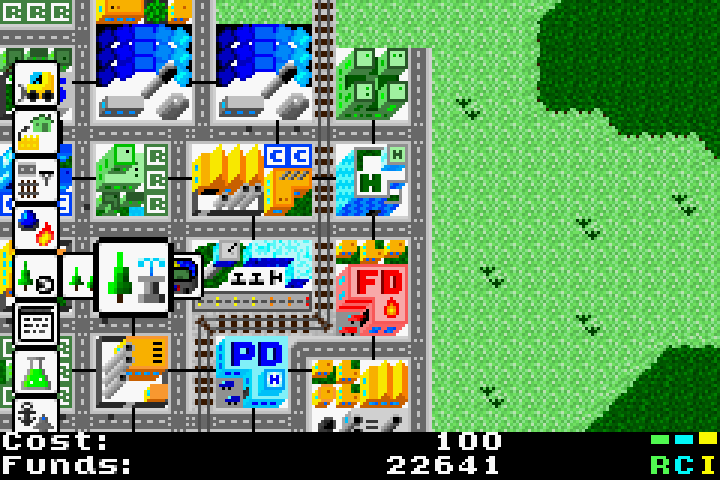
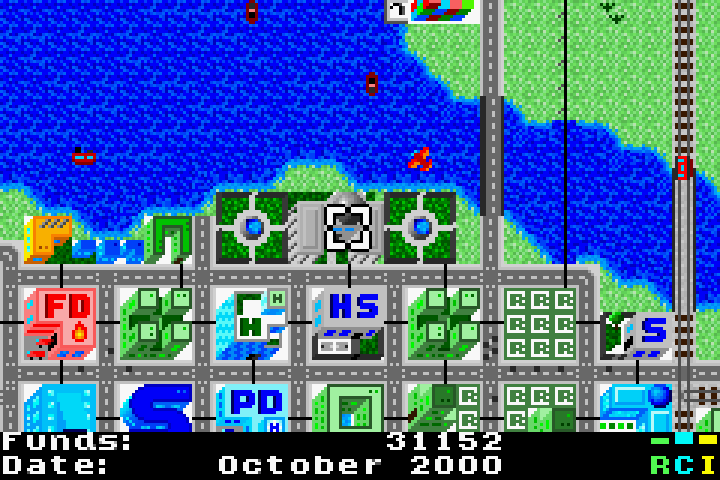
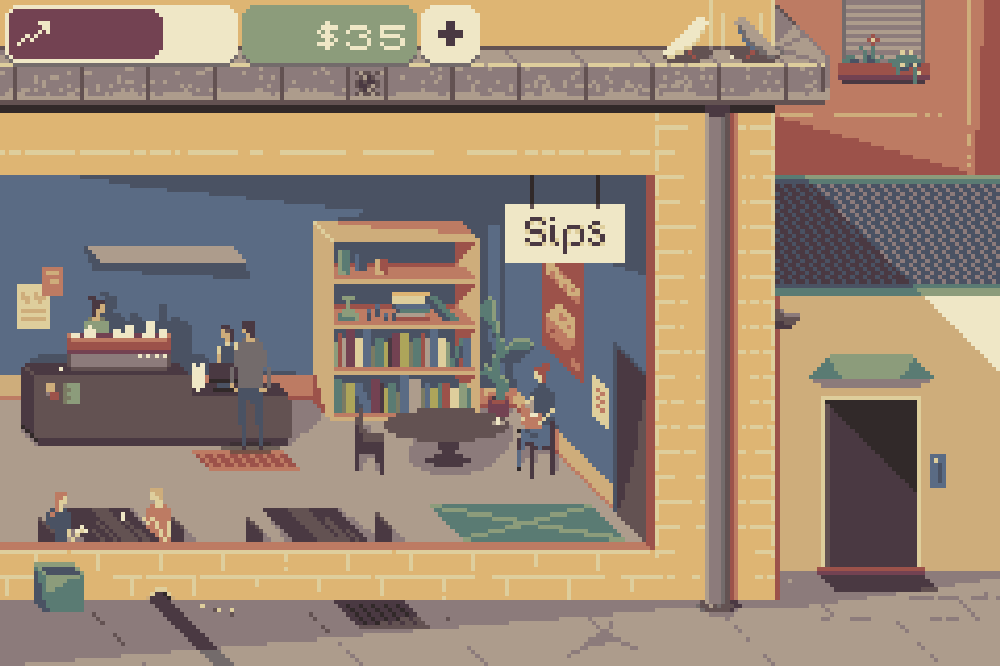
uCity Advance is a city-building simulation for Game Boy Advance. Begin with a predefined scenario or a generated map, then provide zones, transport and services so a settlement can grow. Houses, shops and factories develop through the city simulation rather than being placed as finished buildings.
The author’s manual lists Select or L for the build menu and Start or R for the pause menu, which also contains saving and the return to the main menu. Hold B to move freely around the map. When you are not building, A identifies the tile under the cursor. These are original GBA button names.
Connect homes to workplaces and services, and provide power before expecting buildings to function. If a red dot temporarily prevents an action, the simulation is processing a step. The official repository links the manual and current releases; this page does not embed the game.
Browser play is not available for this entry. Official project links are listed below when available.
Start here
Quick tips
Provide power and transport connections before expanding further.
A red dot means the simulation is processing; wait for that step to finish.
- Select / L
- Original GBA controls: open the build menu
- Start / R
- Original GBA controls: open the pause menu
- B (hold)
- Original GBA controls: move freely around the map
- A
- When not building, identify the tile under the cursor
Screens
Screenshots
Keep playing
Similar Games

Help improve this entry
Something not working?
Report a gameplay or information problem. Short reports are enough.
Archive notes
Rights and Source Notes
Browser play is not available for this entry. Official project references are listed below.
- Distribution
- GPL-3.0-only code / CC-BY-NC-SA-4.0 art and original audio / Mod Archive music
- Browser player
- No player · Archive entry
- Added to archive
- 2026-07-25
- Official references