XQuest
Saves are stored in this browser.
Player notes
About this game
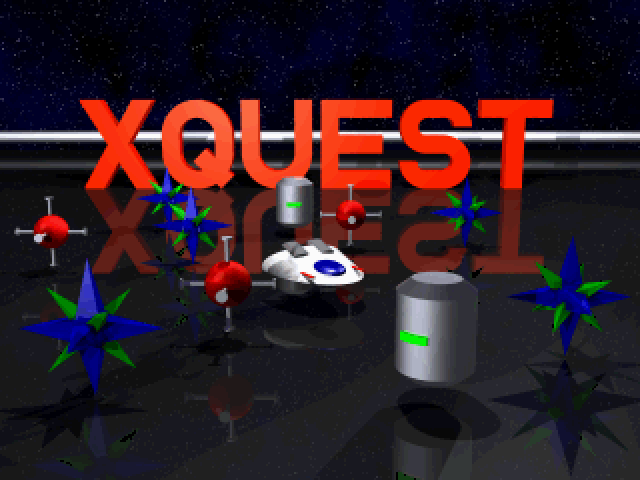
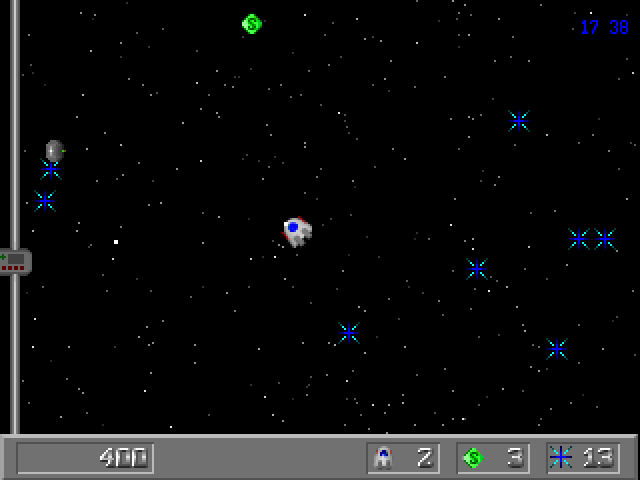
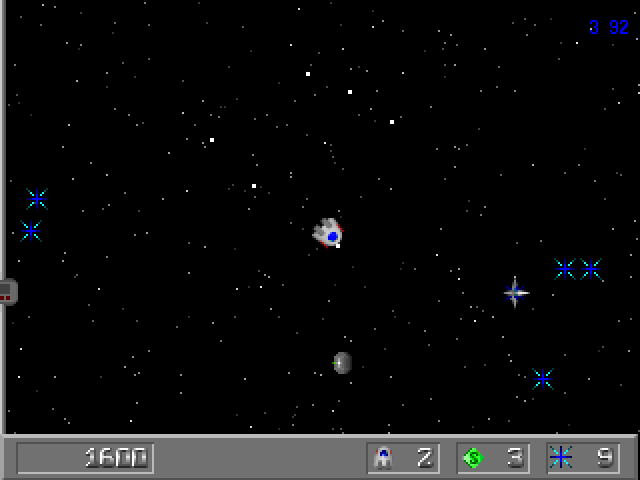
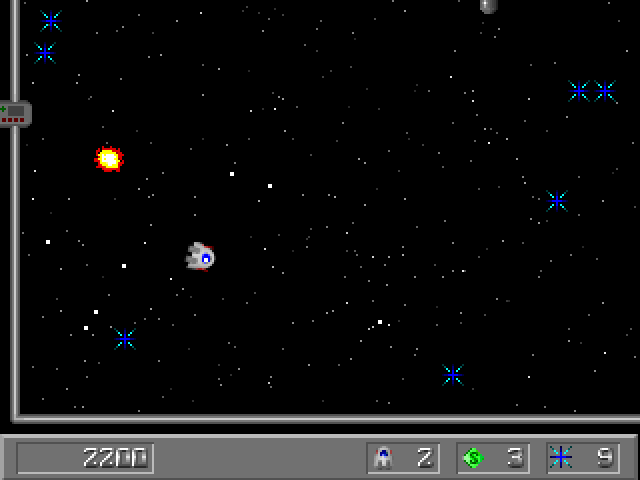
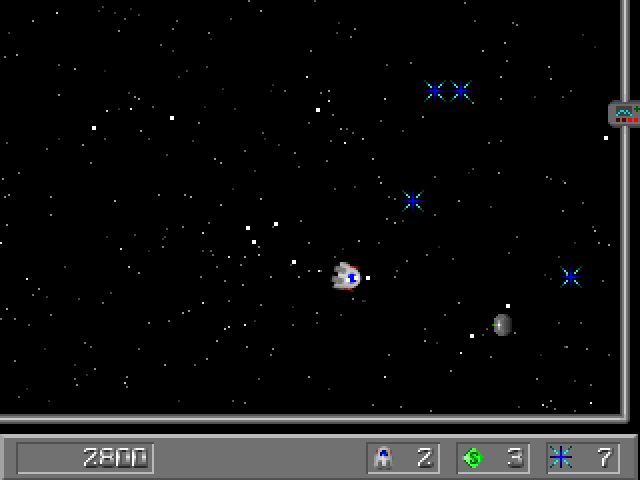
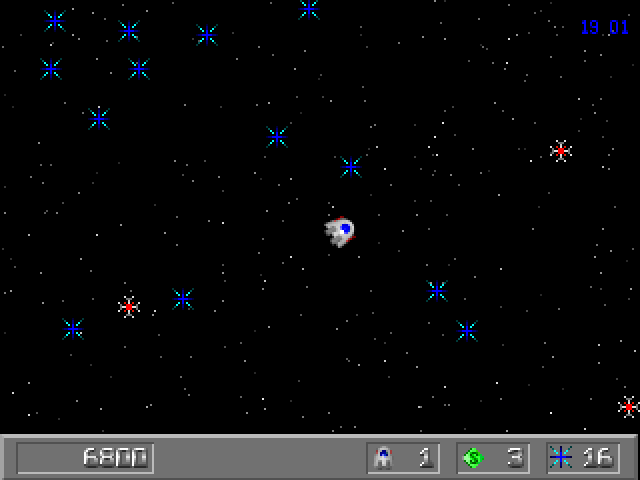
This archive contains XQuest 2, as identified by the bundled manual and file list. It expands the gem-collecting arcade game with additional enemies, difficulty settings and input options. Sweep up every blue gem to open the gate at the top of the arena, then leave quickly for a possible time bonus.
Move the ship with the mouse and fire with the left button. Shots follow the direction of travel, so your movement also sets your aim. Right-click or Space uses a smart bomb when one is available. Bombs remove enemies across the screen, but supplies are limited; collect replacements rather than spending them on every isolated threat.
Red mines destroy your ship on contact. Temporary PowerCharges offer helpful upgrades, but can be shot and destroyed before you collect them. P pauses both the game and its timer. The Options menu lets you change input devices and bindings; the controls listed here describe the manual’s default mouse setup.
Start here
Quick tips
Collect all blue gems to open the exit at the top of the screen.
Avoid shooting a PowerCharge that you intend to collect.
- Space
- Use a smart bomb if available
- P
- Pause or resume the game and timer
- S
- Toggle sound
- + / -
- Adjust sound volume
- Escape
- Back out of a menu or leave the demonstration
- Mouse movement
- Move the ship and set its firing direction
- Left mouse button
- Fire; select menu items
- Right mouse button
- Use a smart bomb in play; back out of menus
Screens
Screenshots
Keep playing
Similar Games
Help improve this entry
Something not working?
Report a gameplay or information problem. Short reports are enough.
Archive notes
Rights and Source Notes
Browser play uses the archived Freeware release. Official project references are listed below.
- Distribution
- Freeware
- Browser player
- js-dos · Browser play
- Added to archive
- 2026-07-27
- Official references