3D Baller
Saves are stored in this browser.
Player notes
About this game
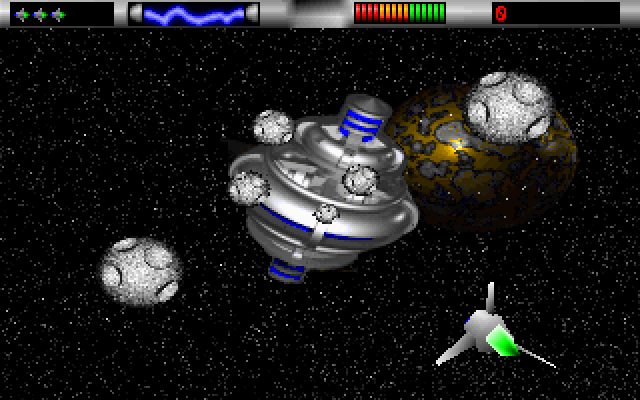
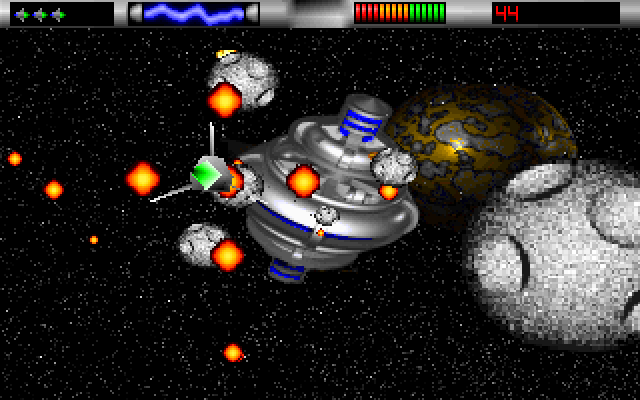
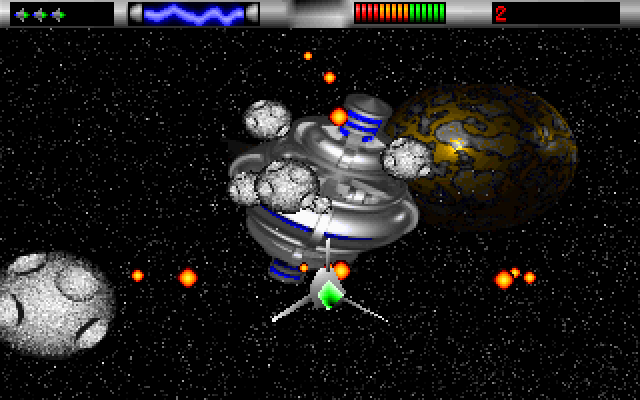
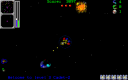
3D Baller is a space shooter viewed from behind your craft. Its original closing screen identifies this as the first demo version by Ulrich Haar of DIGITAL Nightmares, dated 1996. Rocks move toward the foreground while a large space structure and a planet fill the background. The small craft with a bright green centre is the one you control. Watch its position as you move between the approaching obstacles and fire ahead.
The original program begins with a sound-card question. The tested browser setup is 2: None, followed by Enter, which starts the game without sound. Use the arrow keys to move the craft left, right, up and down. Click the left mouse button inside the game to fire; the weapon produces a burst around the craft. Mouse movement alone is not the steering method used in these instructions.
Start with short directional movements so you can judge the craft's response against the incoming rocks. Keep a finger on the arrow keys and use the mouse button for firing. The top display contains ship icons, a coloured status bar and a numeric counter. Escape exits to the original developer credit screen and DOS prompt. This guide covers the opening asteroid field; the sound-card configuration and later encounters have not been tested here.
Start here
Quick tips
Choose 2: None at the initial sound prompt for the tested silent setup.
Steer with the arrow keys and fire with the left mouse button.
Track the small craft with the green centre while watching rocks approach the foreground.
- 2, then Enter
- Choose None at the original sound-card prompt to start without sound
- Arrow keys
- Move the craft left, right, up or down
- Escape
- Exit to the developer credits and DOS prompt
- Left click
- Fire during play
Screens
Screenshots
Keep playing
Similar Games

Help improve this entry
Something not working?
Report a gameplay or information problem. Short reports are enough.
Archive notes
Rights and Source Notes
Browser play uses the archived Freeware release.
- Distribution
- Freeware
- Browser player
- js-dos · Browser play
- Added to archive
- 2026-07-25