Absence

Saves are stored in this browser.
Player notes
About this game
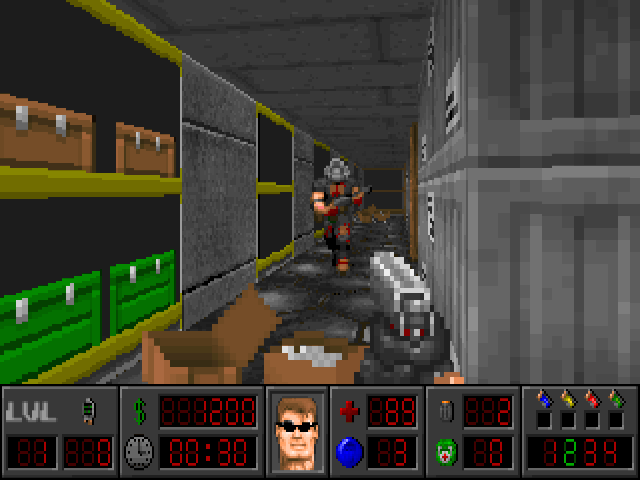
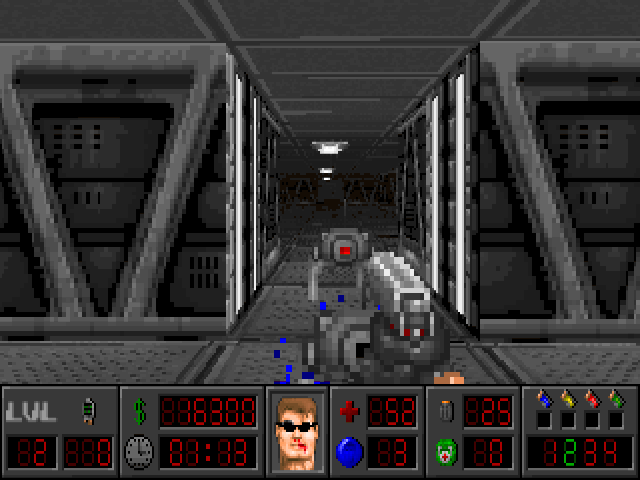
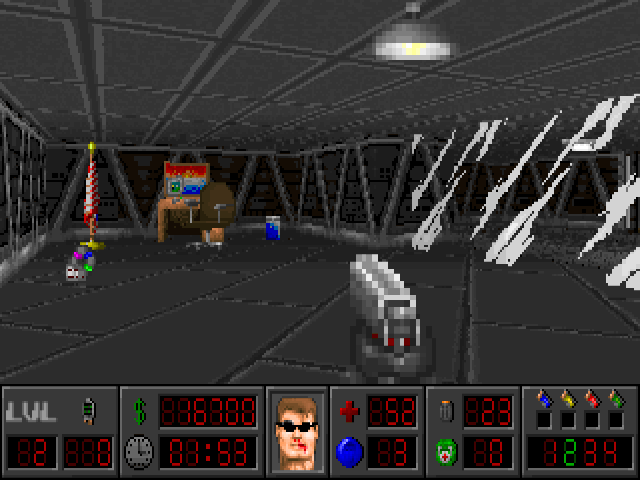
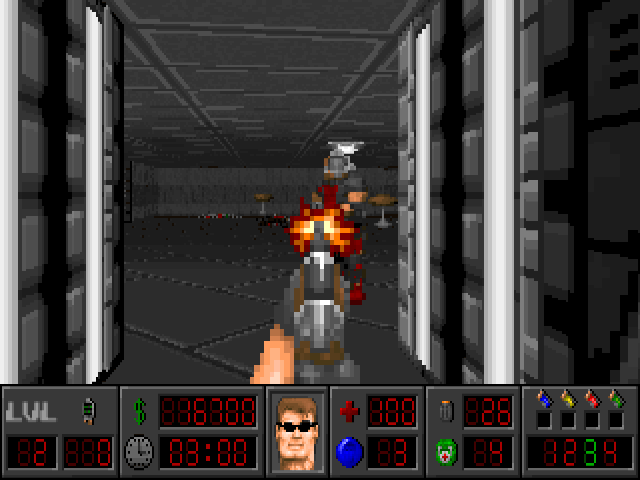
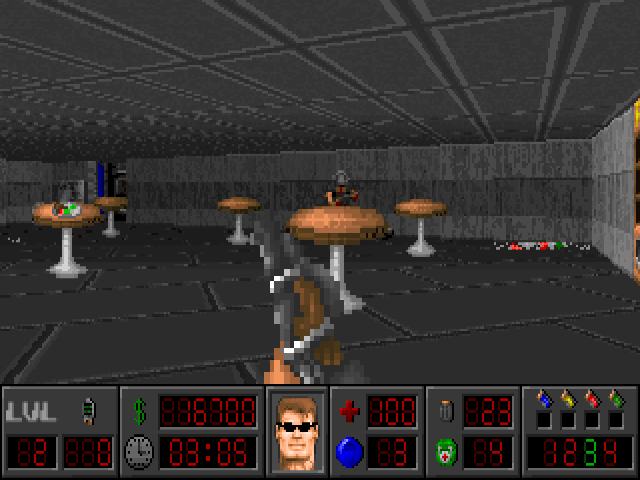
Absence sends an elite soldier into the underground Sigma Complex after contact with its research team is lost. The mission is to recover Professor Tom Baker's records and investigate the failed genetic and robotic experiments. This package is version 1.2 of the Wolfenstein 3-D conversion, with its own laboratory setting, enemies and equipment.
The bundled help assigns movement to the arrows, shooting to Ctrl and strafing to Alt. F1 opens the illustrated manual; F6 opens Controls, where you can inspect or change the remaining action assignments. Read that screen before interacting with doors, terminals and log discs. Logs can supply passwords, while coloured security cards and switches control access through the complex.
Keep an eye on health, ammunition and the portable first-aid supply. X uses a carried kit, while C displays character statistics. Implants can be spent at upgrade units on endurance, strength or accuracy, with a maximum of four levels in each. F2 and F3 open the game's save and load screens. Explore methodically and read the records you find rather than treating every corridor as a straight shooting run.
Start here
Quick tips
Use F6 to inspect action assignments before exploring.
Read log discs for clues and security passwords.
Save after meaningful progress and watch your ammunition.
- Arrow keys
- Move and turn
- Ctrl
- Shoot
- Alt + Left / Right
- Strafe sideways
- X
- Use a portable first-aid kit
- C
- Display character statistics
- O
- Display the intermission screen
- F1
- Open the illustrated help
- F6
- Open Controls
- F2 / F3
- Open the in-game save / load screen
- F11
- Open game options
Screens
Screenshots

Keep playing
Similar Games
Help improve this entry
Something not working?
Report a gameplay or information problem. Short reports are enough.
Archive notes
Rights and Source Notes
Browser play uses the archived Freeware release. Official project references are listed below.
- Distribution
- Freeware
- Browser player
- js-dos · Browser play
- Added to archive
- 2026-07-28
- Official references