Quake
Saves are stored in this browser.
Player notes
About this game
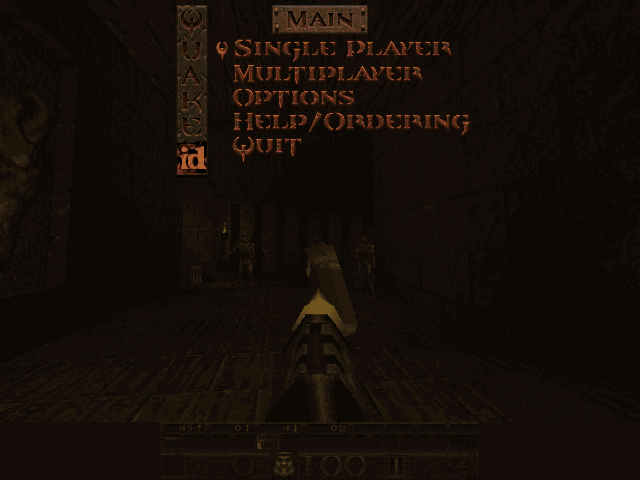
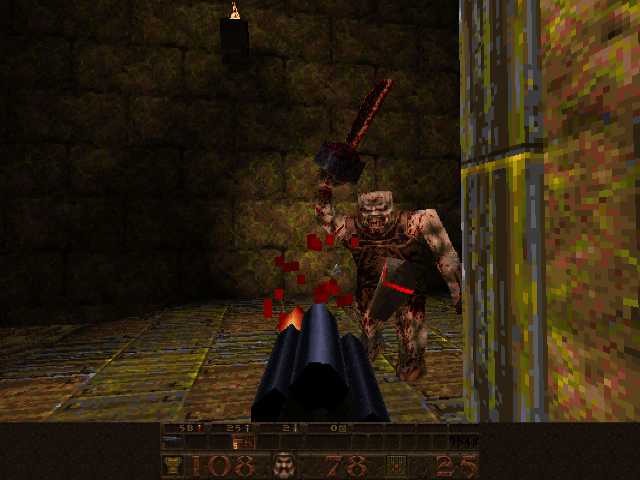
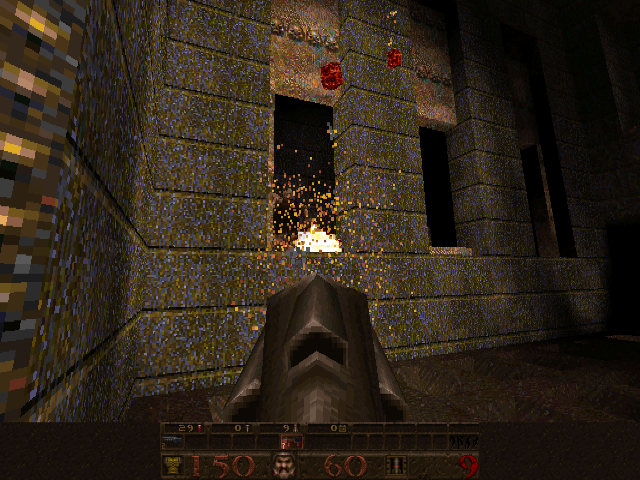
This package contains the DOS shareware release of Quake, version 1.06. It provides the first episode rather than the complete registered game. The opening area leads to difficulty choices and the episode entrance, followed by levels built around movement, weapons, switches and locked routes.
The supplied configuration already assigns W and S to forward and backward movement, and A and D to strafing. Arrow Left and Arrow Right turn instead. Space or Enter jumps, Ctrl or the left mouse button fires, and the number keys select available weapons.
Mouse movement is not permanently set to modern mouse-look by this configuration. Hold backslash or the middle mouse button for mouse-look, or inspect Options to change the arrangement. Escape opens the menu. Learn the distinction between turning and strafing before fighting around corners.
Start here
Quick tips
This is the shareware episode, not the full registered campaign.
The included config uses WASD; mouse-look is a separate hold action.
- W / S
- Move forward / backward
- A / D
- Strafe left / right
- Arrow Left / Arrow Right
- Turn left / right
- Space / Enter
- Jump
- Ctrl
- Attack
- Shift
- Run
- 1–8
- Select an available weapon
- Backslash
- Hold for mouse-look
- Escape
- Open the menu
- F2 / F3
- Open save / load menus
- Pause
- Pause
- Left button
- Attack
- Right button
- Move forward
- Middle button
- Hold for mouse-look
Screens
Screenshots
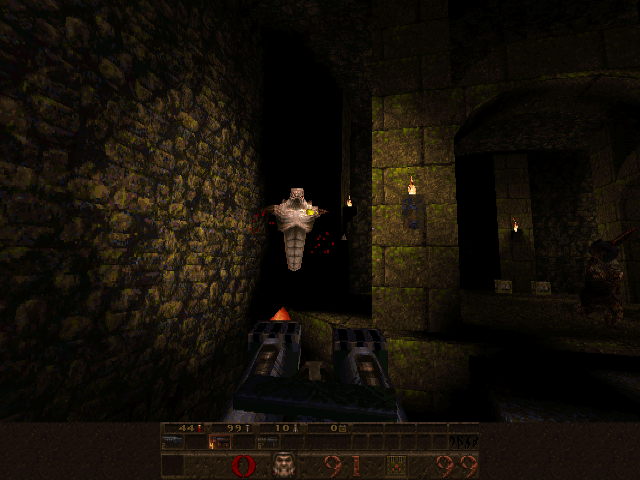
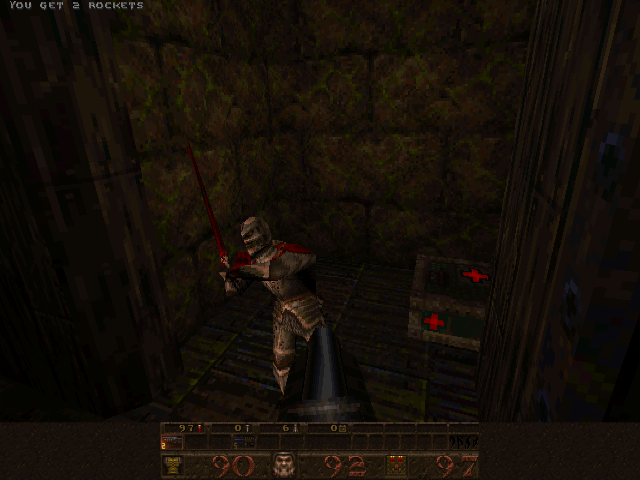
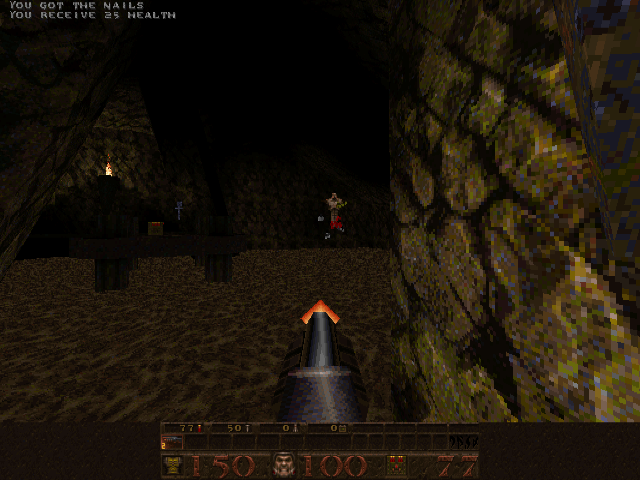
Keep playing
Similar Games

Help improve this entry
Something not working?
Report a gameplay or information problem. Short reports are enough.
Archive notes
Rights and Source Notes
Browser play uses the archived Shareware (installed) release.
- Distribution
- Shareware (installed)
- Browser player
- js-dos · Browser play
- Added to archive
- 2026-07-28