C-Dogs
Saves are stored in this browser.
Player notes
About this game
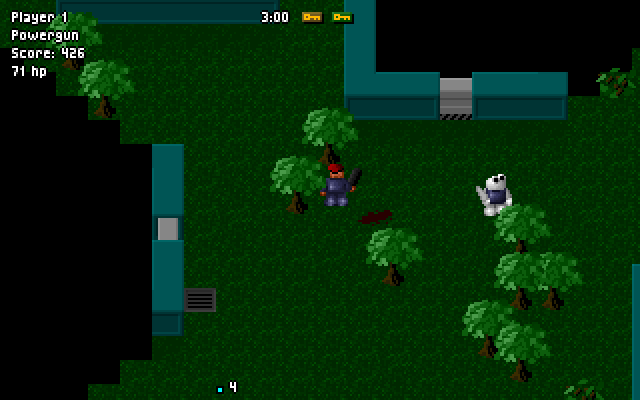
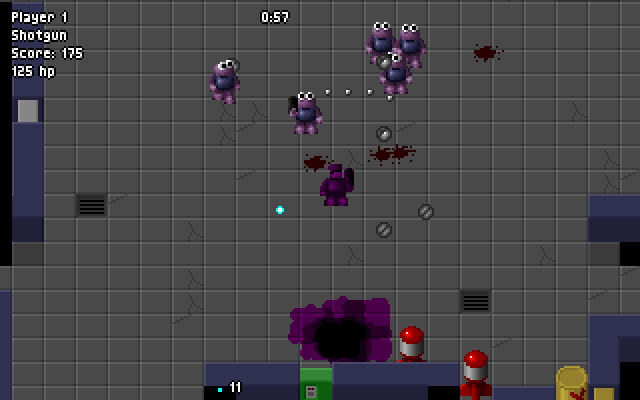
C-Dogs is an overhead action game built around short missions. Before each mission, read the objectives and select up to three available weapons. Clearing enemies is only part of the job: the objective list determines when extraction becomes possible. Once every required task is marked Done, reach the pickup zone and stay there for the countdown.
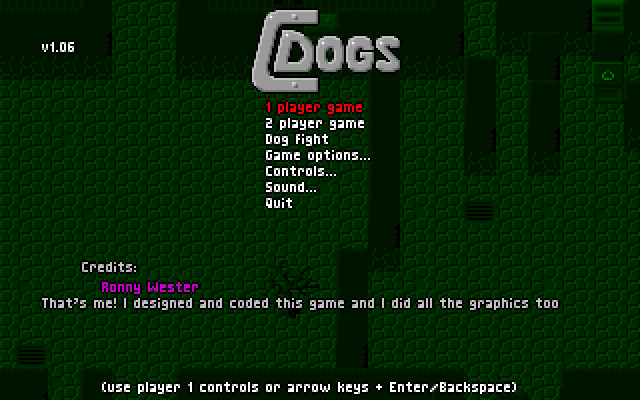
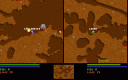
This entry runs the original DOS game, rather than the later C-Dogs SDL port. Its manual describes solo and two-player campaigns, plus a competitive Dogfight mode. The keyboard reference below uses the documented player-one defaults; the in-game Controls menu can change them.
Left Ctrl fires. Tap Enter while stationary to change weapons, or hold it with a direction to slide out of danger. Tab opens the automap during missions. If joystick detection interferes with the menus, F9 resets the controls to keyboard. Ammunition is unlimited, but firing carries a score penalty, so constant shooting is not free.
Start here
Quick tips
Finish the listed objectives, then remain in the pickup zone until extraction completes.
Tap Enter without moving to change weapons; combine it with a direction to slide.
- Arrow keys
- Move player one
- Left Ctrl
- Fire / select a menu item
- Enter
- Cycle weapons while still; hold with a direction to slide
- Tab
- Show the mission automap
- Esc
- Pause; press again to abort
- F9
- Reset controls to keyboard
Screens
Screenshots
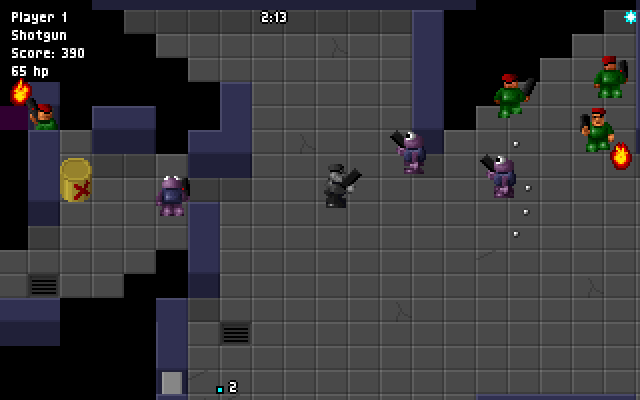
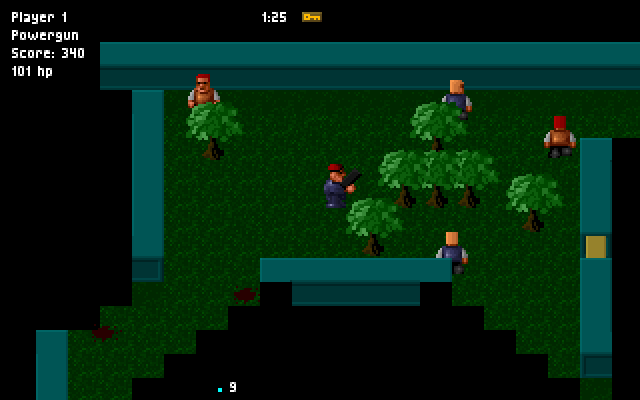
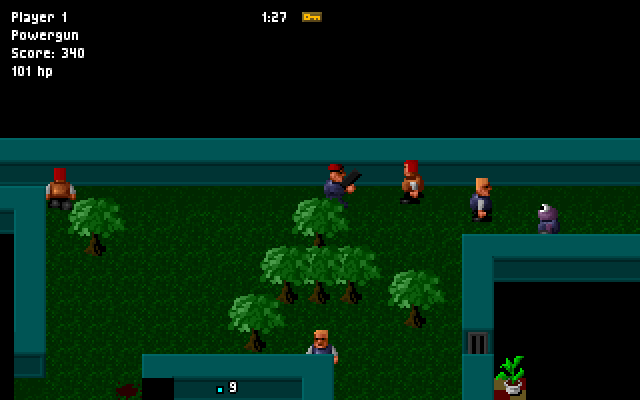
Keep playing
Similar Games

Help improve this entry
Something not working?
Report a gameplay or information problem. Short reports are enough.
Archive notes
Rights and Source Notes
Browser play uses the archived Freeware release. Official project references are listed below.
- Distribution
- Freeware
- Browser player
- js-dos · Browser play
- Added to archive
- 2026-07-26
- Official references