Cyberdogs
Saves are stored in this browser.
Player notes
About this game
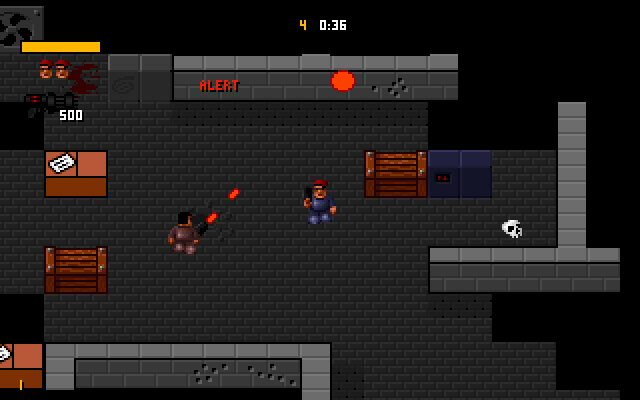
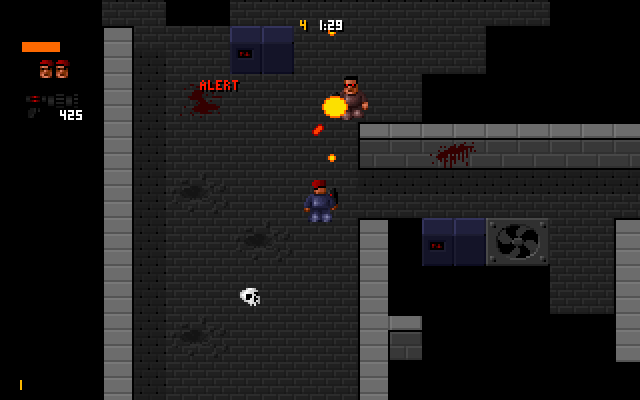
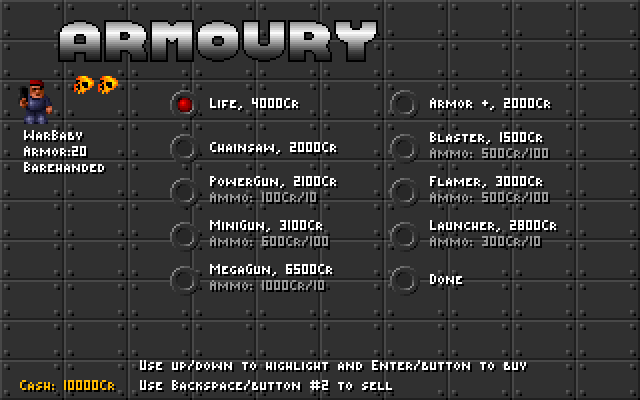
Cyberdogs sends one or two mercenaries into scrolling bases to recover objects, eliminate enemies or destroy installations. The packaged version is 1.0. Money earned on missions pays for equipment, so returning alive with the assignment completed matters more than simply finding the exit.
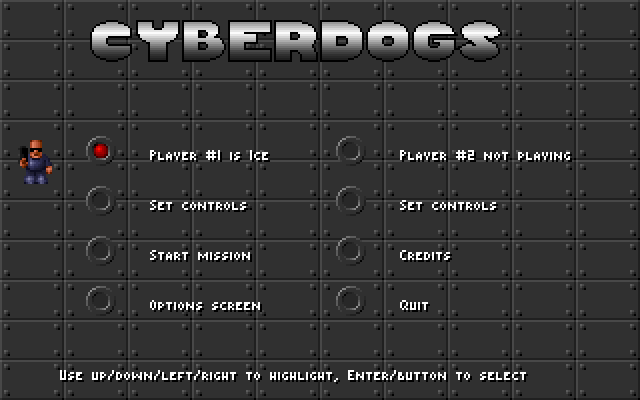
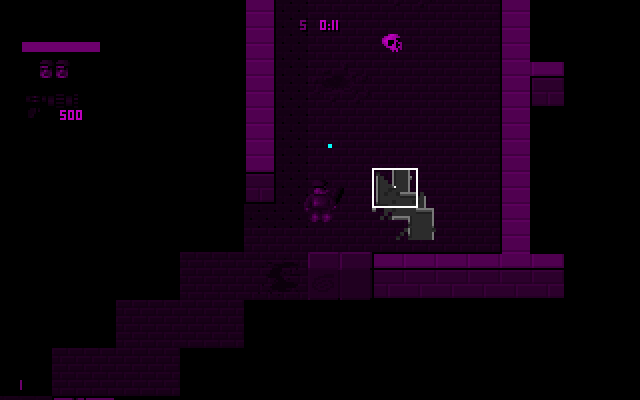
Use the arrow keys and Enter in the menus. Choose a character, then Start Mission. For player one, the arrows move, left Ctrl fires and Enter changes weapons. Tap and release Enter while standing still to switch; holding it while moving keeps your character facing the same direction. F1 shows the map while held.
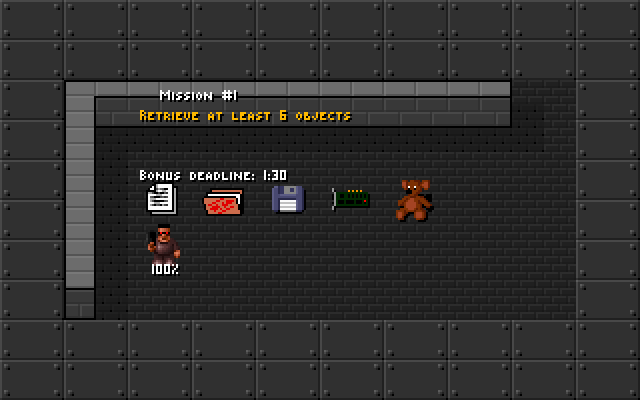
Check the mission briefing before setting out. An early exit without all objectives completed forces you to replay the mission with little money earned. For two players, use Set Controls first: the supplied settings file assigns overlapping keys to both players.
Start here
Quick tips
Complete the assignment before leaving through the exit.
Reserve ammunition for installations: close combat cannot destroy them.
Set separate controls before a two-player game.
- Arrow keys
- Navigate menus; move player one
- Enter
- Confirm a menu choice; tap while stationary to switch player one weapons
- Left Ctrl
- Fire player one weapon
- Hold Enter + Arrow keys
- Move player one without changing facing direction
- Hold F1
- Show the map with the default map binding
- Escape
- Return to the main menu
Screens
Screenshots
Keep playing
Similar Games
Help improve this entry
Something not working?
Report a gameplay or information problem. Short reports are enough.
Archive notes
Rights and Source Notes
Browser play uses the archived Freeware release. Official project references are listed below.
- Distribution
- Freeware
- Browser player
- js-dos · Browser play
- Added to archive
- 2026-07-26
- Official references