Enemy Lines
Saves are stored in this browser.
Player notes
About this game
Enemy Lines is a top-down tank shooter by Dod-G Pos-E. Its fictional post-war story sends a paratrooper behind enemy lines to stop an army being rebuilt in secret. The opening mission selector presents a PDA with Europe, Easy and Occupied as its initial choices. Use Enter to proceed through the opening selection and begin the mission, then allow the transition to finish.
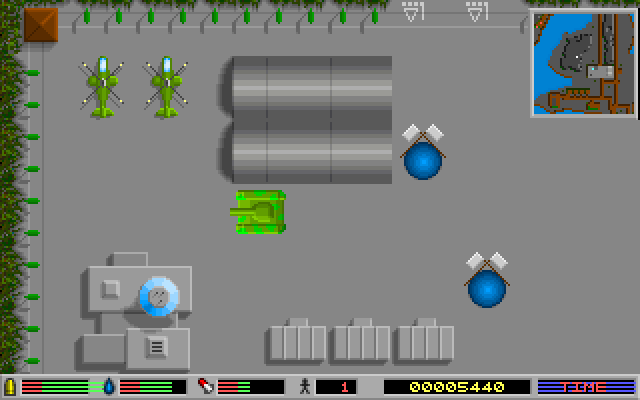
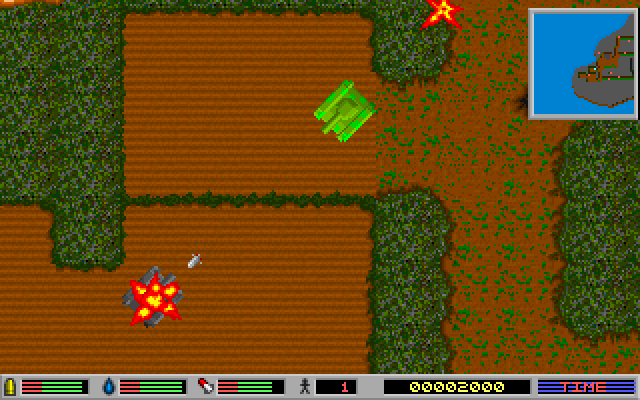
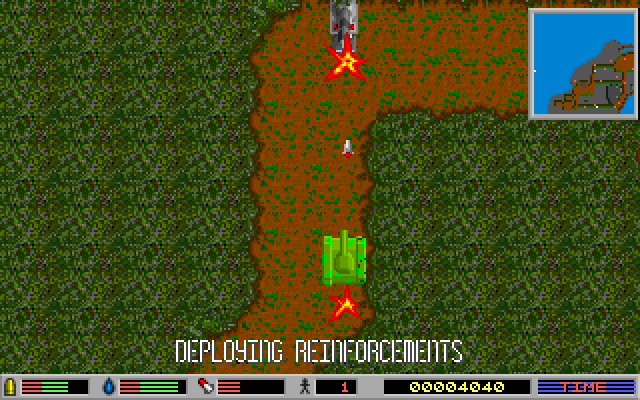
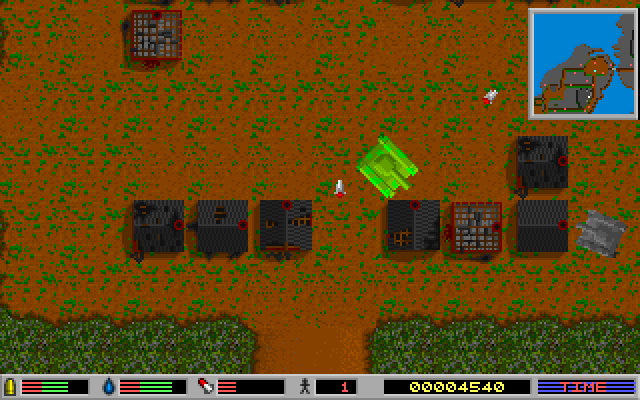
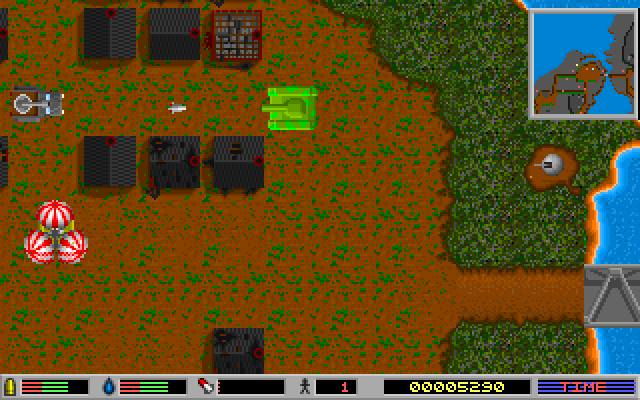
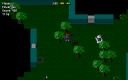
The tank steers relative to its own heading. A drives forward and Z reverses; the comma and period keys turn left and right. These are different from the arrow keys. Turn the tank toward a target before pressing Space for the machine gun or Alt for the mortar. The bottom of the screen shows supply bars, score and time, while a small map helps you follow your position.
Press H to open the pause panel, then Enter on Resume to continue. Pausing gives you time to read the field without leaving the mission. The original help also lists F1 for the load/save screen. Start by practising short turns and forward or reverse movements before holding a weapon down: moving and aiming share the same tank orientation.
Start here
Quick tips
Use comma and period to turn; the arrow keys are not the steering controls shown here.
Use short turns, then move forward or reverse along the new heading.
Resume with Enter on the pause panel; H is not a pause/resume toggle.
- Enter
- Confirm the opening selection, begin the mission, or activate Resume on the pause panel
- A / Z
- Drive forward / reverse
- , / .
- Rotate left / right
- Space
- Fire the machine gun
- Alt
- Fire the mortar
- H
- Open the pause panel
- F1
- Open load/save, as listed in the original help
Screens
Screenshots
Keep playing
Similar Games
Help improve this entry
Something not working?
Report a gameplay or information problem. Short reports are enough.
Archive notes
Rights and Source Notes
Browser play uses the archived Freeware release. Official project references are listed below.
- Distribution
- Freeware
- Browser player
- js-dos · Browser play
- Added to archive
- 2026-07-26
- Official references