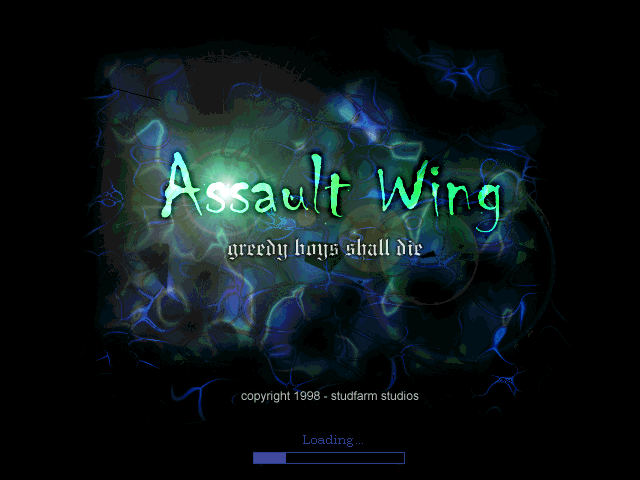
Assault Wing
Saves are stored in this browser.
Player notes
About this game
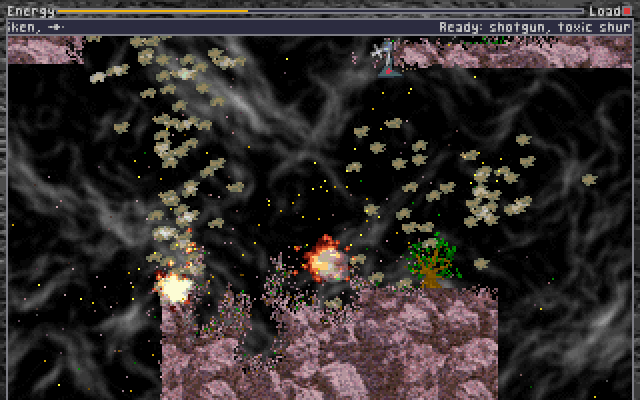
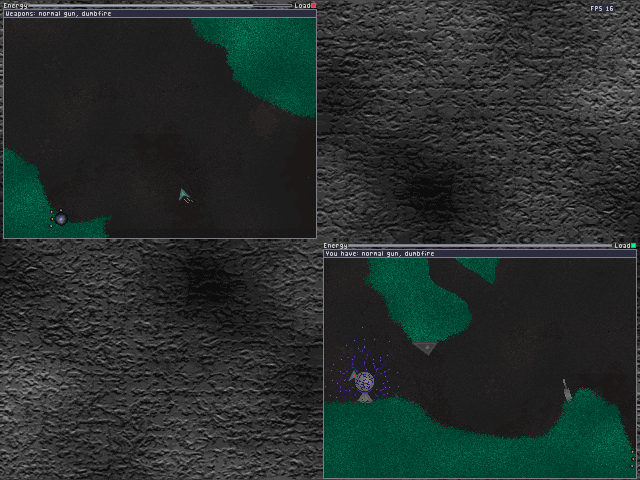
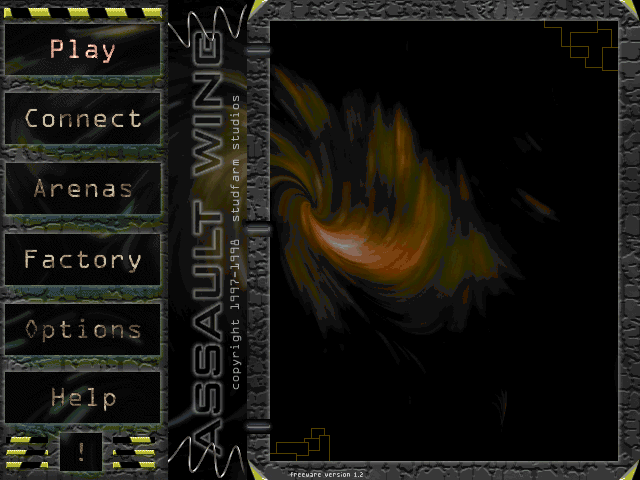
Assault Wing puts human pilots in small armed craft inside enclosed arenas. Steering combines rotation with thrust, so facing a direction and travelling toward it are separate actions. The Factory screen prepares pilots and weapons before a match; the Arena screen chooses which battlefields enter the rotation.
Use plus and minus in the Factory to change the player count and F1–F4 to select pilots. In the Arena list, Enter adds a map and Delete removes one. Before playing together, inspect Options and Setup: the default layouts place several players on different parts of the same keyboard.
For player one, W applies thrust, A/D turn, Left Shift fires and S uses the special weapon. Z activates the extra action. The original modem support is described as unfinished; these instructions concern local play.
Start here
Quick tips
Check each pilot’s controls in Options → Setup before a shared-keyboard match.
Turning changes your heading; use thrust to change your motion.
- W
- Player one: thrust
- A / D
- Player one: turn
- Left Shift
- Player one: fire
- S
- Player one: special weapon
- Z
- Player one: extra action
- Numpad 8 / 4 / 6
- Player two: thrust / turn left / turn right
- Right Ctrl
- Player two: fire
- Numpad 2 / 0
- Player two: special weapon / extra action
- Enter / Delete
- Arena list: add / remove a map
- Escape
- Return from a menu
Screens
Screenshots
Keep playing
Similar Games
Help improve this entry
Something not working?
Report a gameplay or information problem. Short reports are enough.
Archive notes
Rights and Source Notes
Browser play uses the archived Freeware release.
- Distribution
- Freeware
- Browser player
- js-dos · Browser play
- Added to archive
- 2026-07-26