Kondor
Saves are stored in this browser.
Player notes
About this game
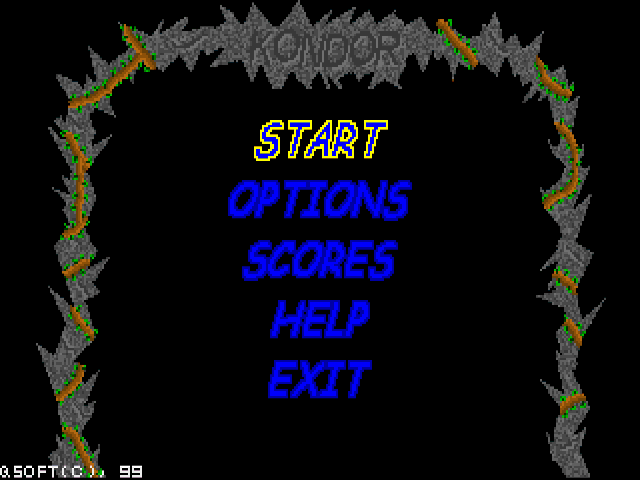
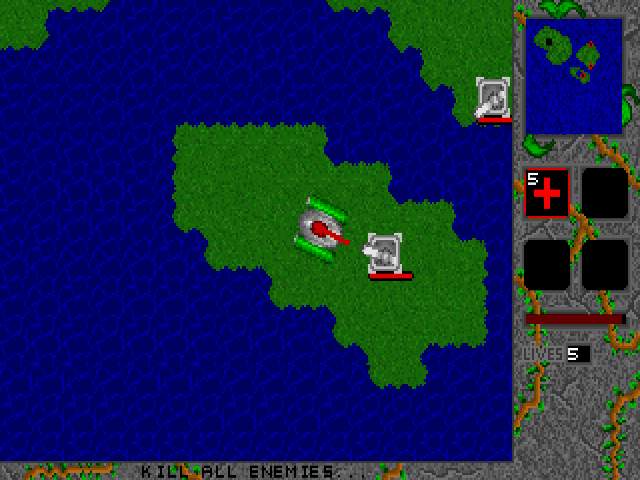
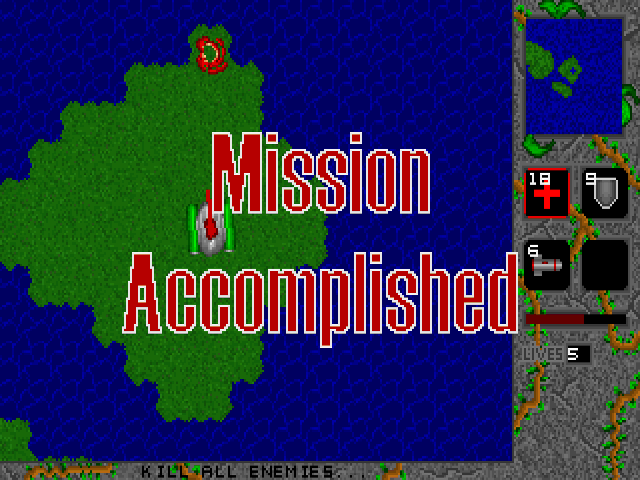
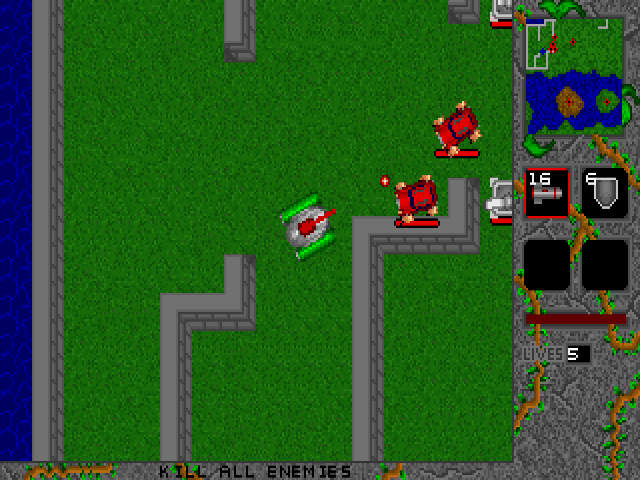
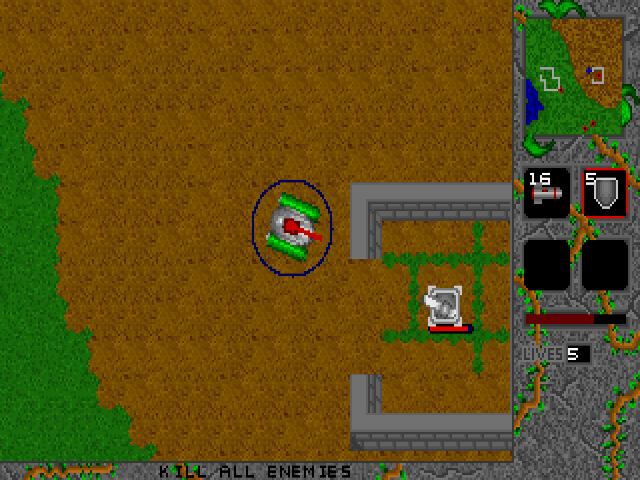
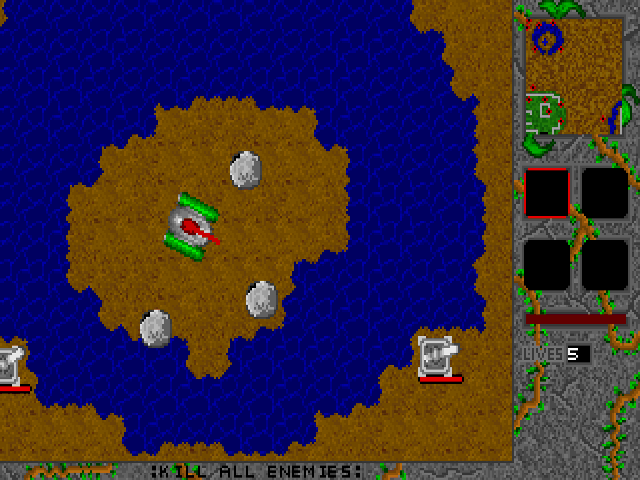
Kondor places an armed vehicle among enemy turrets and ground vehicles. Destroying those ground targets completes a level. Aircraft also attack, but the version 1.0 manual says they are not required targets. Enemy generators are optional too, although leaving them intact makes the fighting harder.
Movement and aiming use separate controls. Up drives forward, Down reverses, and Left or Right turns the vehicle. Z and X turn the cannon independently. Right Shift fires and Space brakes. Practise steering while keeping the cannon pointed toward a target.
Pickups include rockets, repair kits, shields, speed boosts and extra lives. The bracket keys cycle the inventory and Enter uses its selected item. Controls can be changed through Options, which also offers enemy power bars. Watch those bars to decide which ground target to finish before moving on.
Start here
Quick tips
Use Z and X to aim the cannon separately from steering.
Clear turrets and ground vehicles to finish a level; aircraft are not required targets.
- Up / Down
- Drive forward / reverse
- Left / Right
- Turn the vehicle
- Z / X
- Turn the cannon left / right
- Right Shift
- Fire
- Space
- Brake
- [ / ]
- Select the previous / next inventory item
- Enter
- Use the selected inventory item
Screens
Screenshots
Keep playing
Similar Games
Help improve this entry
Something not working?
Report a gameplay or information problem. Short reports are enough.
Archive notes
Rights and Source Notes
Browser play uses the archived Freeware (installed) release. Official project references are listed below.
- Distribution
- Freeware (installed)
- Browser player
- js-dos · Browser play
- Added to archive
- 2026-07-28
- Official references