Liero
Saves are stored in this browser.
Player notes
About this game
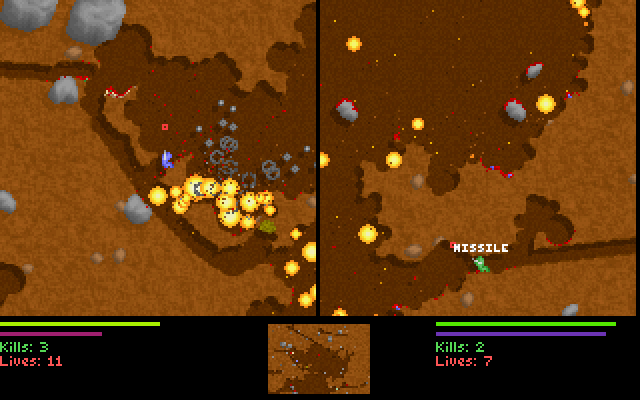
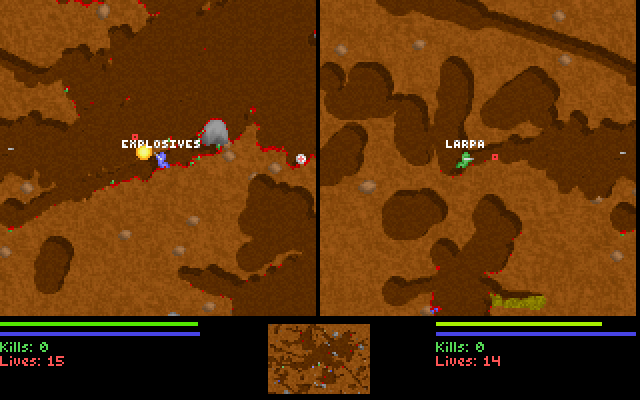
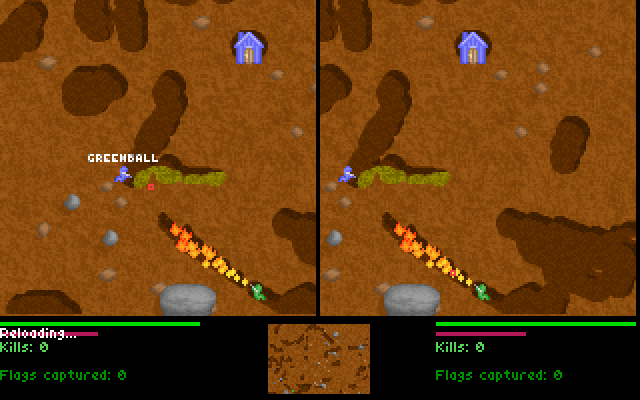
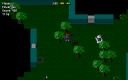
Liero 1.33 equips each worm with five weapons chosen from a larger arsenal, then sends both players into real-time combat. At the weapon screen, select Done with your fire key when ready. Randomize chooses a loadout for you. Wooden crates can replace your currently selected weapon, while medical kits restore health.
The players have separate controls. Player one uses D/G to move, R/F to aim and Left Ctrl to fire. Player two uses the arrows and Right Ctrl. Hold the change-weapon key and press left or right to select another weapon.
The ninja rope uses change-weapon plus jump. While holding change-weapon, the aim keys adjust rope length; jump releases it. Check Player Options if the current key layout has been customized.
Start here
Quick tips
Confirm Done with your player’s fire key.
Hold change-weapon while using the aim keys to adjust rope length.
- D / G
- Player one: move left / right
- R / F
- Player one: aim up / down
- Left Ctrl
- Player one: fire or confirm weapon selection
- Left Shift + D / G
- Player one: change weapon
- Left Alt
- Player one: jump or release rope
- Left Shift+Left Alt
- Player one: throw ninja rope
- Arrow Left / Arrow Right
- Player two: move
- Arrow Up / Arrow Down
- Player two: aim
- Right Ctrl
- Player two: fire
- Right Alt + Arrow Left / Arrow Right
- Player two: change weapon
- Right Shift
- Player two: jump or release rope
- Right Alt+Right Shift
- Player two: throw ninja rope
Screens
Screenshots
Keep playing
Similar Games

Help improve this entry
Something not working?
Report a gameplay or information problem. Short reports are enough.
Archive notes
Rights and Source Notes
Browser play uses the archived Freeware release. Official project references are listed below.
- Distribution
- Freeware
- Browser player
- js-dos · Browser play
- Added to archive
- 2026-07-27
- Official references