Chex Quest
Saves are stored in this browser.
Player notes
About this game
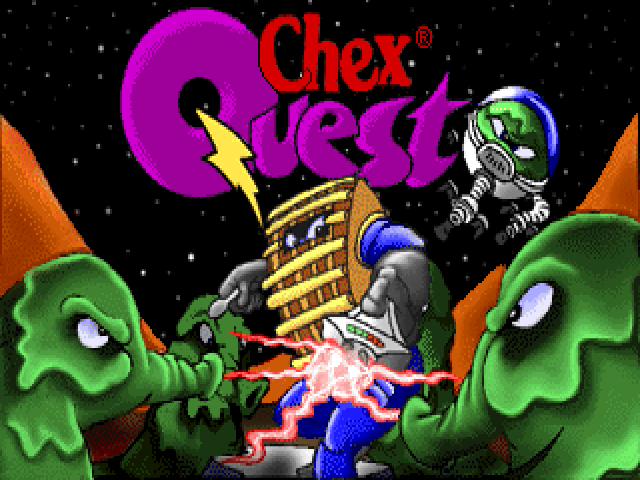
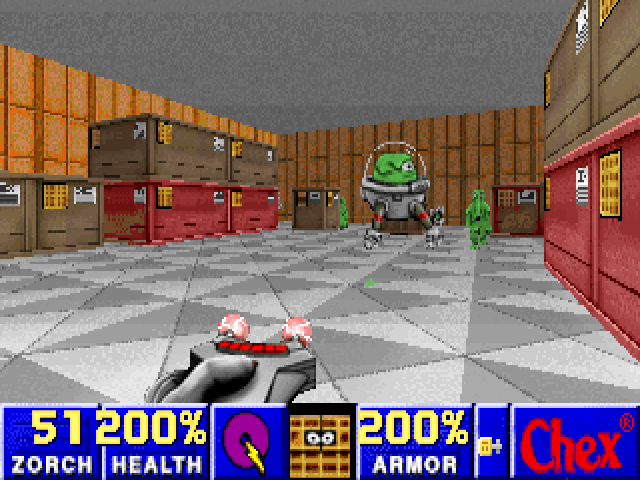
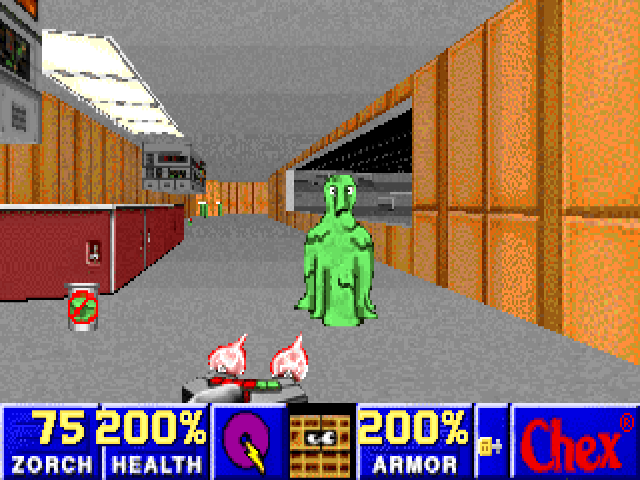
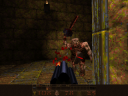
Chex Quest is a first-person maze adventure with zorcher weapons and slime-covered opponents. The archived configuration uses keyboard controls and disables mouse input. Its on-screen help confirms the default movement, firing, door and map commands, so start with those bindings before changing the setup.
Choose New Game from the menu and select a difficulty. Up and Down move forward and backward; Left and Right turn. Hold Alt with a direction to sidestep, or Shift to run. Ctrl uses the current zorcher and Space activates a door or switch in front of you.
Number keys select available weapons, from the bootspoon to stronger zorchers. Tab opens the map when corridors become confusing. F1 shows the full help screen, F2 opens saving and F3 opens loading. Escape returns to the game menu and Pause pauses play.
Start here
Quick tips
The shipped configuration is keyboard-only.
Use the map and look for keys when a door will not open.
- Arrow Up / Arrow Down
- Move forward / backward
- Arrow Left / Arrow Right
- Turn
- Alt+Arrow Left / Alt+Arrow Right
- Sidestep
- Shift+Arrow keys
- Run
- Ctrl
- Use the selected zorcher
- Space
- Open a door or activate a switch
- 1–7
- Select an available weapon
- Tab
- Map
- F1
- Help
- F2 / F3
- Save / load menu
- Pause / Escape
- Pause / menu
Screens
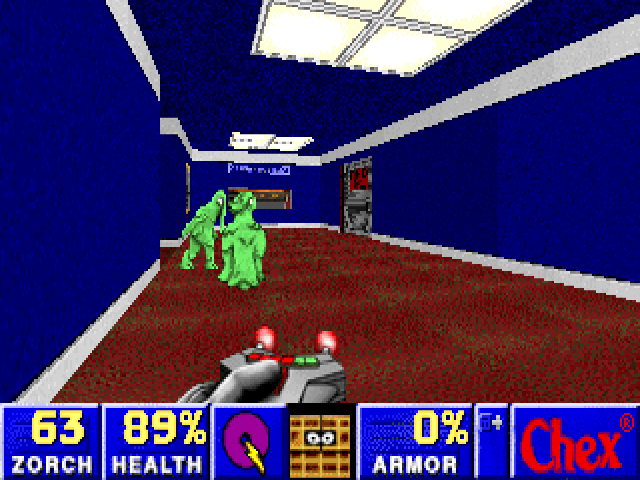
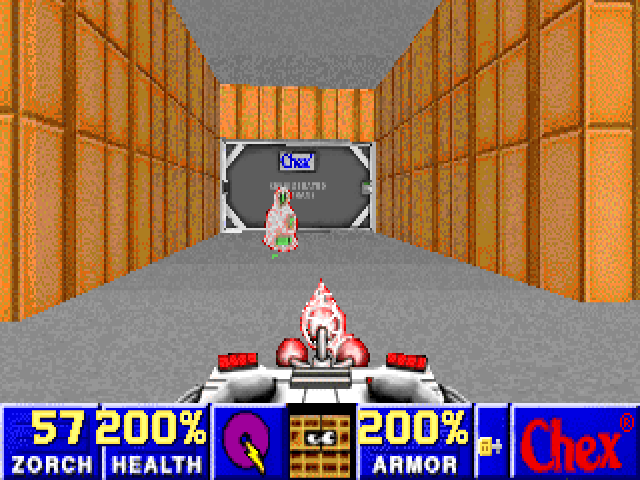
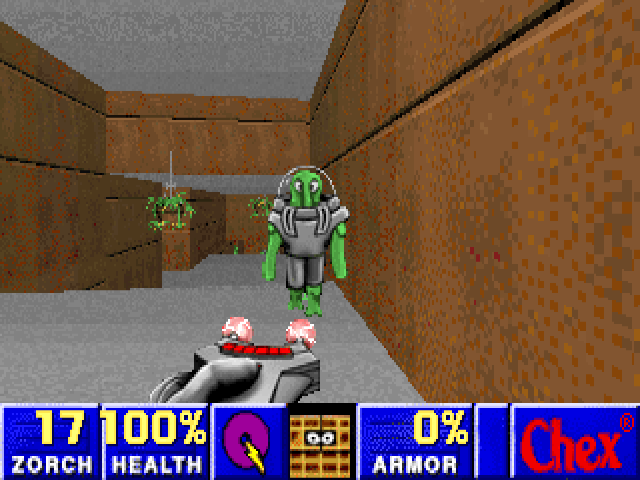
Screenshots
Keep playing
Similar Games

Help improve this entry
Something not working?
Report a gameplay or information problem. Short reports are enough.
Archive notes
Rights and Source Notes
Browser play uses the archived Full version (installed) / Freeware release. Official project references are listed below.
- Distribution
- Full version (installed) / Freeware
- Browser player
- js-dos · Browser play
- Added to archive
- 2026-07-28
- Official references