Spin
Saves are stored in this browser.
Player notes
About this game
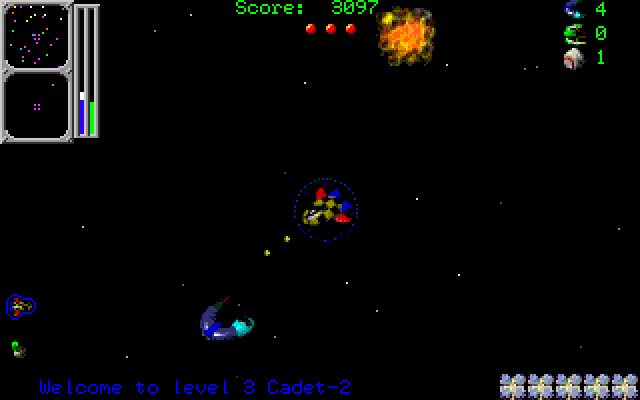
Spin gives a space patrol ship three related jobs: protect freighters, clear pirates from their lanes and arrest as many pirates as possible. Its version 1.33 Beta instructions describe scanners that help you find trouble beyond the immediate view. Pirates appear as blinking red dots, while a blue crosshair marks a freighter under attack.
Left and Right rotate, Up and Down change speed, and Space fires. W toggles warp drive. Use the long-range scanner to approach a target, then switch warp off when the target appears on the short-range scanner. Touch items with the ship to collect them.
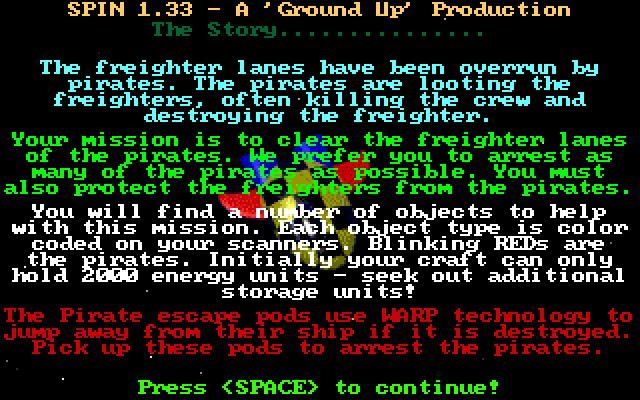
Alt fires backward only when an advanced weapon supports it. Watch both the energy indicator and remaining shots; orange or red energy means reserves are critical. F1 changes the music track and Escape quits. Space also advances the introductory information screens, which explain the available items before play.
Start here
Quick tips
Switch off warp when the target reaches the short-range scanner.
Backward firing with Alt requires an advanced weapon.
- Left / Right
- Rotate the ship
- Up / Down
- Accelerate / decelerate
- Space
- Fire / advance introductory screens
- Alt
- Fire backward with a compatible advanced weapon
- W
- Toggle warp drive
- F1
- Select the next music track
- F10
- Clear stuck keys
- Esc
- Quit
Screens
Screenshots
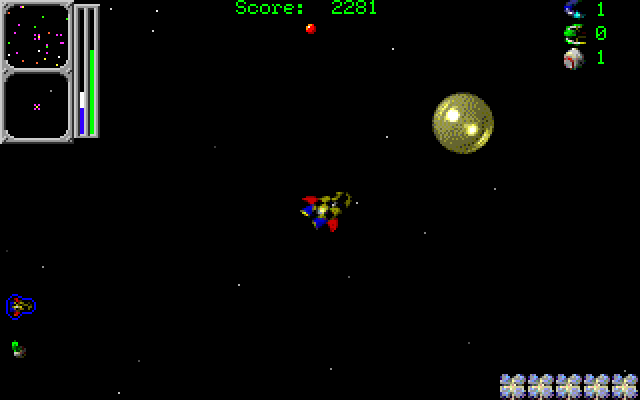
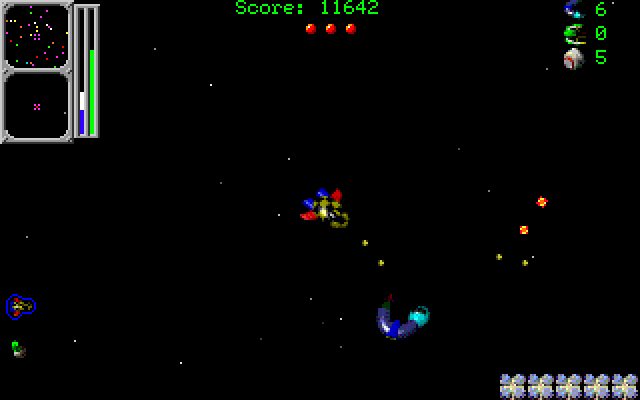
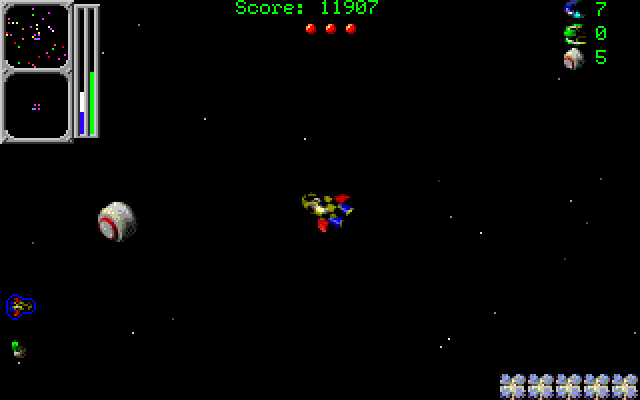
Keep playing
Similar Games
Help improve this entry
Something not working?
Report a gameplay or information problem. Short reports are enough.
Archive notes
Rights and Source Notes
Browser play uses the archived Freeware (installed) release. Official project references are listed below.
- Distribution
- Freeware (installed)
- Browser player
- js-dos · Browser play
- Added to archive
- 2026-07-27
- Official references