Alex the Allegator

Saves are stored in this browser.
Player notes
About this game
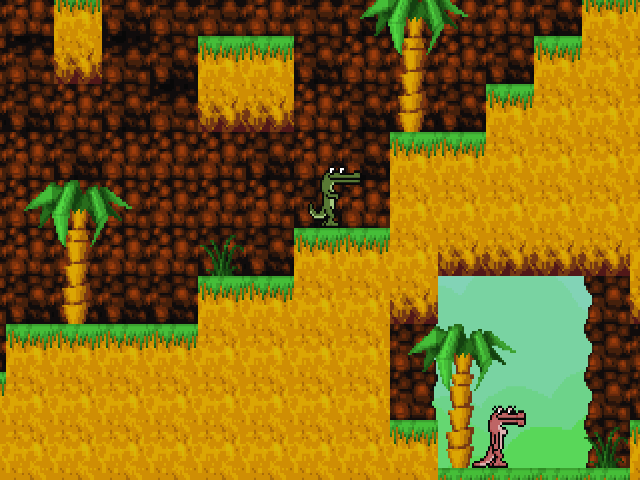
Alex the Allegator follows an alligator searching the jungle for Lola. Johan Peitz made this early game for the 1999 Allegro Speedhack and explicitly described it as unfinished. Expect a small competition project rather than a long campaign or one of the later Alex games.
The original game allows one or two alligators, but its camera follows player one only. A second player therefore needs to stay near the first instead of expecting a separate view. On the menu, use Up and Down to choose an option and Enter to select it.
Player one moves with the arrow keys and jumps with Right Ctrl. Player two uses W, A, S and D for movement and F to jump. The distinction between left and right Ctrl matters in the documented layout. Pause pauses the game, while Escape quits. Learn the jump key before approaching a gap; Space is not the jump binding listed in this release's readme.
Start here
Quick tips
Use Right Ctrl to jump as player one; player two jumps with F.
When sharing a game, stay together: the camera follows player one, without split screen.
- Arrow keys
- Move player one
- Right Ctrl
- Jump as player one
- W / A / S / D
- Move player two
- F
- Jump as player two
- Enter
- Select a menu option
- Pause
- Pause the game
- Esc
- Quit
Screens
Screenshots

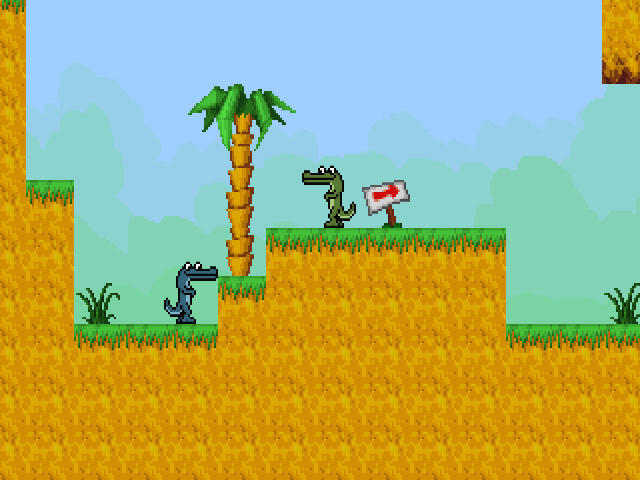
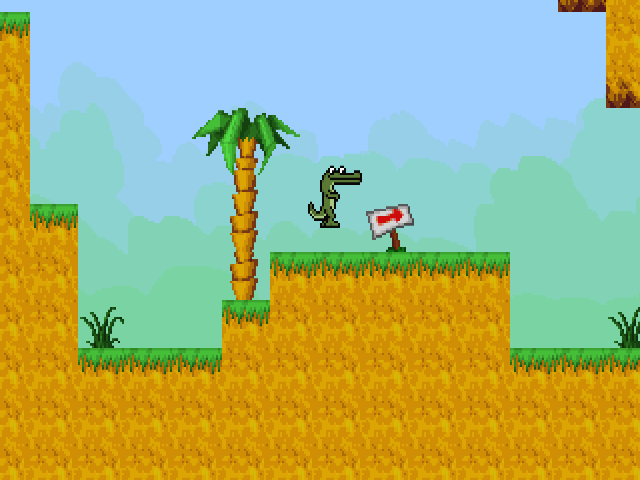
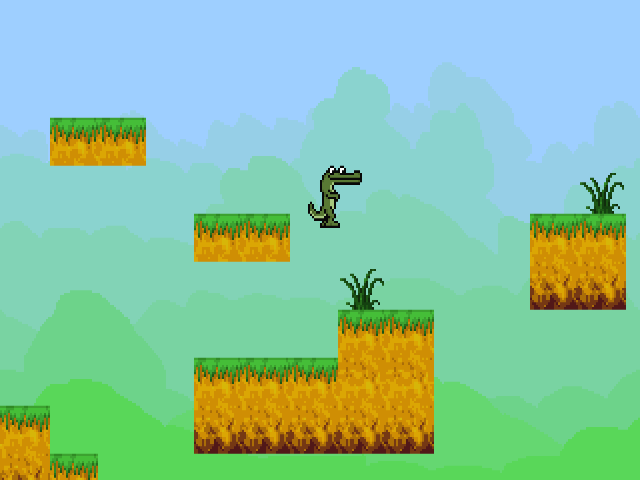
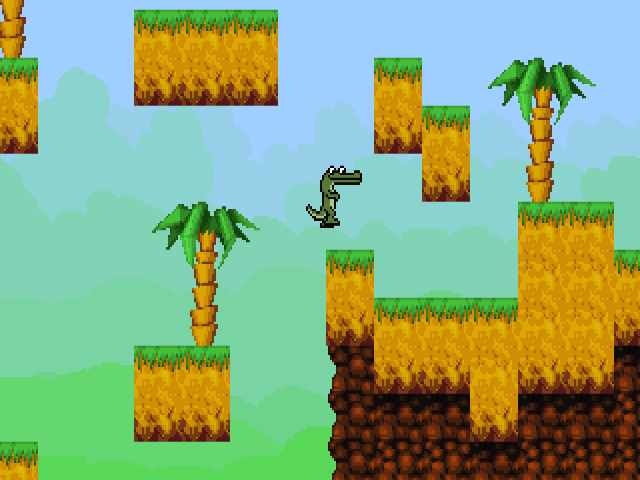
Keep playing
Similar Games


Help improve this entry
Something not working?
Report a gameplay or information problem. Short reports are enough.
Archive notes
Rights and Source Notes
Browser play uses the archived Freeware (installed) release. Official project references are listed below.
- Distribution
- Freeware (installed)
- Browser player
- js-dos · Browser play
- Added to archive
- 2026-07-26
- Official references