U.R.B.A.N The Cyborg Project
Saves are stored in this browser.
Player notes
About this game
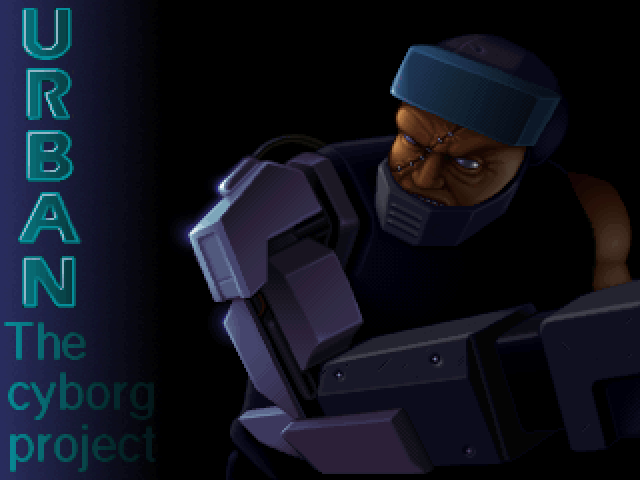
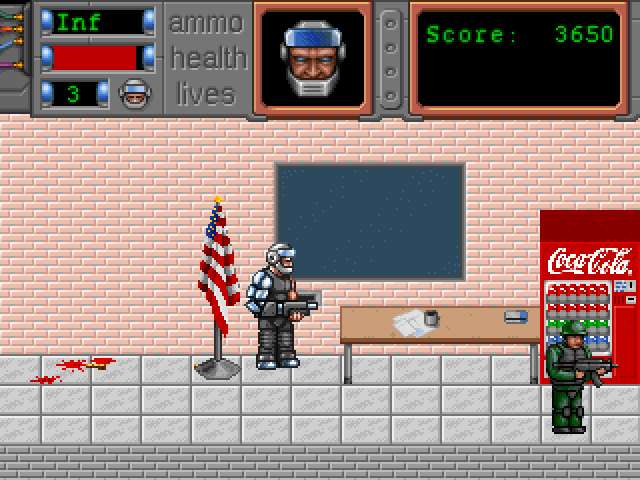
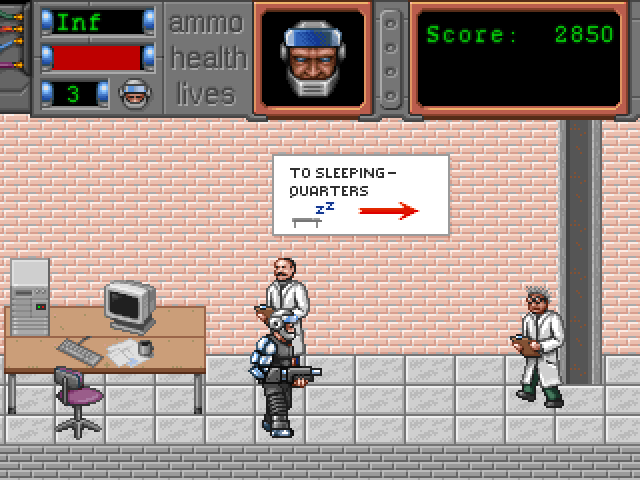
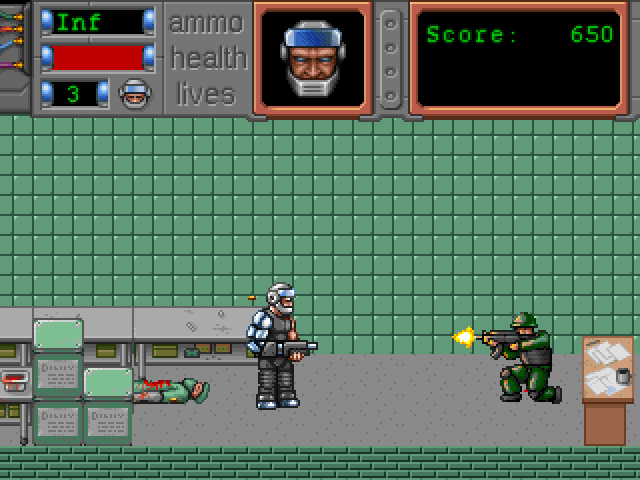
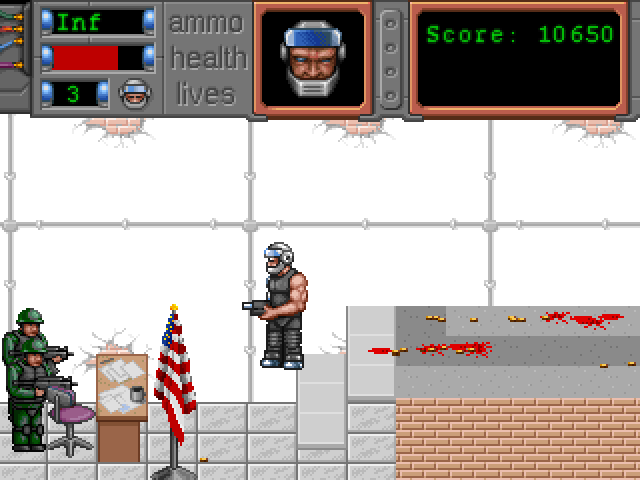
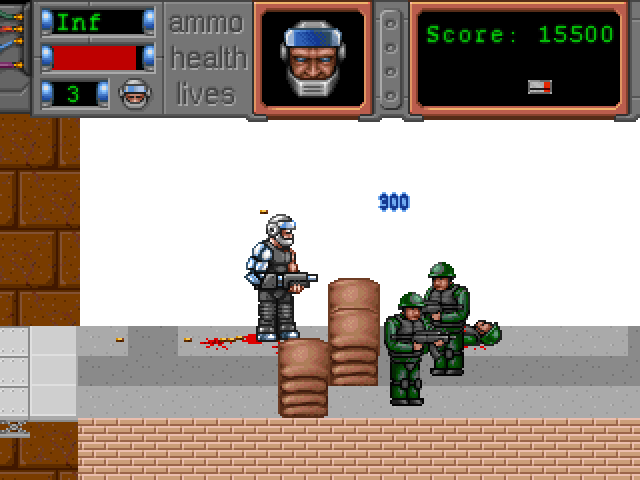
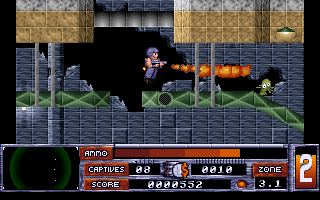
U.R.B.A.N: The Cyborg Project is a side-view action game built around a heavily armed cyborg. The packaged release is version 1.5.3. Its opening leads into an indoor combat area with a status panel for ammunition, health, lives and score; the game includes visible blood and gore.
Before starting, open Config and then Controls. The keyboard setup asks for Up, Down, Left, Right, Fire, Jump, Previous Weapon and Next Weapon in that order. Assign each deliberately. One workable layout is the four arrows, left Ctrl for Fire, Space for Jump, Q for Previous Weapon and E for Next Weapon. The bindings below describe that chosen layout, not a claim about the program's original defaults.
After assignment, choose Back to return from Config, then Start Game. Escape at the main menu begins quitting, so use the labelled Back option when you are only leaving configuration. In the level, check your health before advancing into another group and practise changing position while firing. Watch the ammunition display when switching weapons; the opening weapon and later pickups need not share the same supply.
Start here
Quick tips
Set all eight actions in Config > Controls before play.
Use Back to leave Config; Escape at the main menu quits.
Watch both health and ammunition while moving through the level.
- Arrow keys
- Movement after assigning these keys in Config > Controls
- Left Ctrl
- Fire after assigning this key
- Space
- Jump after assigning this key
- Q / E
- Previous / next weapon after assigning these keys
- Up / Down
- Select menu options
- Enter
- Confirm a menu option or key assignment
Screens
Screenshots
Keep playing
Similar Games
Help improve this entry
Something not working?
Report a gameplay or information problem. Short reports are enough.
Archive notes
Rights and Source Notes
Browser play uses the archived Freeware release. Official project references are listed below.
- Distribution
- Freeware
- Browser player
- js-dos · Browser play
- Added to archive
- 2026-07-27
- Official references