Alien Attack
Saves are stored in this browser.
Player notes
About this game
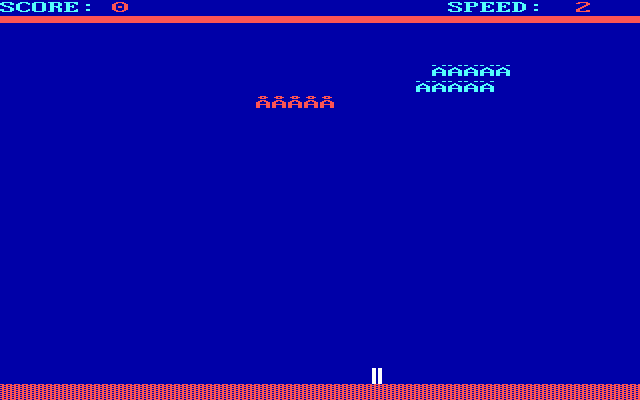
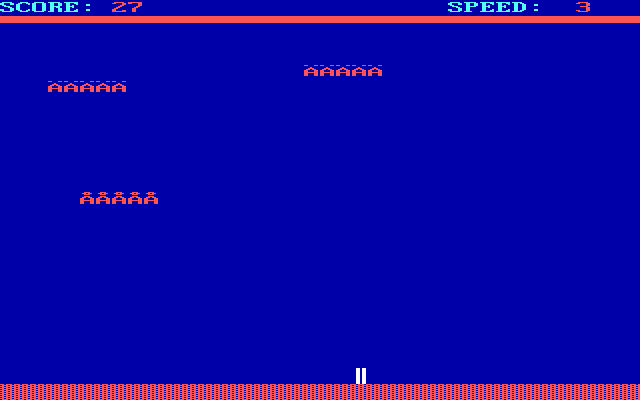
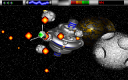
Alien Attack places a gun at the bottom of the screen with hostile craft above it. Slide into position, fire through the formation and move away when a dangerous part of the attack approaches your gun.
Choose Keyboard at the device selection screen to use the controls described here. Left and Right, or J and L, move the gun; Space fires. The original instructions also assign G to switch gun mode and Escape to quit.
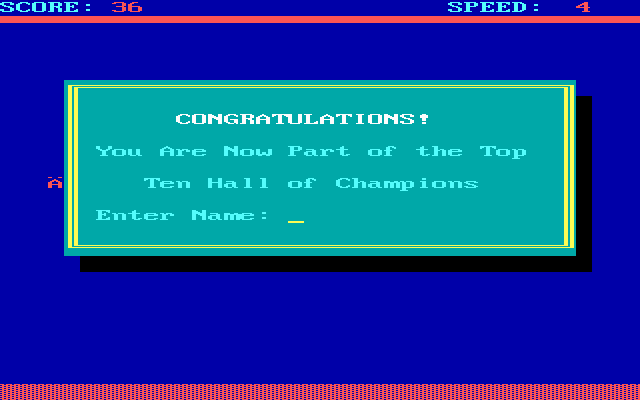
Start by making short horizontal movements so you can keep a firing lane aligned with the aliens. Watch the score and speed readouts as play develops. When a round ends, answer the Play Again prompt with Y or N. The package includes other input choices, but these instructions follow its keyboard mode.
Start here
Quick tips
Choose Keyboard on the device selection screen for these bindings.
Use short movements to line up shots without losing track of the gun.
- Arrow Left / Arrow Right or J / L
- Move the gun horizontally in keyboard mode
- Space
- Shoot at the aliens
- G
- Toggle gun mode
- Escape
- Quit
- Y / N
- Answer the Play Again prompt
Screens
Screenshots
Keep playing
Similar Games

Help improve this entry
Something not working?
Report a gameplay or information problem. Short reports are enough.
Archive notes
Rights and Source Notes
Browser play uses the archived Freeware release.
- Distribution
- Freeware
- Browser player
- js-dos · Browser play
- Added to archive
- 2026-07-25