Around the World - X-Mas
Saves are stored in this browser.
Player notes
About this game
Around the World - X-Mas is TMB Productions’ 1999 Christmas platform game starring the wolf from Around the World. The bundled developer notes describe two new Christmas levels, new enemies, sliding movement and a way to redefine the controls. This is the Christmas release, rather than the earlier eight-level game mentioned in the same file’s history.
Set a comfortable keyboard layout before starting. Use the menu arrow keys to select Options and press Enter, then select Control and press Enter again. The game asks for LEFT, RIGHT, UP, DOWN, JUMP and SHOOT in that order. One tested layout is Left Arrow, Right Arrow, Up Arrow, Down Arrow, Space and Ctrl. The controls below describe this layout after you assign it; they are not a claim about the factory defaults. Return through Back, choose Start and wait for the level to finish loading.
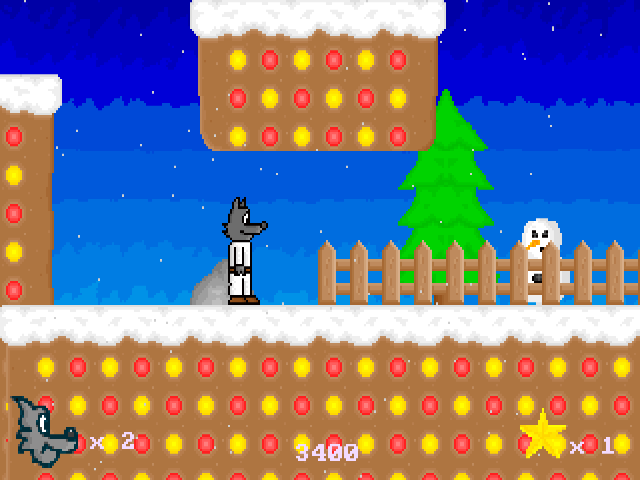
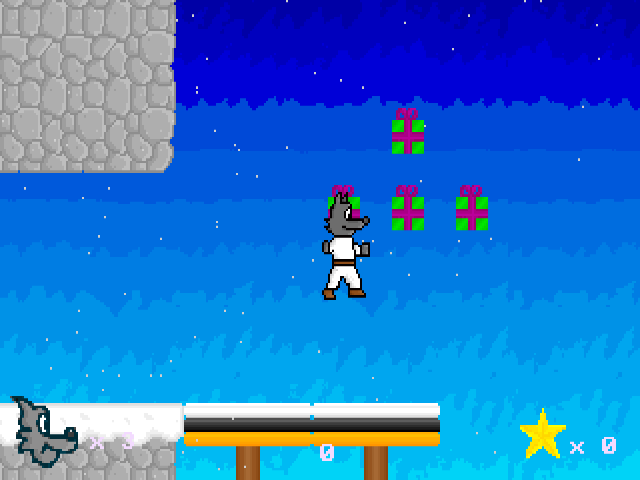
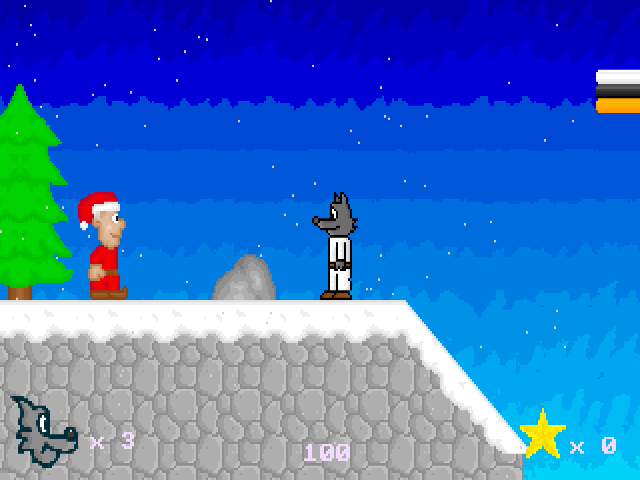
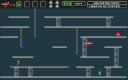
Move the wolf with Left and Right, jump with Space and use Ctrl for the shooting action. Snowy platforms and gaps make it useful to practise on the opening ledge before moving onward. The wolf slides, so leave some room before an edge when changing direction. The lower display keeps the life and collectible counters visible. Escape opens a quit question: N continues the current game, while Y closes the DOS program.
Start here
Quick tips
Configure all six prompts in Options → Control before using the layout shown here.
Allow the Loading screen to finish before trying movement or jumping.
The wolf slides; practise changing direction on a wide platform before approaching a gap.
- Up / Down
- Select a menu item before entering the level
- Enter
- Open the selected menu item or start the game
- Left / Right
- Move after assigning these keys in Options → Control
- Space
- Jump after assigning Space at the JUMP prompt
- Ctrl
- Shoot after assigning Ctrl at the SHOOT prompt
- Escape
- Open the quit confirmation
- N / Y
- Continue / quit when the confirmation is open
Screens
Screenshots

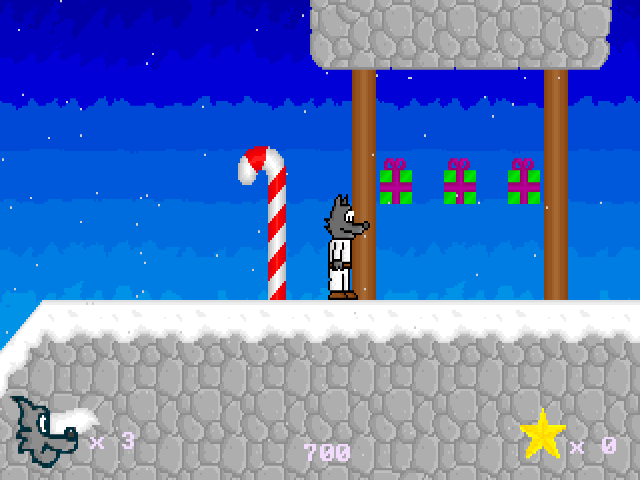
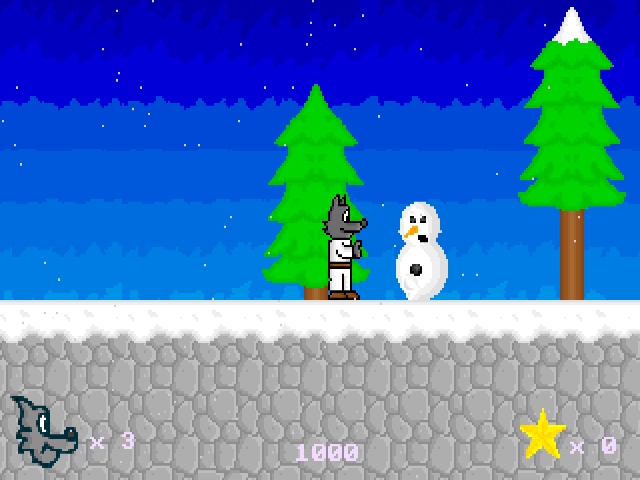
Keep playing
Similar Games
Help improve this entry
Something not working?
Report a gameplay or information problem. Short reports are enough.
Archive notes
Rights and Source Notes
Browser play uses the archived Freeware (installed) release. Official project references are listed below.
- Distribution
- Freeware (installed)
- Browser player
- js-dos · Browser play
- Added to archive
- 2026-07-26
- Official references