Around the World
Saves are stored in this browser.
Player notes
About this game
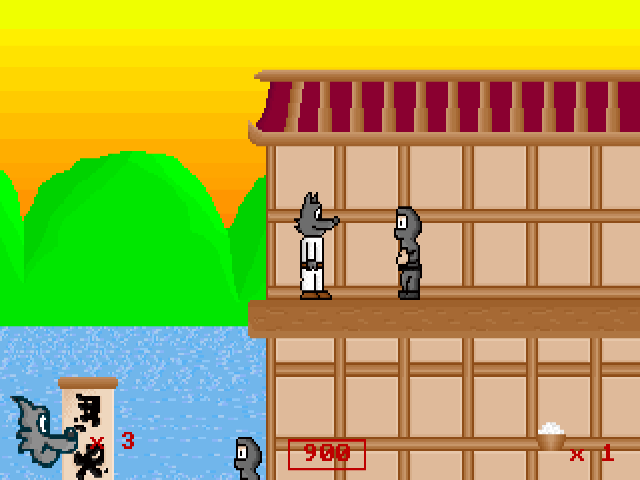
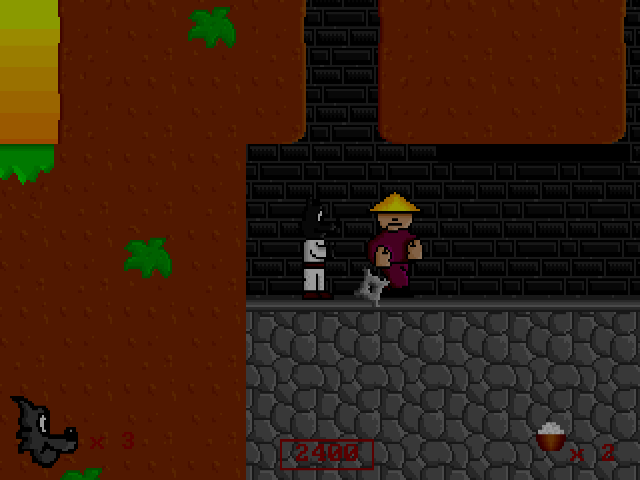
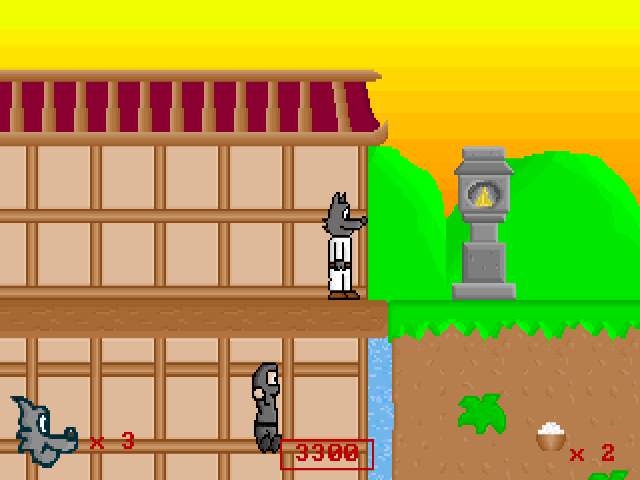
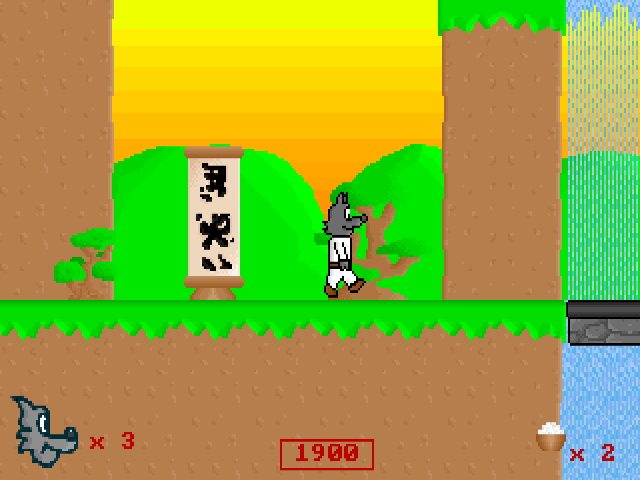
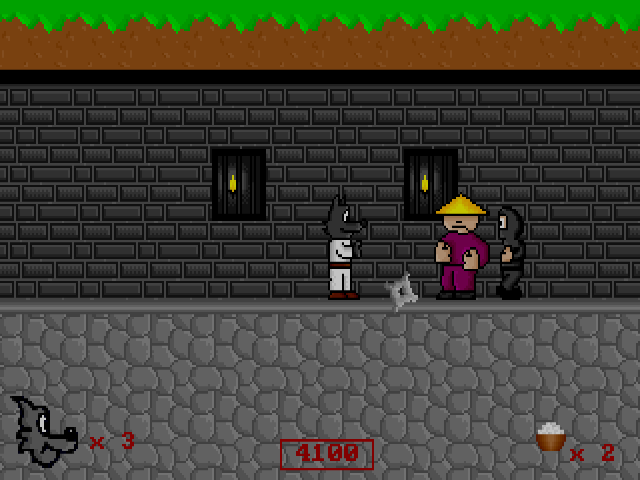
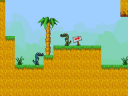
Around the World follows a wolf who works for a museum. Its journey connects platform levels in different countries, with conversations and travel scenes between stages. The packaged help describes eight levels across four countries, plus bonus levels.
Continue through the opening prompts and introduction to reach the journey. Left and Right move the wolf, Space jumps and Alt shoots. Up and Down look above or below the character; they are not the jump controls. Use those views to check the terrain before moving into the next section.
The original help warns that the control-editing feature does not work correctly in this release, so these instructions follow the documented default bindings. Learn the timing of short jumps before attempting a longer gap, and leave room to react when an enemy enters the screen.
Start here
Quick tips
Space jumps; Up and Down look around.
Use the default bindings: the bundled help warns that editing controls is unreliable.
- Arrow Left / Arrow Right
- Move the wolf left / right
- Space
- Jump
- Alt
- Shoot
- Arrow Up / Arrow Down
- Look up / down
- Enter
- Continue when an Enter prompt is displayed
Screens
Screenshots

Keep playing
Similar Games
Help improve this entry
Something not working?
Report a gameplay or information problem. Short reports are enough.
Archive notes
Rights and Source Notes
Browser play uses the archived Freeware (installed) release. Official project references are listed below.
- Distribution
- Freeware (installed)
- Browser player
- js-dos · Browser play
- Added to archive
- 2026-07-26
- Official references