Hex Advance

Saves are stored in this browser.
Player notes
About this game
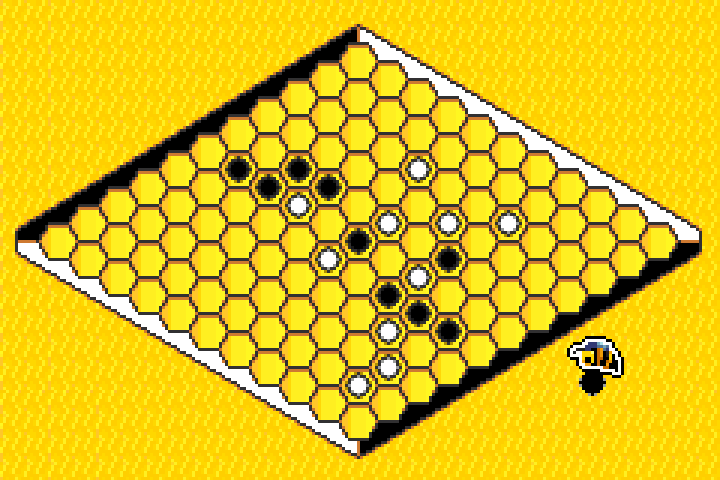
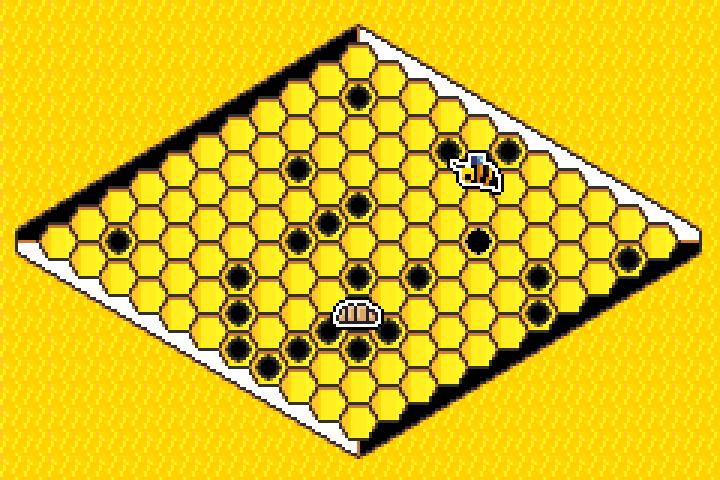
Hex Advance presents the board game Hex with a flying bee as your cursor. Build an unbroken chain of stones between the two sides marked in your colour, while blocking the other player's route. The title offers a computer opponent, two-player mode, a tutorial and a separate minigame about enclosing a bee larva.
In the archived 0.3 jam build, choose 1 player and press X. Move the bee over an empty cell with the arrow keys; the stone marker beneath it shows where X will place your stone. Wait for the placement animation and the computer's reply before moving again.
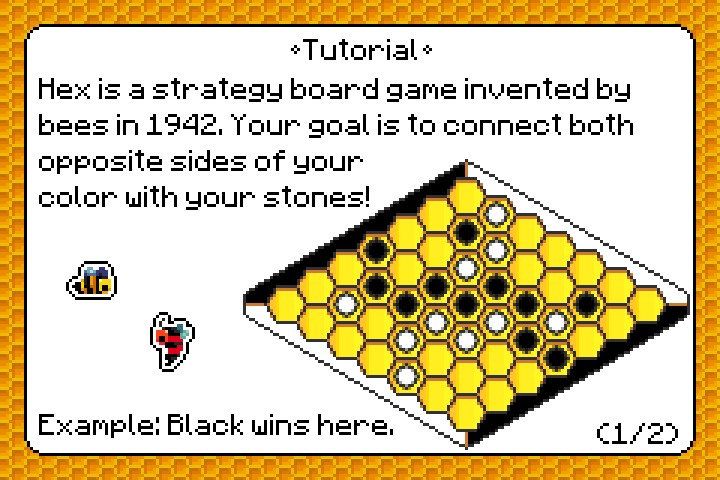
Z takes back the recent move; in the computer mode it removes your move and the reply. Enter opens the pause menu. Read the two-page Tutorial for an illustrated winning connection before your first match.
Start here
Quick tips
Aim using the stone marker below the bee.
Wait for both placement animations before the next move.
Use Tutorial to see which opposite sides your colour must connect.
- Arrow keys
- Choose menu items or move the bee over the board
- X
- Confirm a menu choice or place a stone (GBA A)
- Z
- Undo the recent turn (GBA B)
- Enter
- Open the pause menu (GBA Start)
Screens
Screenshots

Keep playing
Similar Games

Help improve this entry
Something not working?
Report a gameplay or information problem. Short reports are enough.
Archive notes
Rights and Source Notes
Browser play uses the release preserved by Homebrew Hub. Official project references are listed below.
- Distribution
- Source available; complete-game license unverified
- Browser player
- EmulatorJS · Browser play
- Added to archive
- 2026-07-25
- Official references