Back to the Moon
Saves are stored in this browser.
Player notes
About this game
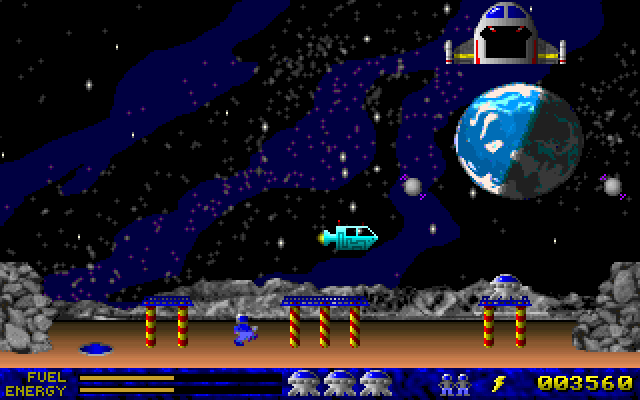
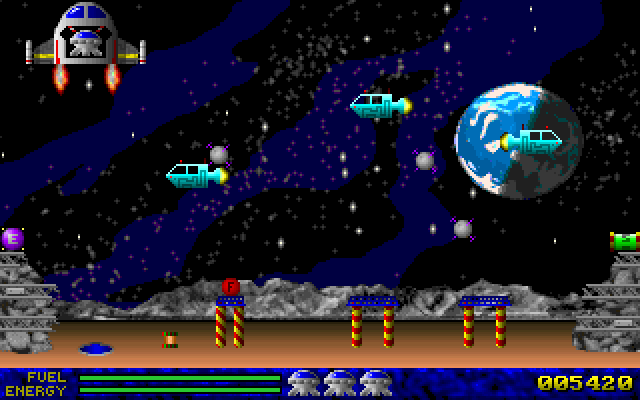
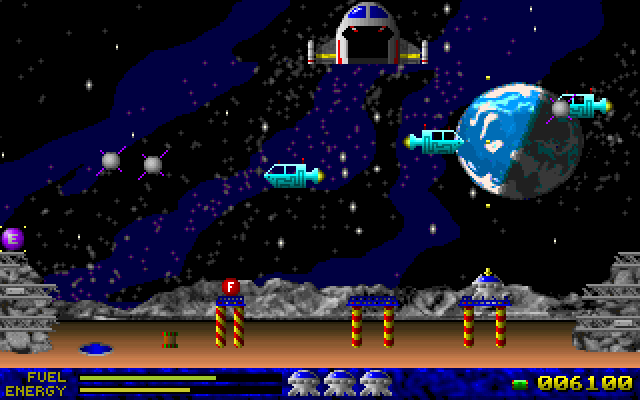
Back to the Moon puts you in charge of a small rescue module. Automated mining posts have stopped responding to their operators, and a retired rescue pilot is called back to bring the trapped teams home. Each trip takes you from the mothership to a landing base on the surface and back. The original instructions specify rescuing the operators one at a time.
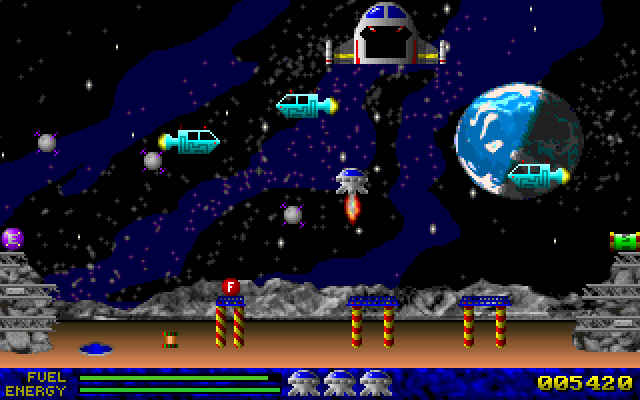
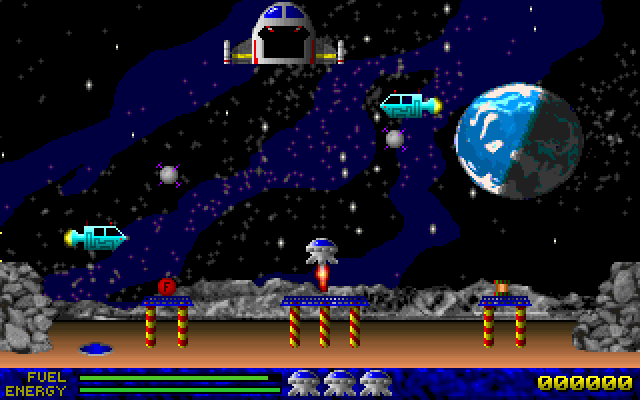
Choose New Game and let the destination sequence finish. Down begins the landing operation, separating the module from the mothership. Up fires the rocket to slow a fall or climb; release it to descend. Left and Right move the module sideways. Use the prepared landing bases: the game's help warns that touching the bare surface lets debris enter the reactor and destroys the craft. Approach both the bases and the mothership gently, because excessive speed costs energy.
Fuel and energy are separate resources. Without fuel, the rocket cannot arrest your fall; without energy, the protective field fails. The module begins without ammunition and can use supplies brought aboard by rescued operators. The original controls assign Ctrl to the gun and Space to the Supernova Bomb. Start by practicing descent and braking before trying to fight nearby ships. P pauses the action, while Escape opens the mission-abort confirmation. The packaged README identifies its documentation as version 1.1, May 1997. This guide covers the opening rescue scene and its built-in instructions; completing a rescue and restoring a saved game across browser sessions have not been verified.
Start here
Quick tips
Use Read Me in the main menu for the original story, controls and landing instructions.
Land on the prepared bases and slow down before touching down or reconnecting to the mothership.
Watch both FUEL and ENERGY; thrust cannot save a fall once the fuel is gone.
- Up / Down, then Enter
- Choose and confirm a menu item
- Down
- Begin the landing operation from the mothership
- Up
- Fire the rocket to brake the descent or climb
- Left / Right
- Move the rescue module sideways
- Ctrl
- Fire the gun when ammunition is available
- Space
- Launch a Supernova Bomb when available
- P
- Pause or resume the action
- Escape
- Open the mission-abort confirmation
Screens
Screenshots
Keep playing
Similar Games
Help improve this entry
Something not working?
Report a gameplay or information problem. Short reports are enough.
Archive notes
Rights and Source Notes
Browser play uses the archived Freeware release.
- Distribution
- Freeware
- Browser player
- js-dos · Browser play
- Added to archive
- 2026-07-25