Bricks (Vince Bly)
Saves are stored in this browser.
Player notes
About this game
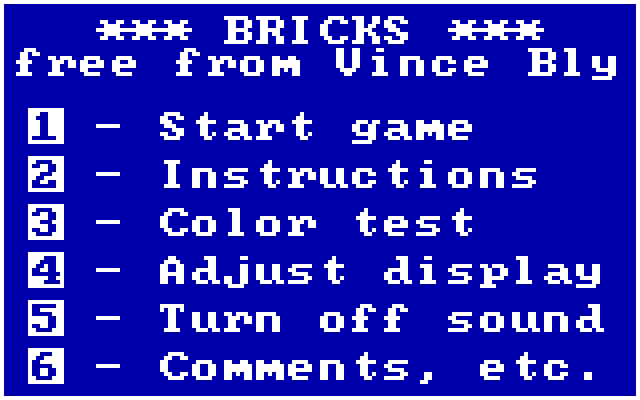
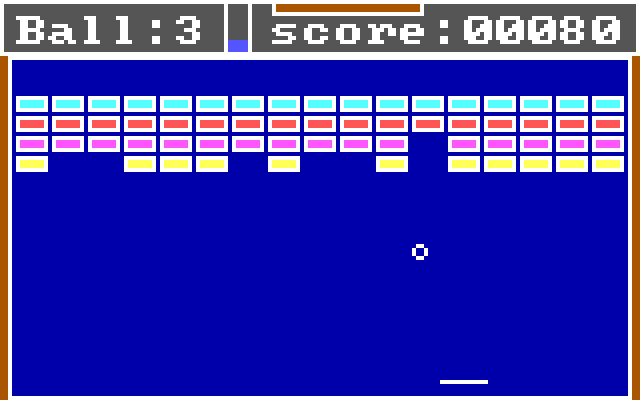
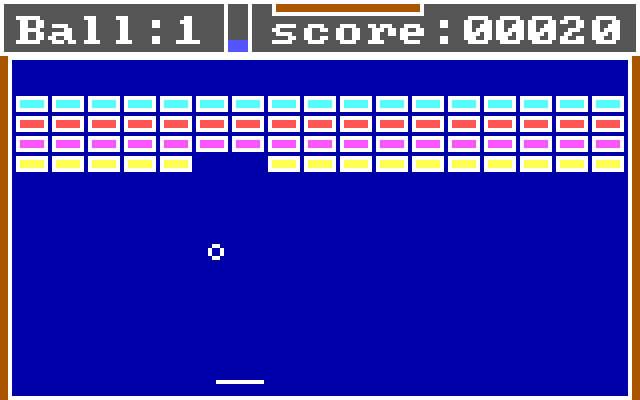
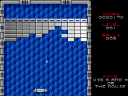
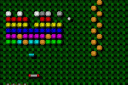
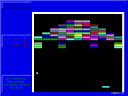
Vince Bly's Bricks is a compact paddle-and-ball game with a numbered text menu. Choose Start game, then a difficulty, and keep returning the ball toward the bricks. Its limited-colour display is part of this early DOS presentation.
The unusual keyboard layout is the first thing to learn: Insert moves the paddle right, while Caps Lock moves it left. Arrow keys are not the controls shown in the game's instructions. Hitting with the paddle's ends deflects the ball away from its normal path, giving some control over the next rebound.
Choose option 2 at the main menu to review the instructions. Other menu entries provide a colour test, display adjustment and sound toggle. Begin at a lower difficulty until the two paddle keys become comfortable.
Start here
Quick tips
Use Insert and Caps Lock for the paddle.
The paddle ends alter the rebound angle.
- Insert
- Move the paddle right
- Caps Lock
- Move the paddle left
- 1
- Start from the main menu; choose a difficulty when prompted
- 2
- Show instructions from the main menu
Screens
Screenshots
Keep playing
Similar Games
Help improve this entry
Something not working?
Report a gameplay or information problem. Short reports are enough.
Archive notes
Rights and Source Notes
Browser play uses the archived Freeware release.
- Distribution
- Freeware
- Browser player
- js-dos · Browser play
- Added to archive
- 2026-07-26