Checkers
Saves are stored in this browser.
Player notes
About this game
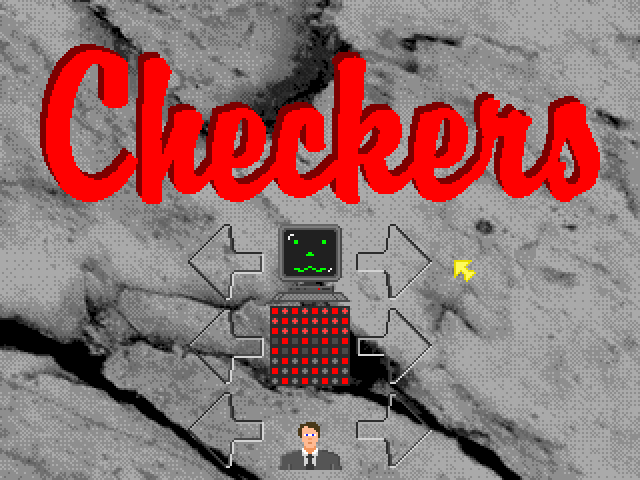
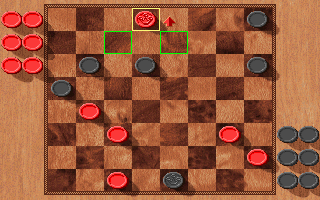
Checkers is a compact DOS board game credited to Dave Dutcher and Scott Haag. The default browser setup gives you the dark pieces at the bottom of the board, while the computer plays red. Press Enter at the title to reach the board.
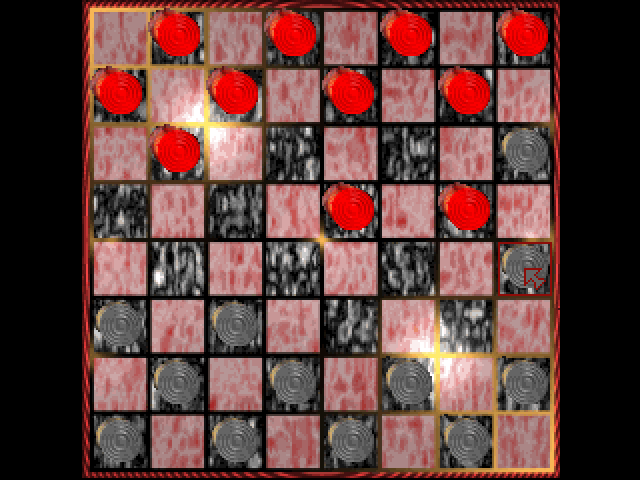
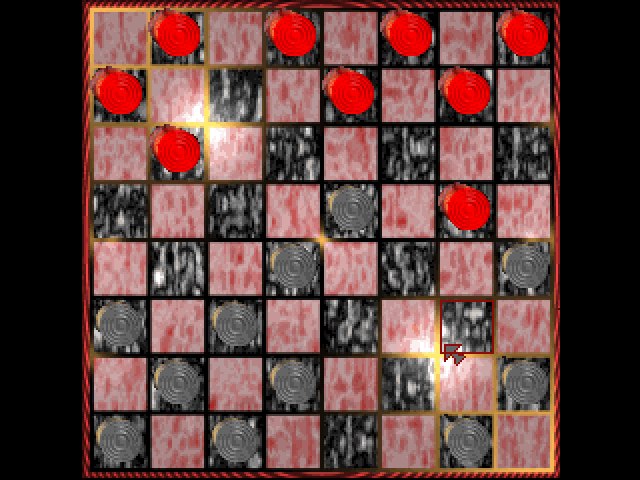
Use two separate left clicks to make a move: select a dark piece, then choose an empty diagonal square toward the other side. To capture, jump over an adjacent opposing piece into the empty square beyond it. The captured piece disappears from the board. Let the computer finish its reply before selecting your next move.
Move the pointer onto a square before clicking, especially when moving between distant parts of the board. If a click does not take effect, pause briefly over the square and try again. The browser opens the original single-player setup; the executable also contains human/computer command-line options, but they are not required to start a game here.
Start here
Quick tips
Make a selection and a destination click separately.
Wait for the red computer pieces to finish moving before your next turn.
- Enter
- Leave the title screen and open the board
- Left click
- Select your piece, then click its destination
Screens
Screenshots
Keep playing
Similar Games
Help improve this entry
Something not working?
Report a gameplay or information problem. Short reports are enough.
Archive notes
Rights and Source Notes
Browser play uses the archived Freeware release. Official project references are listed below.
- Distribution
- Freeware
- Browser player
- js-dos · Browser play
- Added to archive
- 2026-07-26
- Official references