Centaur
Saves are stored in this browser.
Player notes
About this game
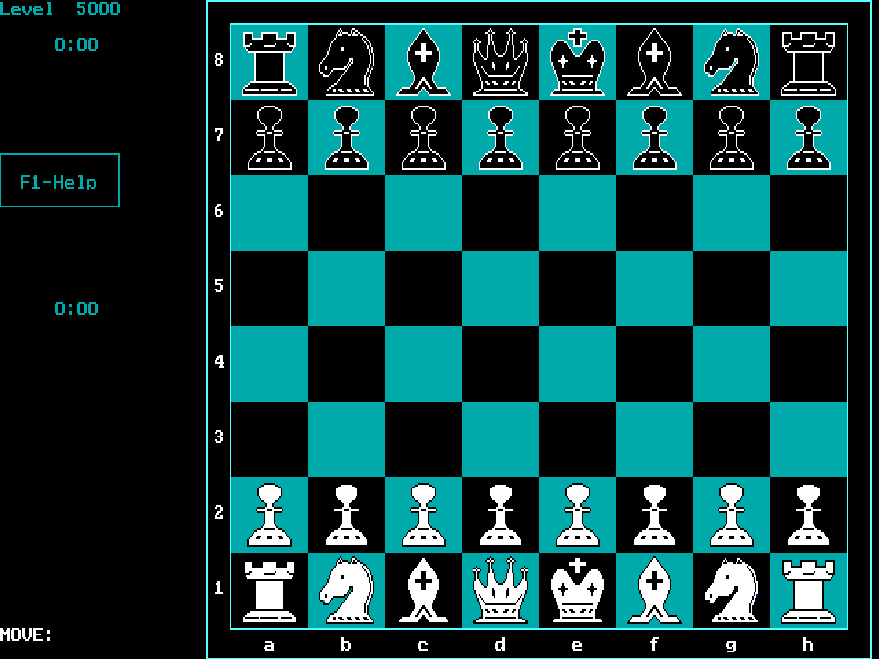
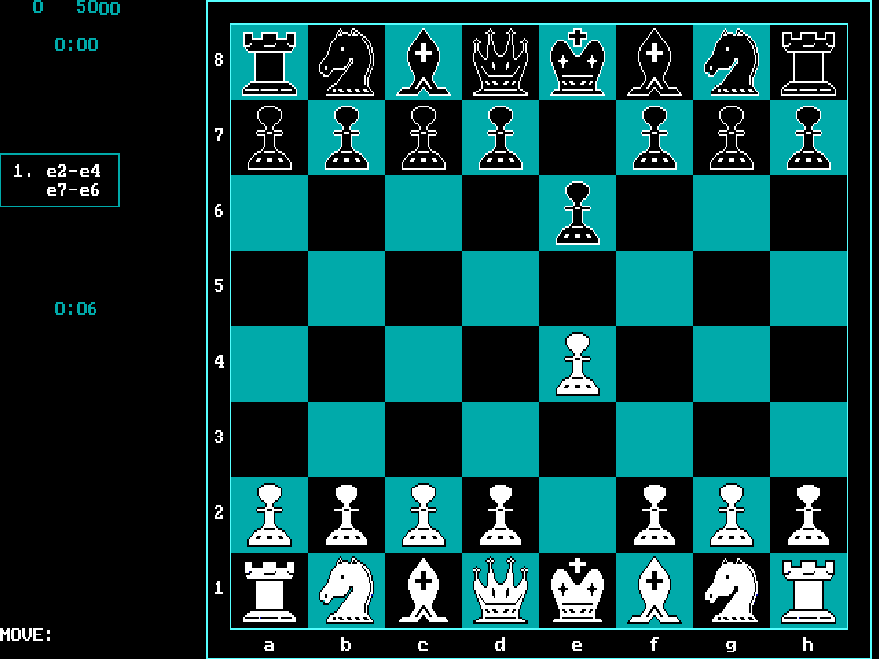
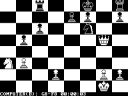
Centaur is a chess program with a computer opponent and keyboard-driven menus. This browser edition uses the DOS 3.0 distribution. The separate Windows release cannot run in the DOS player.
At the move prompt, type an origin and destination such as e2e4, then press Enter. The computer responds on the board. Press ? to see examples of accepted notation, or F1 for context-sensitive help. F2 opens the main menu, and F4 changes the engine's thinking level.
Ctrl+B takes a move back, while Ctrl+F asks the engine to make its move immediately. The Game menu contains save and load commands. Begin with the normal starting position before trying the position editor, and lower the thinking level if you want a quicker opponent.
Start here
Quick tips
Use ? at the move prompt to check notation.
The Level menu controls how long the engine thinks.
- Move text + Enter
- Enter a move such as e2e4 and submit it
- ?
- Show examples of move notation
- F1
- Open context-sensitive help
- F2
- Open the main menu
- F4
- Change the thinking level
- Ctrl + B
- Take back a move
- Ctrl + F
- Force the engine to move
- F5
- Open the game save/load menu
- F10
- Open the quit menu
Screens
Screenshots
Keep playing
Similar Games
Help improve this entry
Something not working?
Report a gameplay or information problem. Short reports are enough.
Archive notes
Rights and Source Notes
Browser play uses the archived Freeware release.
- Distribution
- Freeware
- Browser player
- js-dos · Browser play
- Added to archive
- 2026-07-26