Chenard
Saves are stored in this browser.
Player notes
About this game
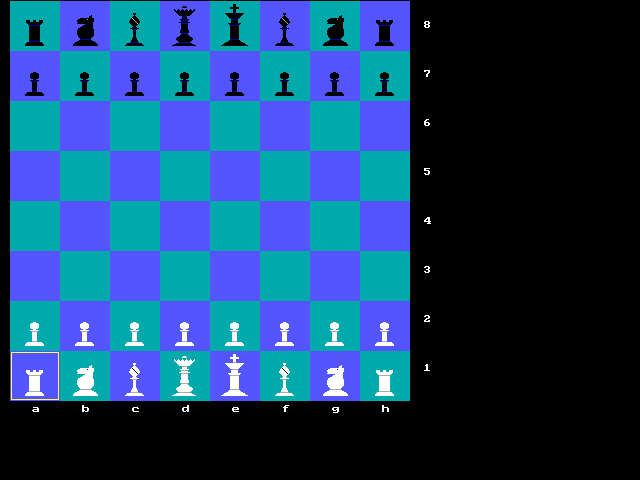
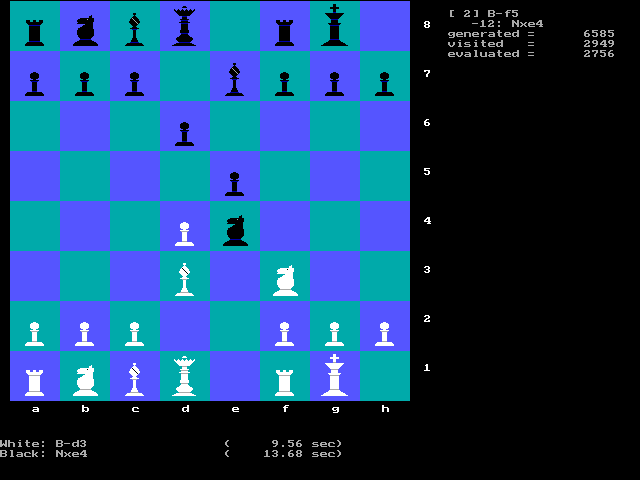
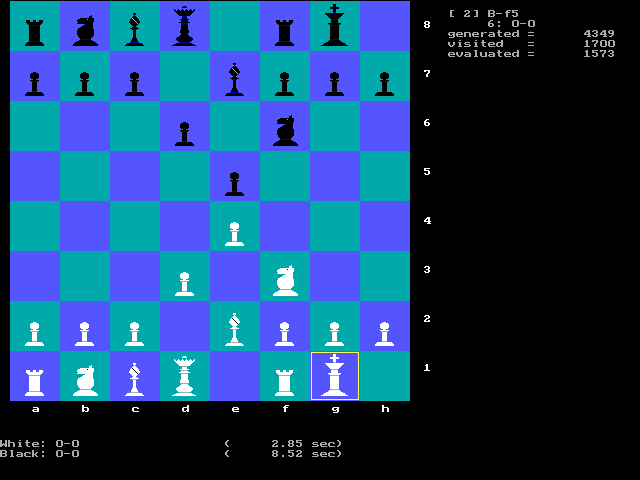
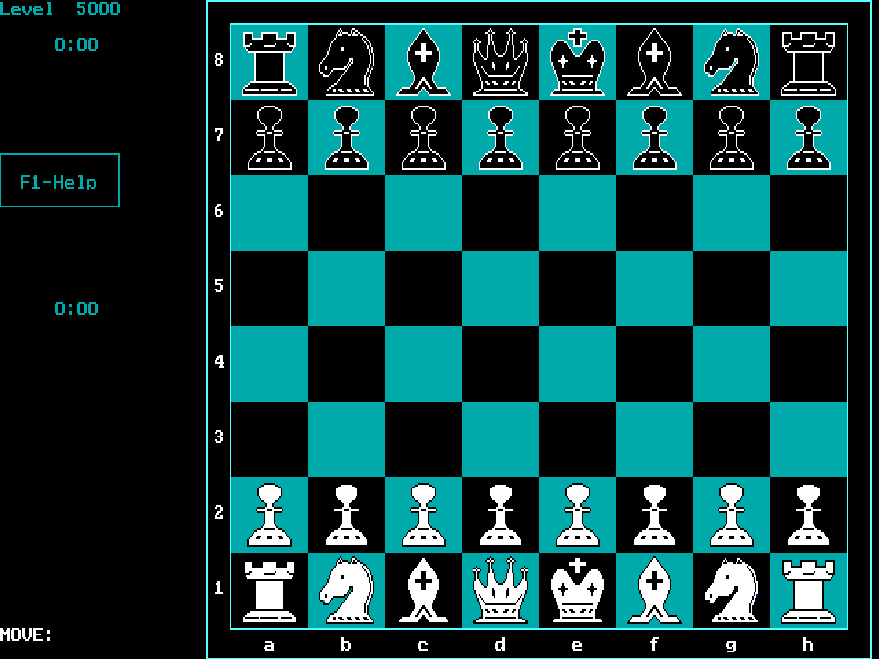
Chenard is Don Cross's chess program. This archive runs the MS-DOS VGA build dated 22 June 1997. Its plain board keeps the pieces, square coordinates and recent moves visible while the computer calculates its reply.
At startup, type H for a human or C for the computer, then press Enter for each side. When you choose a computer player, enter its thinking time in seconds. For a quick first game, choose H for White, C for Black and a one-second limit.
Use the arrow keys to move the highlighted square. Press Enter on one of your pieces, move the cursor to its destination, then press Enter again to submit the move. Backspace takes back the last turn, including the computer reply in a human-versus-computer game. Start with a pawn move to learn the cursor before trying a longer game.
Start here
Quick tips
Choose a one-second computer limit for a quick first game.
Follow the highlighted square: moves use the cursor and Enter.
Backspace also removes the computer reply in a human-versus-computer game.
- H / C, then Enter
- Startup: choose a human or computer player for each side
- Number, then Enter
- Startup: set computer thinking time in seconds
- Arrow keys
- Move the board cursor
- Enter
- Pick up the selected piece; confirm its destination
- Backspace
- Take back the last turn
Screens
Screenshots
Keep playing
Similar Games
Help improve this entry
Something not working?
Report a gameplay or information problem. Short reports are enough.
Archive notes
Rights and Source Notes
Browser play uses the archived Freeware release. Official project references are listed below.
- Distribution
- Freeware
- Browser player
- js-dos · Browser play
- Added to archive
- 2026-07-26
- Official references