Chess88
Saves are stored in this browser.
Player notes
About this game
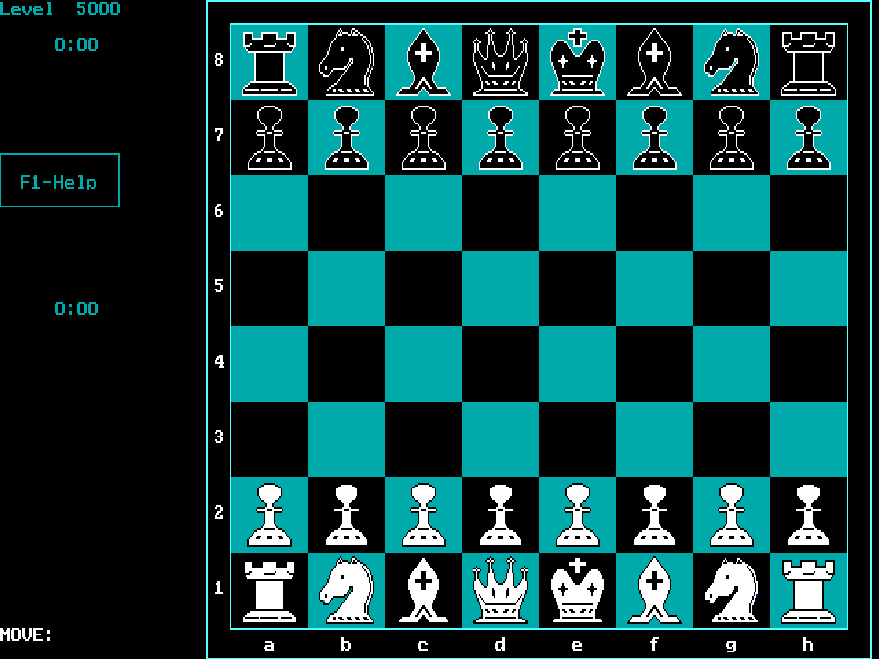
Chess88 is Don Berg's monochrome chess program, identified by its opening prompt as version 2.0. Choose whether to play White or Black, then select the computer's look-ahead level from 1 to 6. A low setting makes a useful starting point while you learn its keyboard interface.
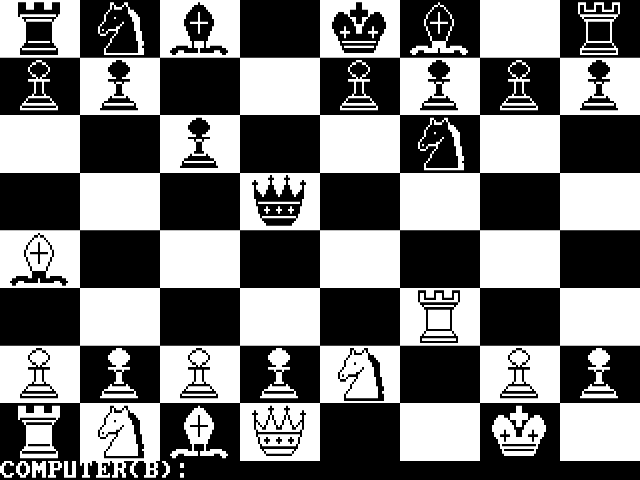
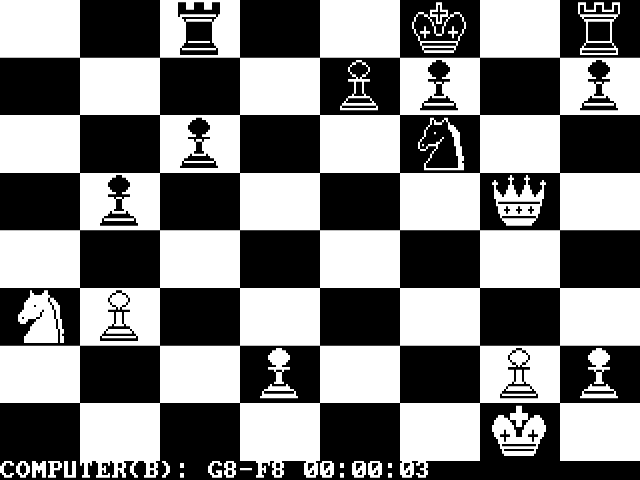
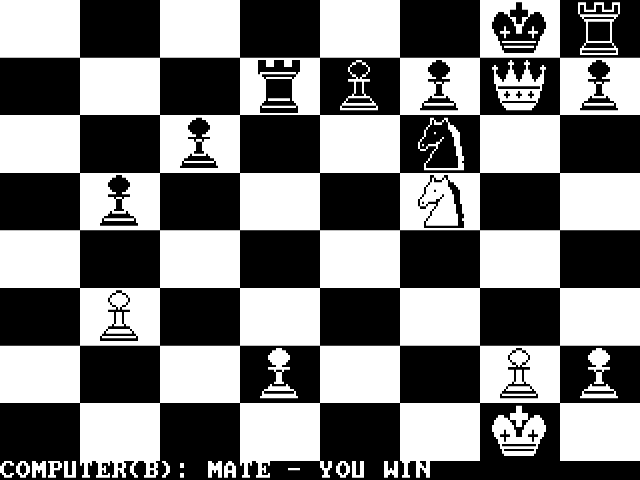
At the colour prompt, enter uppercase W or B: the packaged program rejects a lowercase response. On the board, move the selection with the arrow keys and press Delete to pick up a piece. Move to its destination and press Insert to place it. The status line tells you whether it is waiting for a pickup or a destination.
After a legal move, wait for the computer's reply before selecting the next piece. The program reports invalid moves and check through its status messages. Begin at level 1 and try a simple pawn move to learn the pickup-and-place sequence; increase the search depth once you are comfortable with it.
Start here
Quick tips
Use uppercase W or B at the colour prompt.
Delete picks up a piece; Insert places it.
Start at look-ahead level 1 while learning the interface.
- Shift + W / Shift + B
- Choose White / Black at the opening colour prompt
- 1–6
- Select the computer look-ahead level
- Arrow keys
- Move the board selection
- Delete
- Pick up the selected piece
- Insert
- Place the piece on the selected destination
Screens
Screenshots
Keep playing
Similar Games
Help improve this entry
Something not working?
Report a gameplay or information problem. Short reports are enough.
Archive notes
Rights and Source Notes
Browser play uses the archived Freeware release.
- Distribution
- Freeware
- Browser player
- js-dos · Browser play
- Added to archive
- 2026-07-26