Nova Chess
Saves are stored in this browser.
Player notes
About this game
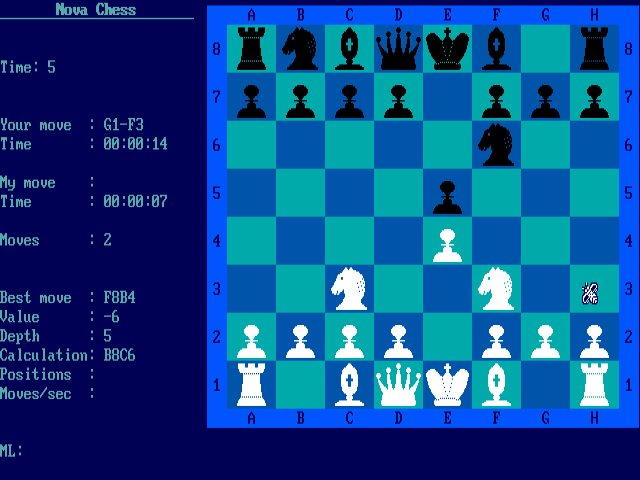
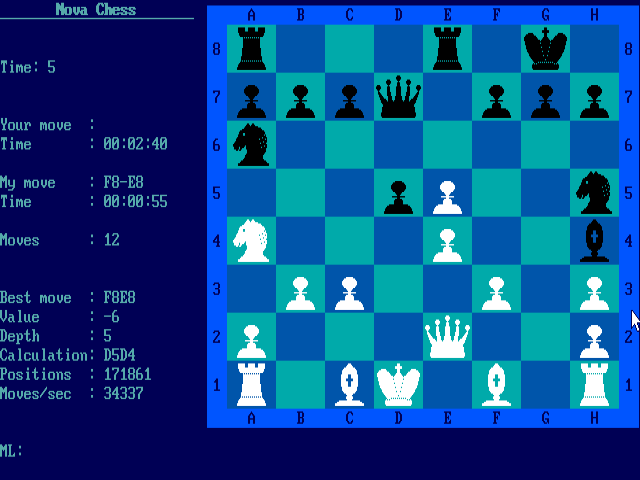
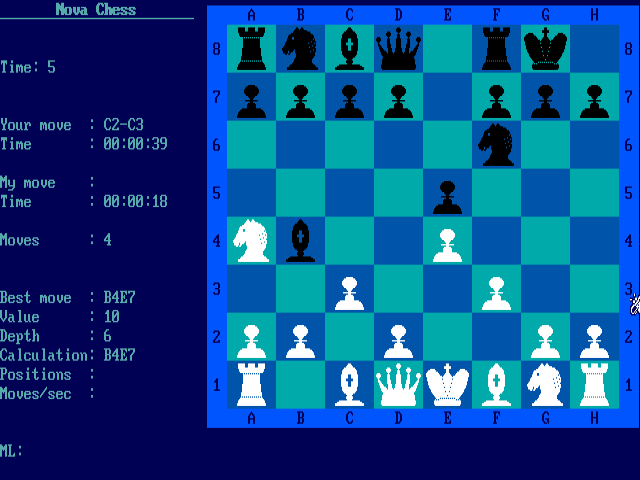
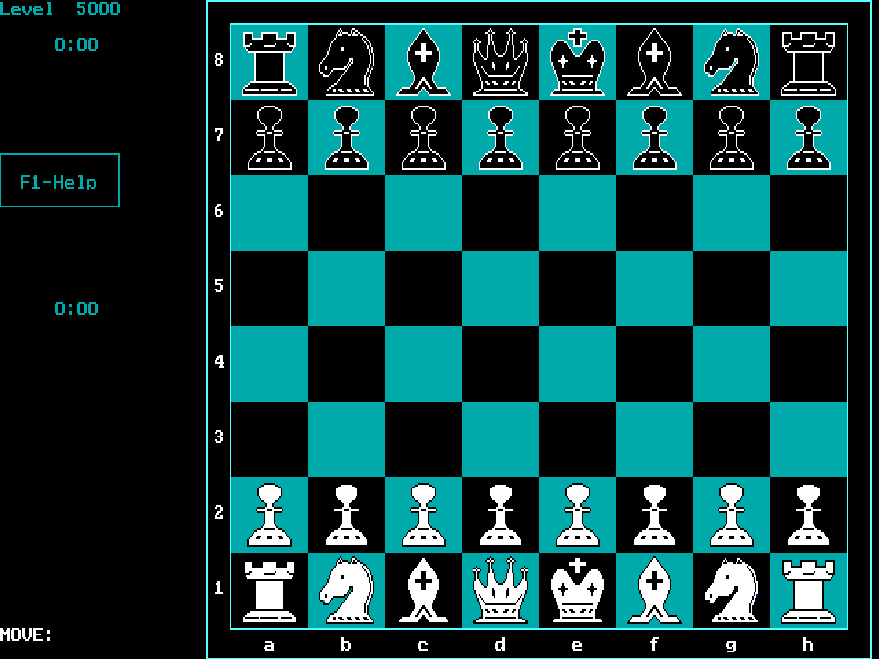
Nova Chess 1.11 is a compact DOS chess program with adjustable computer strength. Choose a time limit or a search depth from Levels; the manual recommends depth 1 for beginners. The optional main-line display shows the computer's planned continuation and can offer a clue about its expected reply.
Move the pointer to the top edge to reveal the menu. Make a move by clicking the starting square and then the destination. Clicking the selected piece again cancels the selection. Right-click closes an open menu without choosing anything, or interrupts the computer's calculation so it moves immediately.
Ctrl+Backspace takes back one half-move. Change sides and Rotate board are separate menu actions: one swaps who plays which side, while the other changes the view. The program saves settings on exit, but its own menu does not save the current game position.
Start here
Quick tips
Use depth 1 for an easier opponent.
Rotate board changes the view; Change sides changes who plays each color.
- Ctrl + Backspace
- Take back one half-move
- F1–F8 / Shift + F1–F8
- Increase / decrease the selected board or interface color
- Mouse to top edge
- Reveal the menu bar
- Mouse click
- Select the starting square and destination; click a selected piece again to cancel
- Right mouse button
- Cancel a menu selection or make the computer finish calculating immediately
Screens
Screenshots
Keep playing
Similar Games
Help improve this entry
Something not working?
Report a gameplay or information problem. Short reports are enough.
Archive notes
Rights and Source Notes
Browser play uses the archived Freeware release.
- Distribution
- Freeware
- Browser player
- js-dos · Browser play
- Added to archive
- 2026-07-28