Chickie Egg
Saves are stored in this browser.
Player notes
About this game
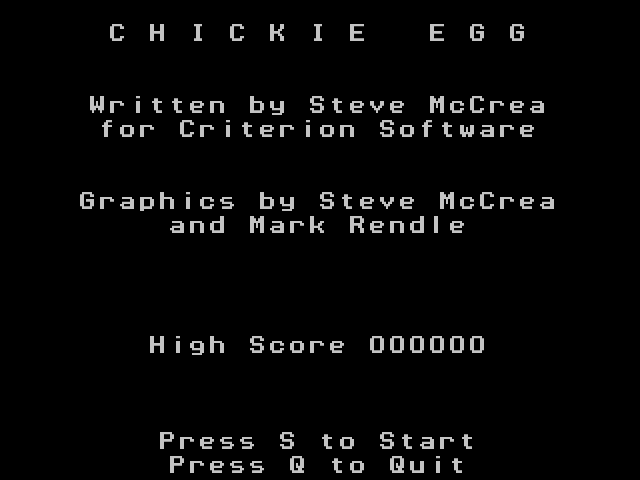
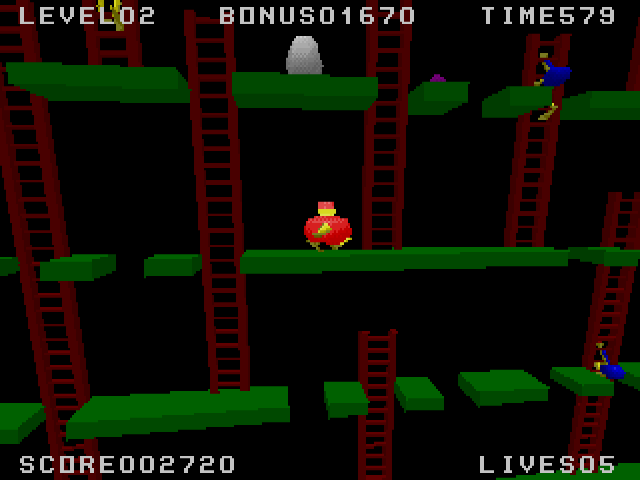
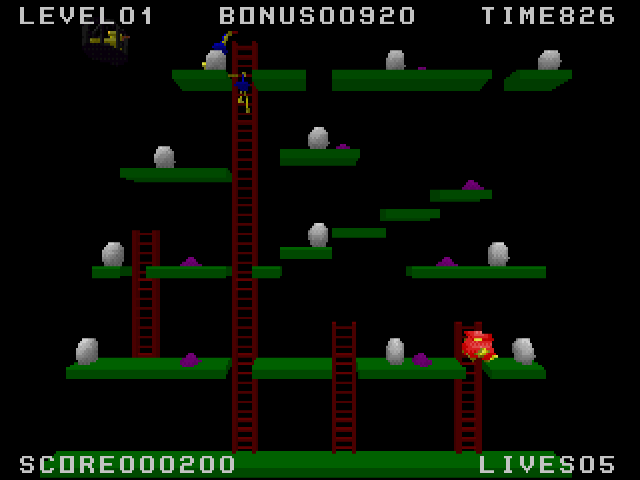
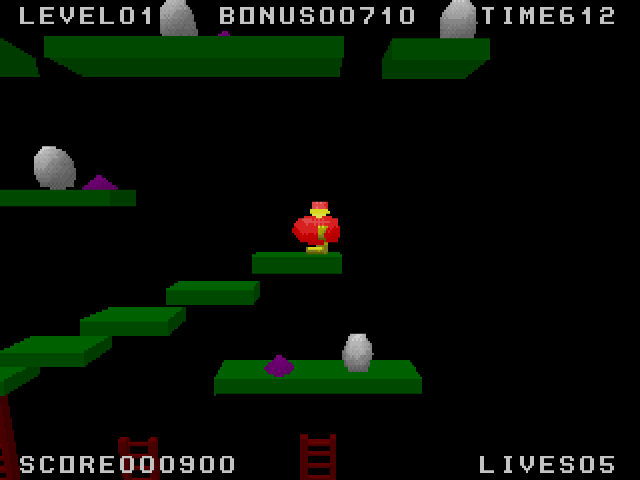
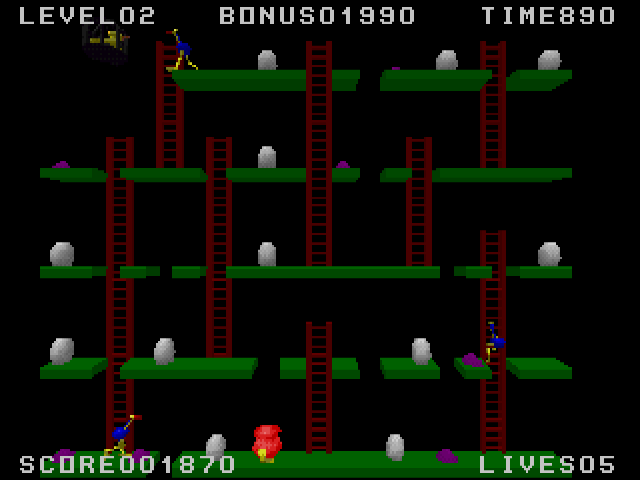
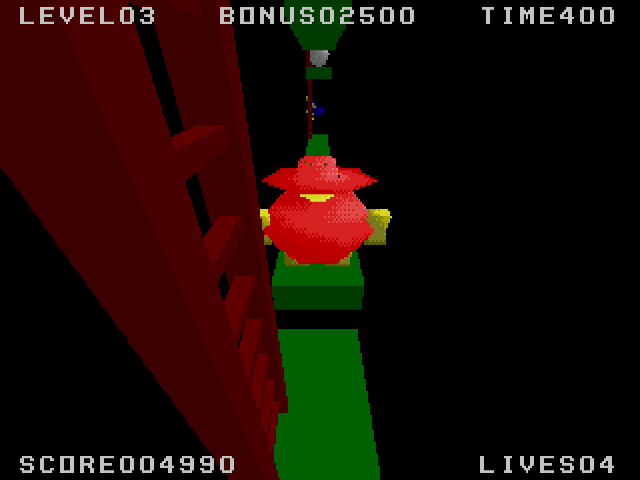
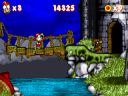
Chickie Egg puts a farmer into a three-dimensional version of an older platform-game idea. Gather all the eggs before the timer expires while staying clear of the emus and the duck. Reaching a remaining egg safely matters more than simply crossing the screen as quickly as possible.
The package identifies itself as a RenderWare 2.0 DOS demonstration. Its default layout uses the cursor keys for movement and Space for jumping. F10 opens key redefinition if you prefer another arrangement.
Three view keys change how you see the same action: F1 selects the classic view, F2 moves closer and F3 switches to first person. Begin with the classic view while learning the platforms, then compare the alternatives once you know where the eggs and enemies are. Escape quits the demonstration.
Start here
Quick tips
Try F1's classic view while learning the route between eggs.
Space jumps by default; F10 lets you redefine the controls.
- Arrow keys
- Move the farmer
- Space
- Jump
- F1
- Select the classic view
- F2
- Select the close-up view
- F3
- Select the first-person view
- F10
- Redefine keys
- Esc
- Quit
Screens
Screenshots
Keep playing
Similar Games
Help improve this entry
Something not working?
Report a gameplay or information problem. Short reports are enough.
Archive notes
Rights and Source Notes
Browser play uses the archived Freeware (installed) release. Official project references are listed below.
- Distribution
- Freeware (installed)
- Browser player
- js-dos · Browser play
- Added to archive
- 2026-07-28
- Official references