Christmas Matchup
Saves are stored in this browser.
Player notes
About this game
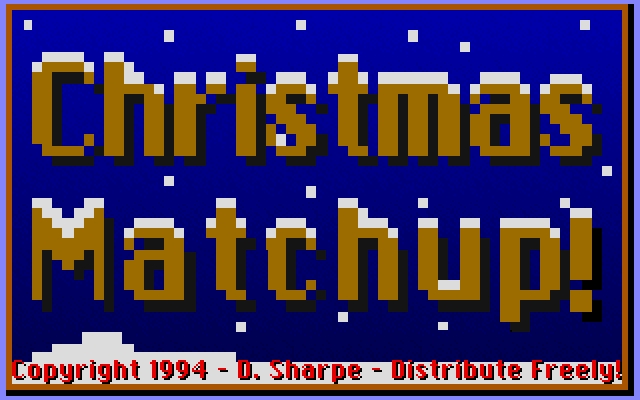
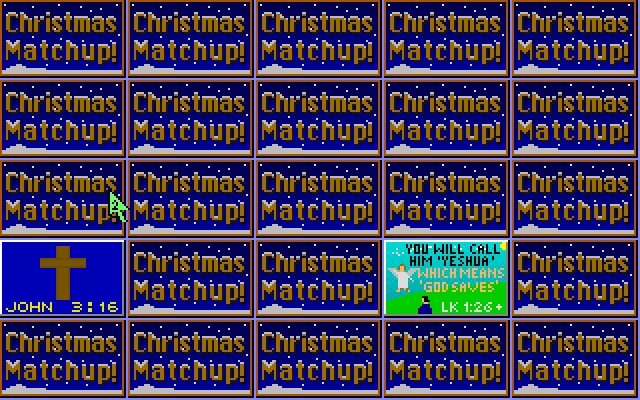
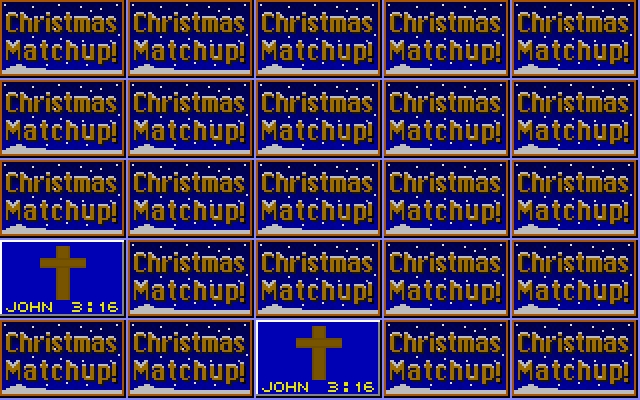
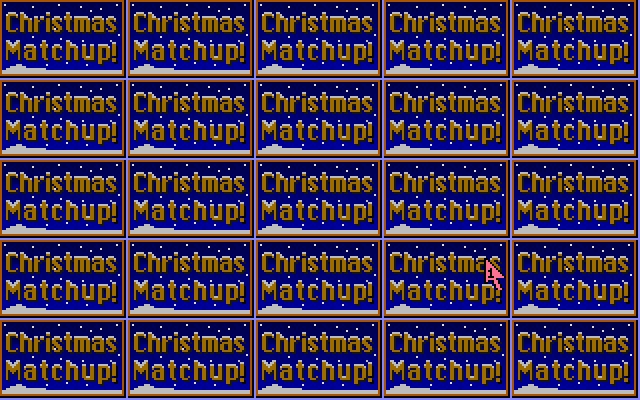
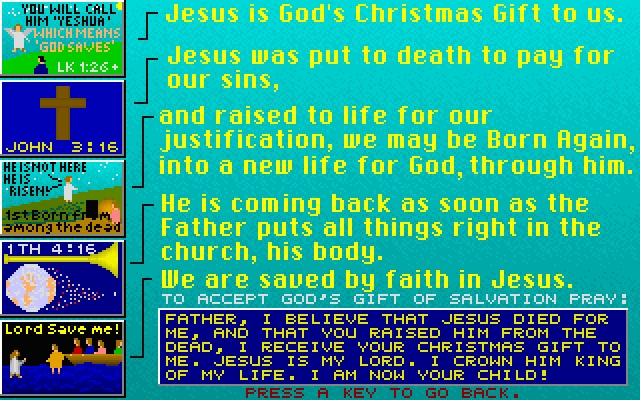
Christmas Matchup is a mouse-controlled memory game by Dan Sharpe. Its picture cards depict scenes from the life of Jesus, with short passages explaining the illustrations. The board begins with twenty-five covered cards. Click to reveal pictures and look for matching pairs, remembering what appeared in each position.
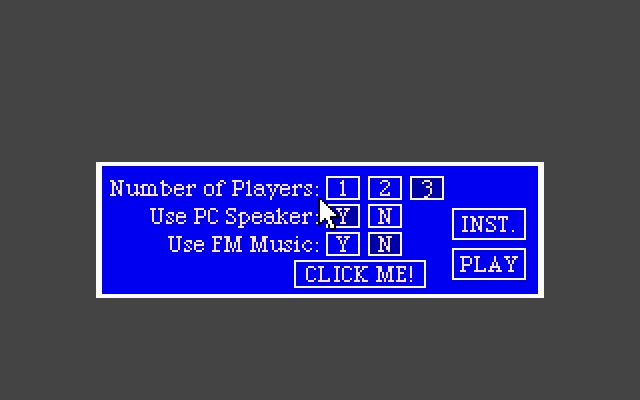
The setup screen offers one, two or three local players and separate choices for PC speaker sound and FM music. Press Space to leave the opening title, choose your settings with the mouse, then click PLAY. Click INST. in the setup screen to read the rules. During a game, click a covered card to turn it over.
The built-in instructions explain that a matching pair becomes the current player's cards and that the player with the most cards wins. They also describe a Grace wildcard that matches an appropriate card. This archive contains version 3.1; its program credits list 1994, 1995 and 1997. Start by learning the positions of a few distinctive pictures before trying to remember the whole board.
Start here
Quick tips
Remember both the picture and its row and column when you reveal a card.
Use INST. on the setup screen to read the game’s own rules.
Choose the number of local players before clicking PLAY.
- Space
- Opening title: continue to the setup screen
- Left click
- Setup: choose players or sound options; click PLAY to begin
- Left click
- Game: reveal a covered card; find matching pictures
Screens
Screenshots
Keep playing
Similar Games

Help improve this entry
Something not working?
Report a gameplay or information problem. Short reports are enough.
Archive notes
Rights and Source Notes
Browser play uses the archived Freeware release. Official project references are listed below.
- Distribution
- Freeware
- Browser player
- js-dos · Browser play
- Added to archive
- 2026-07-26
- Official references