World of Zoink
Saves are stored in this browser.
Player notes
About this game
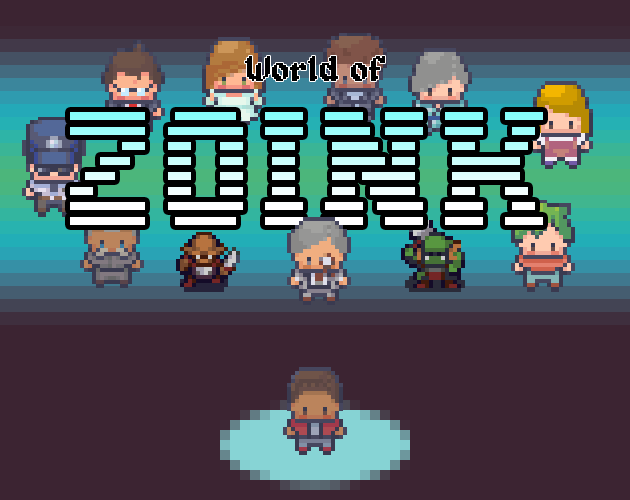
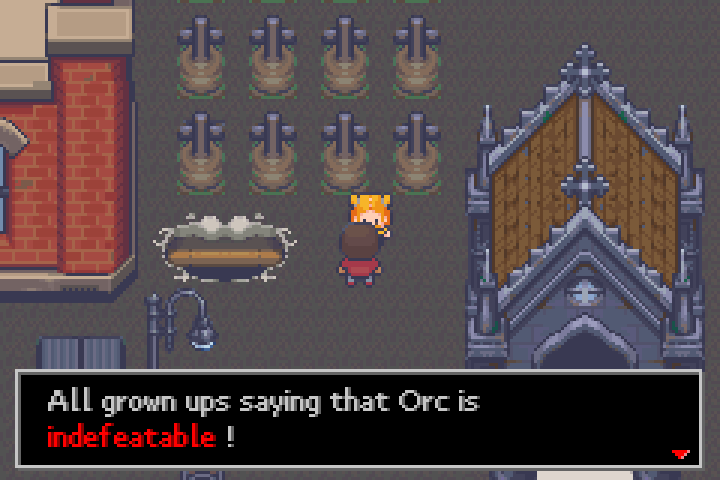
World of Zoink begins with a familiar fantasy setup: a demon, a missing princess and an apparent rescue quest. Its puzzles and conversations play with those expectations. Look closely at the people and objects around you instead of assuming that every situation has the usual role-playing-game solution.
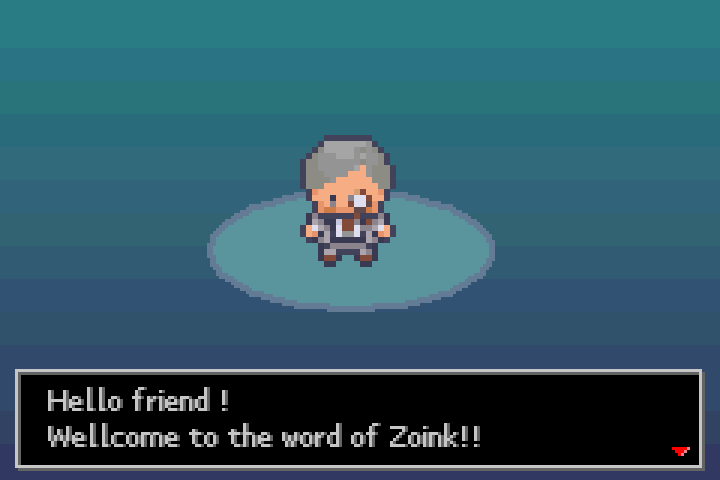
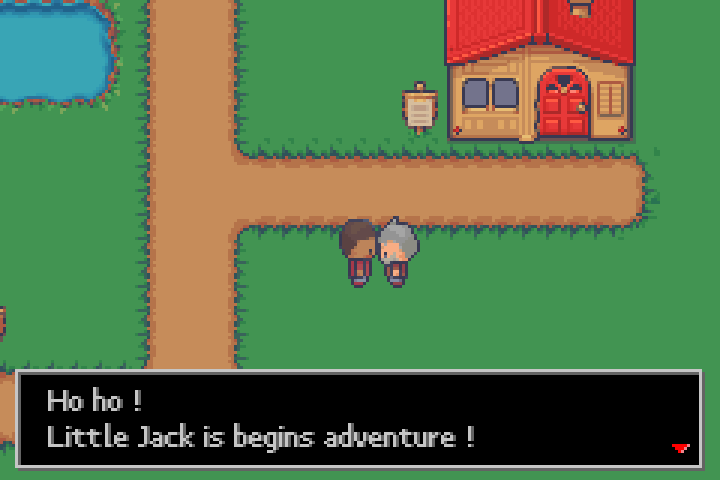
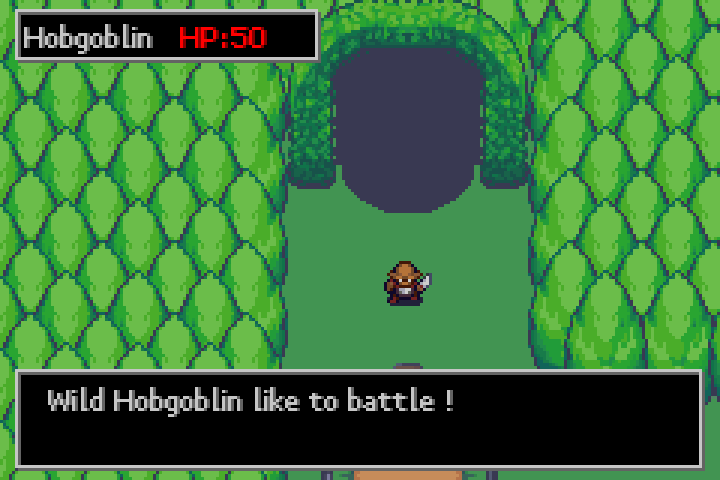
This is the GBA Jam 2024 release. Use the arrow keys to walk around and X to interact with nearby characters or objects. X also confirms choices and advances dialogue. Enter opens the inventory menu, and Z cancels or backs out. Read the conversation before moving on; details that initially seem like jokes can help you understand what to try next.
Explore at your own pace, revisit places after learning something new and consider the items you are carrying. The creator encourages experimentation, so try different available actions when the straightforward approach does not explain a puzzle.
Start here
Quick tips
Read dialogue and inspect nearby objects before moving on.
Check your inventory when a puzzle seems unclear.
Revisit earlier places after new conversations.
- Arrow keys
- Walk; move through menu choices
- X
- Interact, confirm choices and advance dialogue (GBA A)
- Z
- Cancel or go back (GBA B)
- Enter
- Open the inventory menu (GBA Start)
Screens
Screenshots
Keep playing
Similar Games

Help improve this entry
Something not working?
Report a gameplay or information problem. Short reports are enough.
Archive notes
Rights and Source Notes
Browser play uses the release preserved by Homebrew Hub. Official project references are listed below.
- Distribution
- Source subset available; bundled asset terms unverified
- Browser player
- EmulatorJS · Browser play
- Added to archive
- 2026-07-25
- Official references