Cosmo Dragon
Saves are stored in this browser.
Player notes
About this game
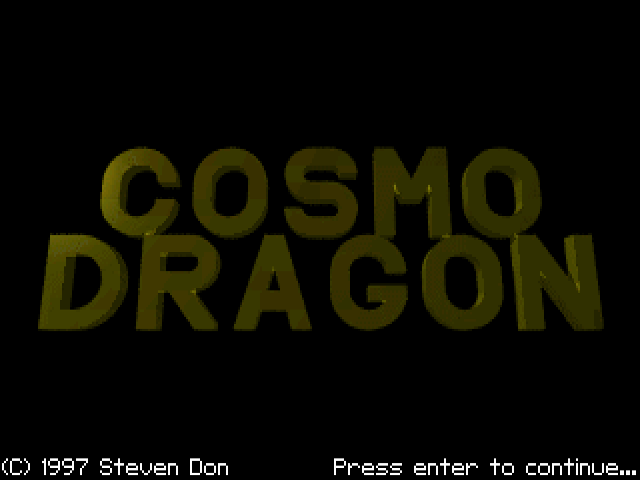
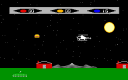
Cosmo Dragon follows a dragon whose son has been taken after he refuses to join a Halloween party. The story sets up a direct arcade task: steer Cosmo, fire at hazards and keep enough lives to continue. The included CD1.TXT identifies this as Steven Don's 1997 version 1.1.
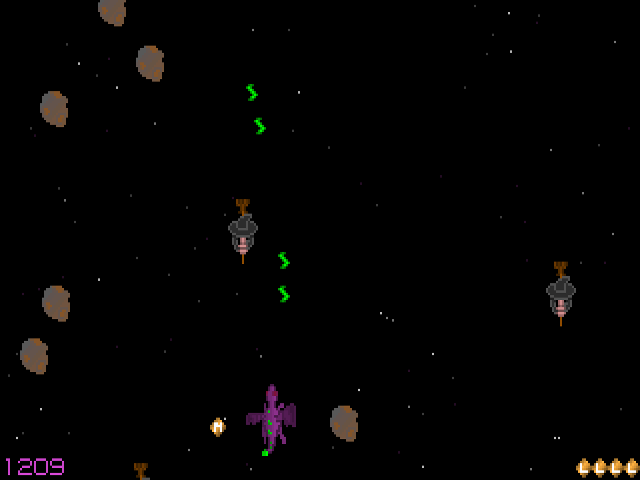
Use the arrow keys to change direction and Space to shoot a fireball. When the game-over message appears, Enter starts another attempt; Escape quits. These are the game's documented keyboard controls, rather than the jump-and-run layout used by many platform games.
The shiny lettered orbs have different effects. A supplies automatic fire, F increases flying speed, L adds a life, P provides a shield and W upgrades the weapon. M is a points bonus and the question-mark orb chooses a random effect. Read the letter before steering toward an orb, especially when a faster movement speed would change how you approach the next hazard.
Start here
Quick tips
Look for L when you need another life and P when you need a shield.
The F orb increases flying speed; adjust your steering after collecting it.
- Arrow keys
- Change direction
- Space
- Shoot a fireball
- Enter
- Restart after game over
- Esc
- Quit
Screens
Screenshots

Keep playing
Similar Games

Help improve this entry
Something not working?
Report a gameplay or information problem. Short reports are enough.
Archive notes
Rights and Source Notes
Browser play uses the archived Freeware release. Official project references are listed below.
- Distribution
- Freeware
- Browser player
- js-dos · Browser play
- Added to archive
- 2026-07-26
- Official references