EGAWALLS
Saves are stored in this browser.
Player notes
About this game
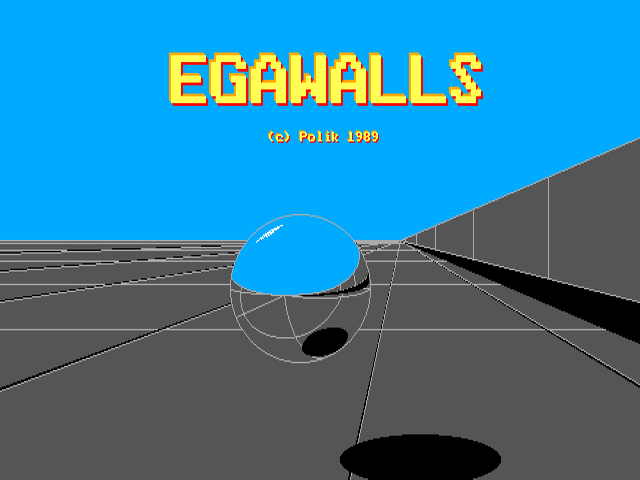
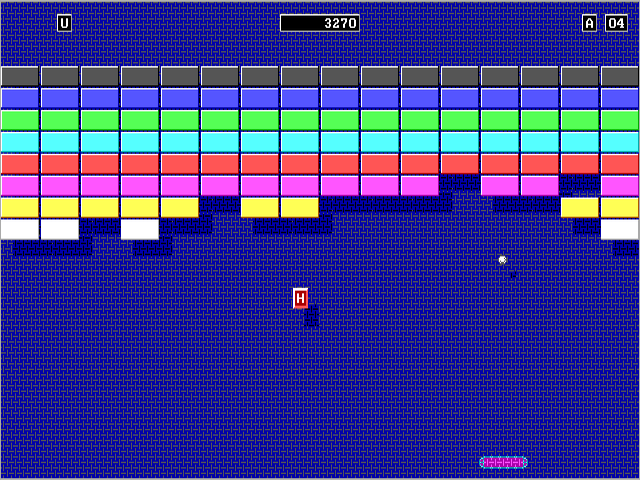
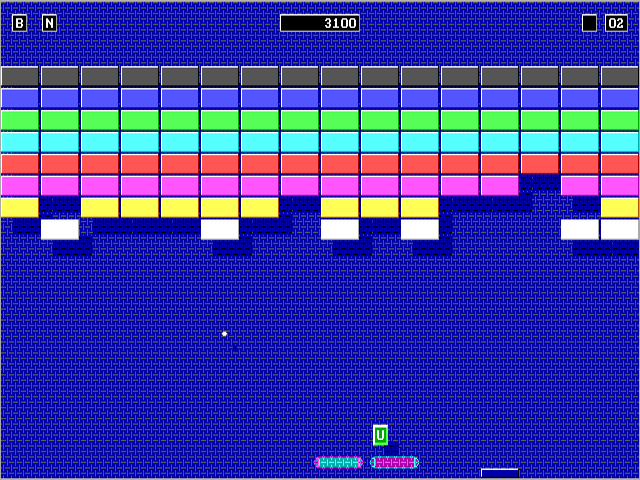
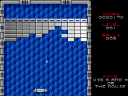
EGAWALLS is Michelangelo "Polik" Policarpo's DOS brick-breaking game from 1989. Its distinctive feature is a pair of paddles that you move independently along the bottom of the screen. The ball rebounds through coloured walls of bricks while you try to stop it escaping below the paddles.
The included documentation identifies this edition as EGAWALLS 1.5a. It was made for 640 by 350 EGA graphics with 16 colours, and its original package includes two libraries of 24 screens. The game starts with two paddles; the left paddle uses Z and X, while the right paddle uses the left and right arrow keys. Both sets of keys remain available during the same game.
Press a key to advance past the opening title and control instructions, then press a key when the high-score table is displayed to begin playing. Let the stage introduction finish before trying to move the paddles. The display above the wall shows the score and remaining balls. Press P to pause and bring up the control reminder, then P again to return to play.
The optional accelerator changes how the paddles move: with it enabled, holding a direction increases their movement speed. Start with ordinary movement so you can judge a rebound, then try the A toggle when you need to cover more of the screen. You can control both paddles separately to cover different landing points.
Start here
Quick tips
At the high-score table, press a key to begin; wait for the stage introduction to finish before moving.
Use Z/X for the left paddle and Left/Right for the right paddle. Spread them out to cover different parts of the screen.
Press P to pause and check the original control reminder; press P again to continue.
A toggles racket acceleration. Practise ordinary movement first, because acceleration changes how far a held key moves a paddle.
- Z / X
- Move the left paddle left / right
- Left / Right
- Move the right paddle left / right
- Any key
- Advance opening screens; start when the high-score table is displayed
- P
- Pause, show the controls and resume
- A
- Toggle paddle acceleration
- S
- Toggle sound
- Esc
- Exit the game
Screens
Screenshots
Keep playing
Similar Games
Help improve this entry
Something not working?
Report a gameplay or information problem. Short reports are enough.
Archive notes
Rights and Source Notes
Browser play uses the archived Freeware (installed) release.
- Distribution
- Freeware (installed)
- Browser player
- js-dos · Browser play
- Added to archive
- 2026-07-26