Firecrow
Saves are stored in this browser.
Player notes
About this game
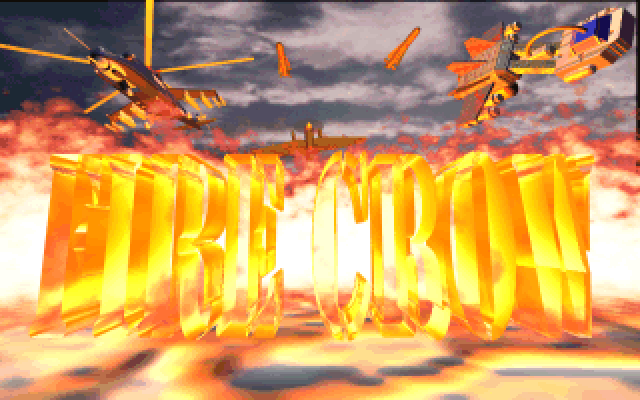
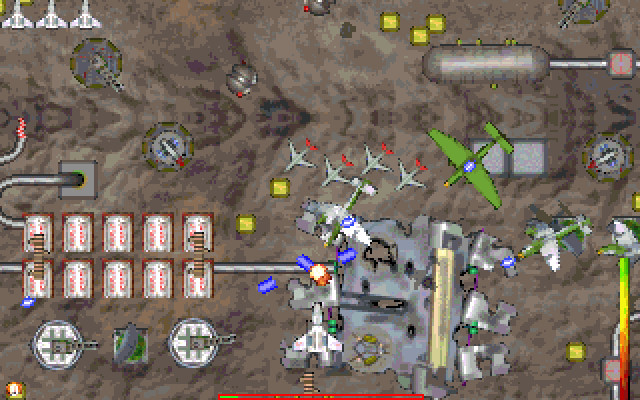
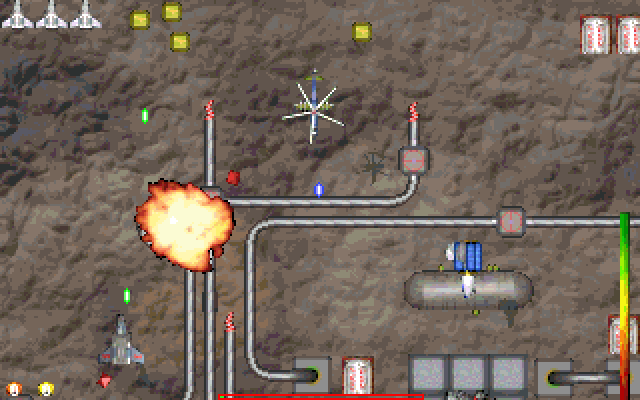
Firecrow is a vertically scrolling space shooter by Ouss and MirMax. The package's readme calls this release demo version 1.0 and dates it to 1998. That version label matters: this page describes the preserved demo, without promising a later or expanded campaign.
The main menu leads to Play and an Options screen. Options includes a control-device selector, a keyboard configuration screen and separate sound and music volume settings. Choose keyboard input if you want to use the documented defaults rather than a mouse or joystick.
The default arrows move the ship, Ctrl fires and Alt uses bombs. Keep the two action keys distinct while learning to steer through an attack. If those defaults no longer match your session, inspect Configure Keyboard in the game before assuming the player has stopped responding. The instructions allow the bindings to be changed, so an older saved configuration can use a different layout.
Start here
Quick tips
Select keyboard input in Options before relying on the arrow, Ctrl and Alt defaults.
If a key behaves differently, check Configure Keyboard for a changed binding.
- Arrow keys
- Move the ship
- Ctrl
- Fire
- Alt
- Use bombs
Screens
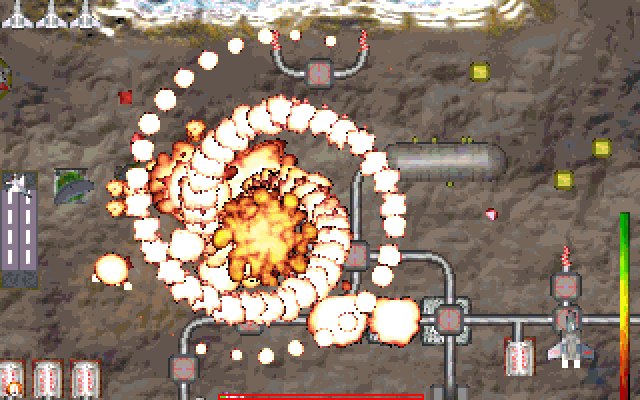
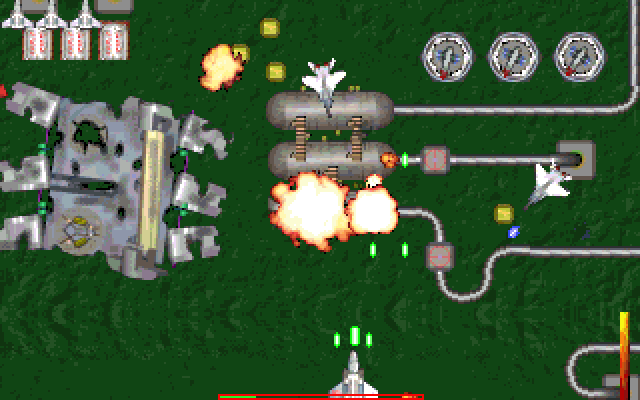
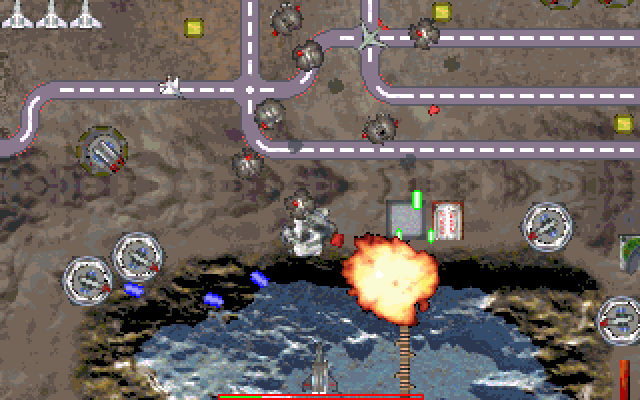
Screenshots
Keep playing
Similar Games

Help improve this entry
Something not working?
Report a gameplay or information problem. Short reports are enough.
Archive notes
Rights and Source Notes
Browser play uses the archived Freeware release. Official project references are listed below.
- Distribution
- Freeware
- Browser player
- js-dos · Browser play
- Added to archive
- 2026-07-26
- Official references