Ford Simulator
Saves are stored in this browser.
Player notes
About this game
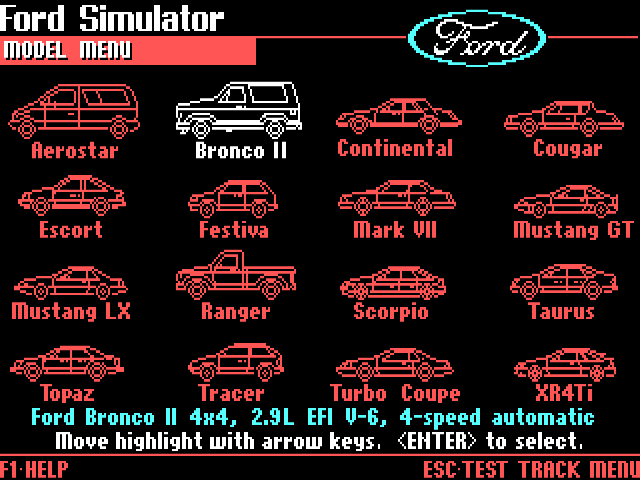
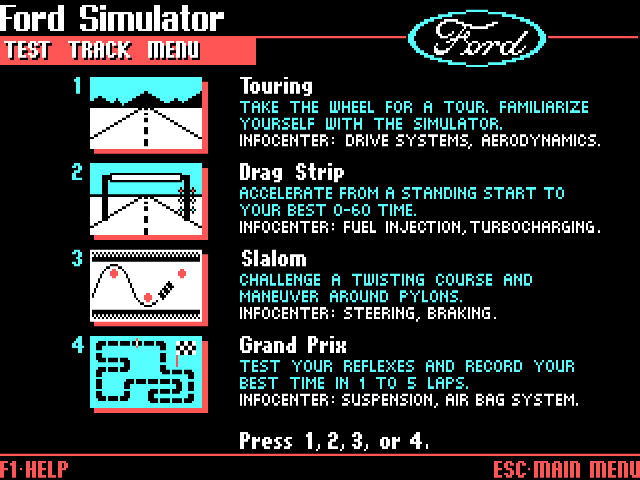
Ford Simulator pairs a period car catalogue with four driving events. The simulator offers sixteen Ford, Lincoln and Mercury models, and the model menu shows each car's engine and transmission. Touring lets you practise driving before trying the timed events. The separate Buyer's Guide contains historical vehicle specifications and purchasing information.
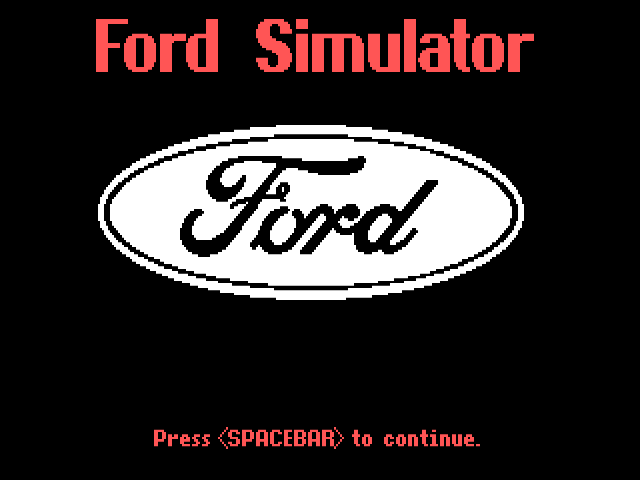
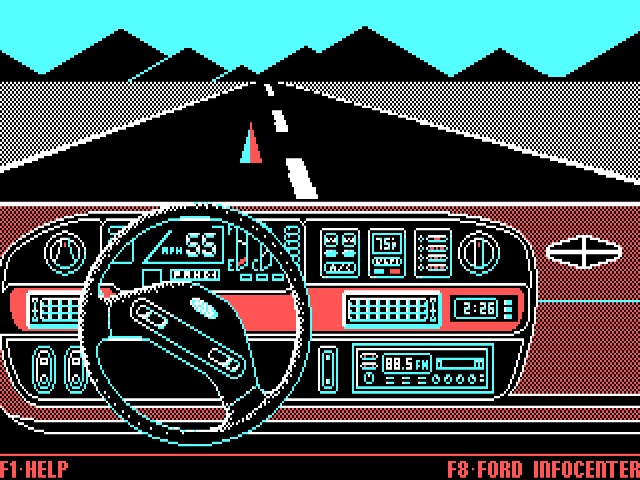
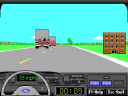
Press Space when the opening screen asks you to continue. Choose 1 for Ford Simulator, then 1 for Touring. Wait for each menu to finish appearing, select a car with the arrow keys and press Enter. The initially selected Aerostar has a four-speed automatic transmission. In the cockpit, press I to start the car, then press S when the safety-belt reminder appears.
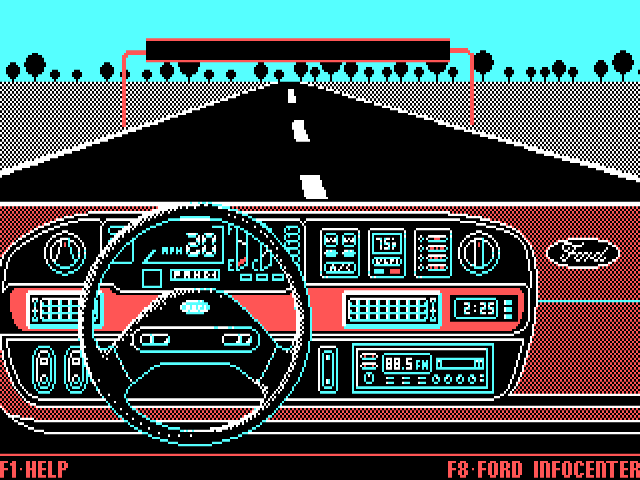
Tap Space repeatedly to accelerate, use the left and right arrows to steer, and hold Alt to brake. The original driving help also lists Caps Lock for acceleration and 1–5 for shifting a manual car. Begin with an automatic model to learn the road controls. F1 opens the current event's help; Space returns from that help screen.
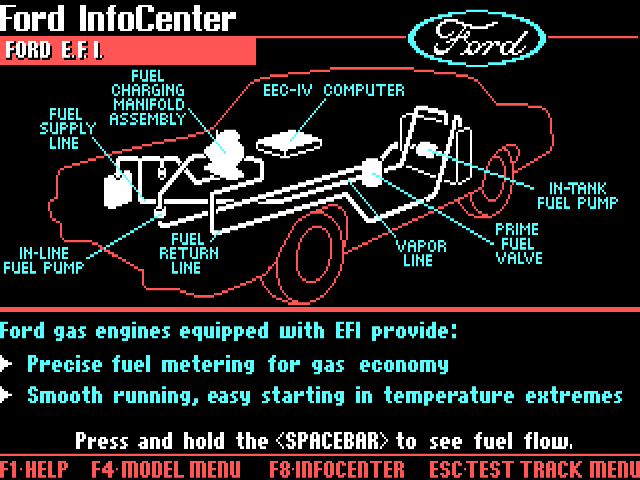
F8 in the cockpit opens the Ford InfoCenter, which illustrates automotive topics such as drive systems. Escape returns through the menus. From the main menu, 2 opens the Buyer's Guide. Treat its specifications, prices and purchasing examples as part of the original historical software.
Start here
Quick tips
Let menu animations finish before pressing the next key. Use Space at the opening prompt, then choose 1 and 1 to reach Touring.
Start with the automatic Aerostar. Press I in the cockpit, and wait for the safety-belt reminder before pressing S.
Tap Space in succession to build speed and hold Alt to slow down. Read the MPH display beside the steering wheel; the separate clock is not your speed.
Press F1 for the event's original controls or F8 for the InfoCenter. Escape takes you back through the menus.
- Space
- Opening/help: continue; driving: tap repeatedly to accelerate
- 1, then 1
- Main menu and test-track menu: select the simulator and Touring
- Arrow keys / Enter
- Model menu: choose and confirm a car
- I, then S at the prompt
- Start the engine, then fasten the safety belt
- Left / Right arrows
- Steer the car
- Caps Lock
- Accelerate
- Alt
- Brake
- 1–5
- Select gears in a manual-transmission car (original help)
- F1 / F8
- Driving: open event help / Ford InfoCenter
- Escape
- Return to the preceding menu
Screens
Screenshots
Keep playing
Similar Games
Help improve this entry
Something not working?
Report a gameplay or information problem. Short reports are enough.
Archive notes
Rights and Source Notes
Browser play uses the archived Freeware release.
- Distribution
- Freeware
- Browser player
- js-dos · Browser play
- Added to archive
- 2026-07-26