Ford Simulator III
Saves are stored in this browser.
Player notes
About this game
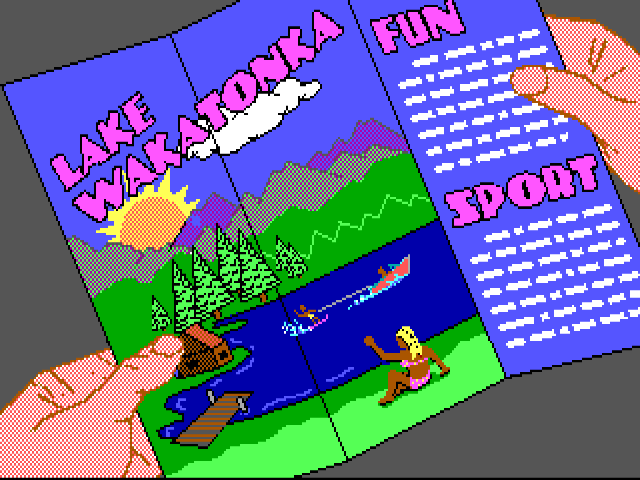
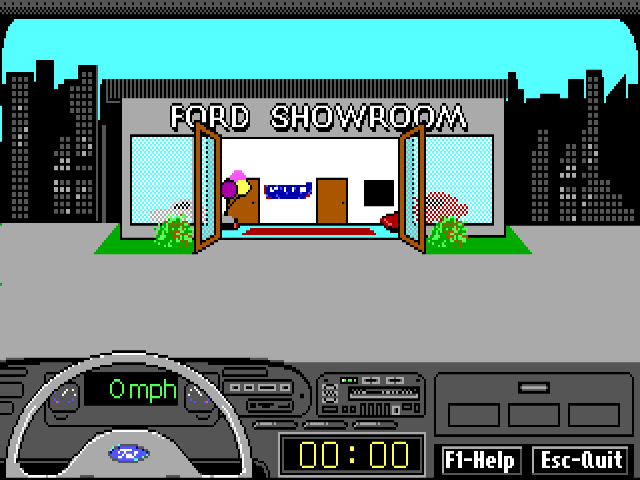
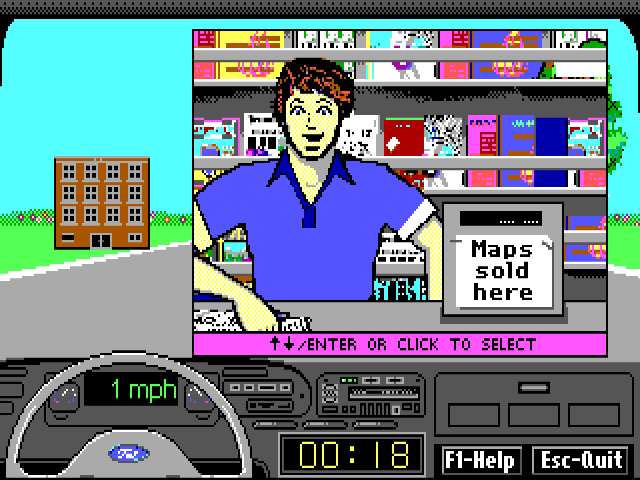
Ford Simulator III combines an electronic showroom with a driving game. Its introduction presents Ford's 1992 range, and the showroom lets you move between vehicles, open a profile and view colour choices. Press Space at the welcome screen to enter the showroom, then choose Driving Simulator from the bottom menu. The driving story sends you on a weekend demonstration trip to Lake Wakatonka.
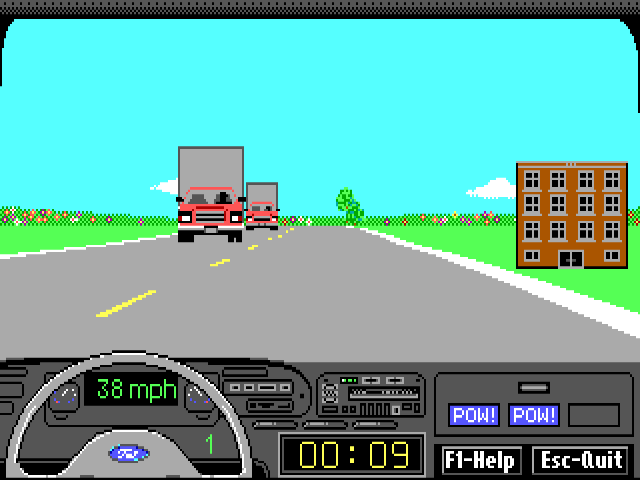
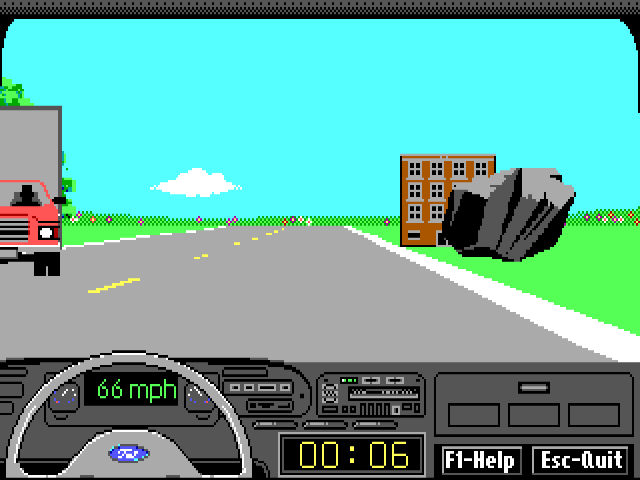
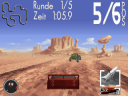
Continue through the introduction with Space and choose a car with Up and Down, then Enter. The selection screen marks automatic-transmission cars with an asterisk. The instructions here were tested with the automatic Ford Tempo. Once on the road, hold Up to accelerate, use Left and Right to steer and hold Down to brake. Read the green mph display for speed and the separate yellow clock for elapsed time. The objective shown by the game is to reach the lake as quickly as possible.
F1 opens the original driving help; Space returns to the road. Practise accelerating and braking before trying to carry speed through bends, and use small steering corrections to keep your position on the road. Escape ends the current attempt and opens a result screen with a play-again question. An unfinished attempt is recorded as DNF. These controls describe the tested automatic car; manual gear changes and a complete journey are not covered by this opening drive.
Start here
Quick tips
An asterisk in the car list marks an automatic; Ford Tempo is the tested example.
Read mph for speed and the separate yellow display for elapsed time.
Use F1 for the original controls and Space to return to the road.
- Space
- Continue the welcome/story screens or leave driving help
- Up / Down, then Enter
- Choose and confirm a car at the selection screen
- Up
- Accelerate while driving
- Left / Right
- Steer while driving
- Down
- Brake while driving
- F1
- Open the original driving help
- Escape
- End the current drive and show the result
- Left click
- Select Driving Simulator in the showroom
Screens
Screenshots

Keep playing
Similar Games
Help improve this entry
Something not working?
Report a gameplay or information problem. Short reports are enough.
Archive notes
Rights and Source Notes
Browser play uses the archived Freeware release.
- Distribution
- Freeware
- Browser player
- js-dos · Browser play
- Added to archive
- 2026-07-27