Ford Simulator 6.0
Saves are stored in this browser.
Player notes
About this game
Ford Simulator 6.0 opens with a Ford, Lincoln and Mercury presentation before showing its main menu. Picture It! leads to a photographic showroom with vehicle selection, Paint It!, Profile It! and Drive It! buttons. Let each scene finish loading before selecting another option; the original program briefly goes black during some transitions.
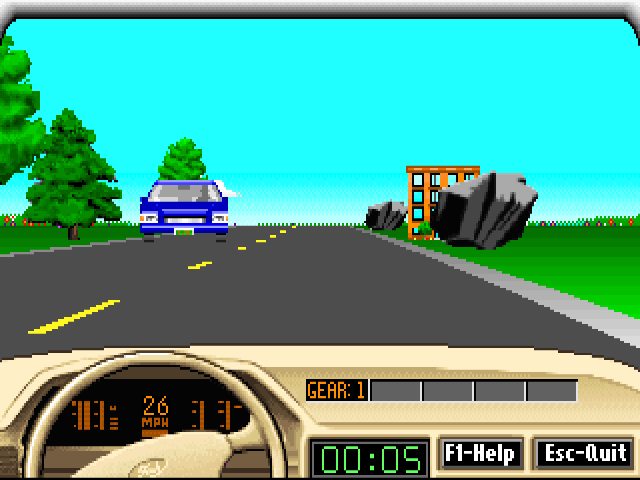
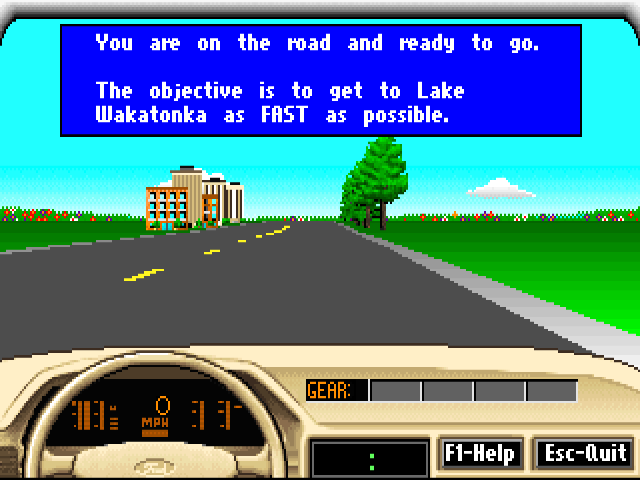
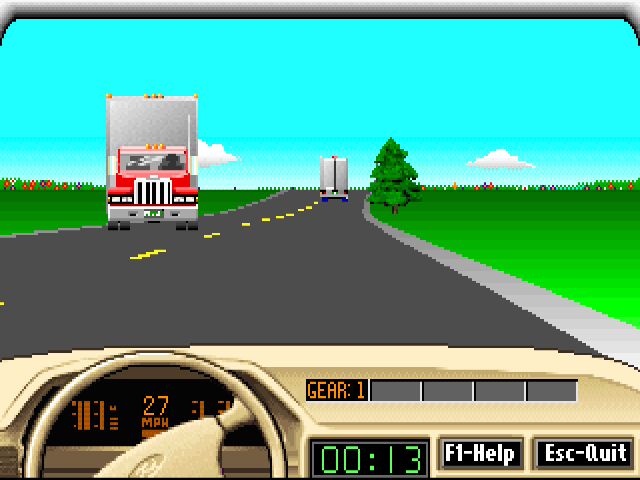
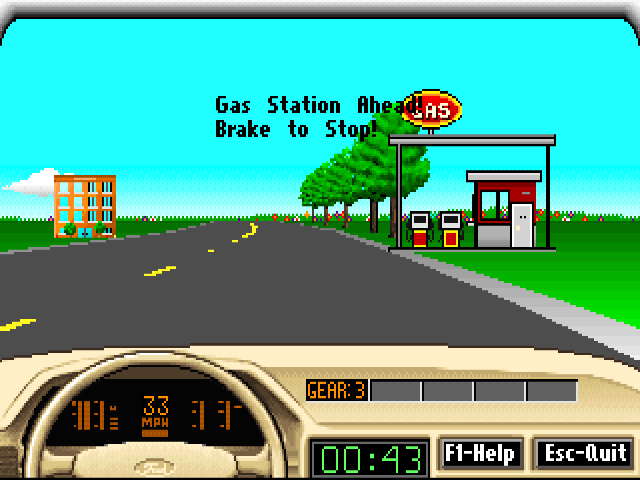
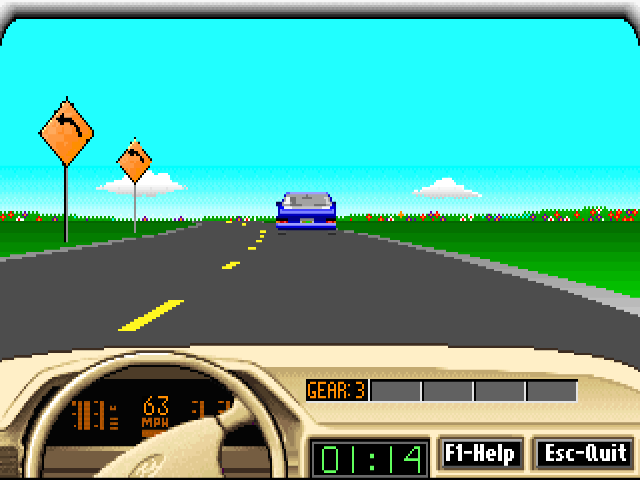
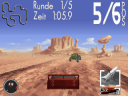
For the tested driving setup, open Picture It!, choose Drive It!, select Beginner and answer No to the sound question. In the vehicle list, choose Ford Probe GT (Automatic) with the arrow keys and Enter. The road screen explains the objective: get to Lake Wakatonka as quickly as possible. Press Space after the controls appear to begin. Hold Up to accelerate, steer with Left and Right, and use Down to brake. The dashboard displays speed in mph, the current gear and elapsed time.
F1 brings the driving controls back on screen, and Space returns to the road. Use short steering movements and leave room to slow down; a long turn can take the car onto the verge. Practise accelerating and braking at a modest speed before building pace. Escape ends the attempt and shows a result screen. An unfinished trip is marked DNF. This walkthrough uses the Beginner automatic setup with sound disabled; it does not establish manual gear controls, Advanced difficulty or a completed trip.
Start here
Quick tips
Wait for the showroom or driving menu to appear after a scene transition.
Choose Ford Probe GT (Automatic) to follow the tested Beginner setup.
Use short steering corrections; long turns can carry the car off the road.
- Up / Down, then Enter
- Choose difficulty, sound setting and vehicle in the setup menus
- Space
- Continue from the driving instructions
- Up
- Accelerate while driving
- Left / Right
- Steer while driving
- Down
- Brake while driving
- F1
- Show the driving controls
- Escape
- End the drive and show the result
- Left click
- Open Picture It! and select Drive It! in the showroom
Screens
Screenshots

Keep playing
Similar Games
Help improve this entry
Something not working?
Report a gameplay or information problem. Short reports are enough.
Archive notes
Rights and Source Notes
Browser play uses the archived Freeware release.
- Distribution
- Freeware
- Browser player
- js-dos · Browser play
- Added to archive
- 2026-07-28