FX racer
Saves are stored in this browser.
Player notes
About this game
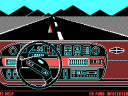
FX Racer offers different vehicles and a choice of three- or five-lap races. The selection screen shows the car's acceleration, speed, braking and engine figures. Press Enter through the opening hardware notice and title screen. Use the arrows and Enter to choose a vehicle and lap mode.
Up accelerates, Down drives backward and Left or Right steers. Left Alt brakes, left Shift increases the steering input and left Ctrl straightens the steering. The original driving notes warn that a faster car needs a wider turning radius; braking while steering hard can produce a skid.
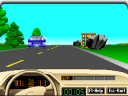
Use R to show the road map and F7 to cycle through external, driver, trackside and orbiting camera views. Escape opens the menu. Slow down before a tight bend so that you can turn without relying on a last-second skid.
Start here
Quick tips
Higher speed increases the turning radius.
Brake before a tight bend; hard steering while braking can cause a skid.
- Enter
- Continue past opening prompts; confirm a menu choice
- Arrow Up / Arrow Down
- Accelerate forward / drive backward
- Arrow Left / Arrow Right
- Steer
- Left Alt
- Brake
- Left Shift + steering
- Apply a stronger steering input
- Left Ctrl
- Straighten the steering
- R
- Show or hide the road map
- F7
- Cycle camera views
- F1 / F2
- Lower / raise the camera
- F5 / F6
- Move the camera nearer / farther away
- F3
- Change detail mode
- Escape
- Open the menu
Screens
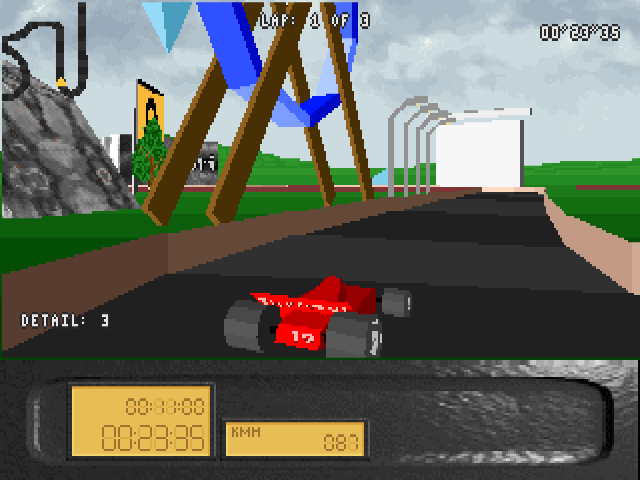
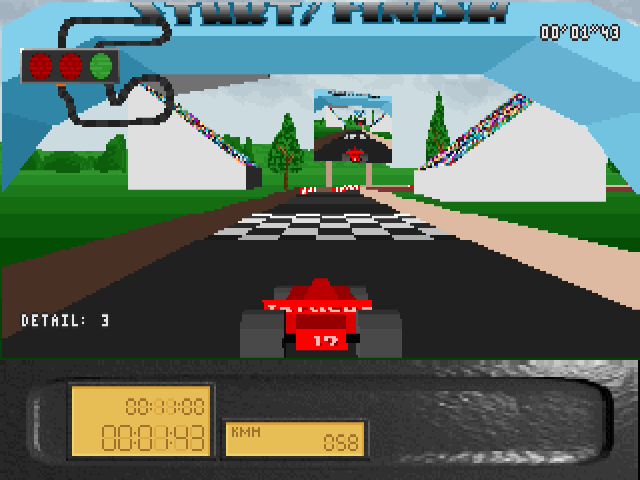
Screenshots
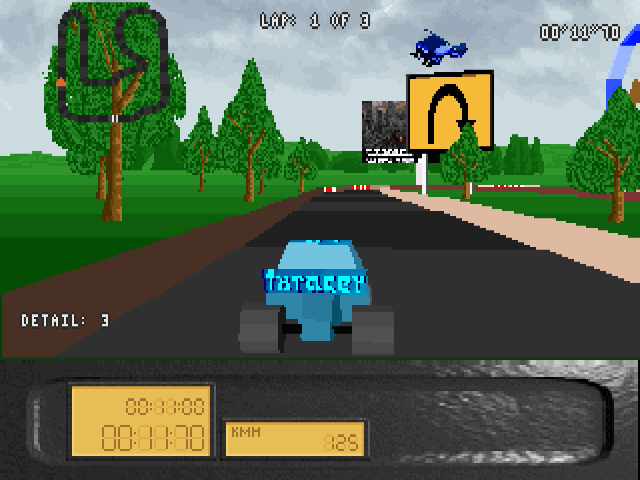
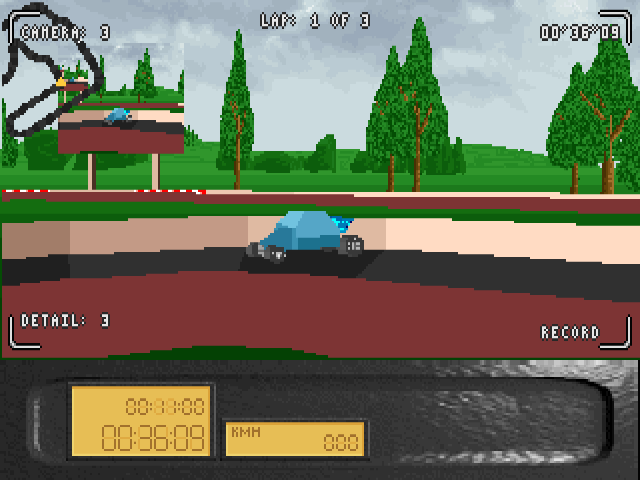
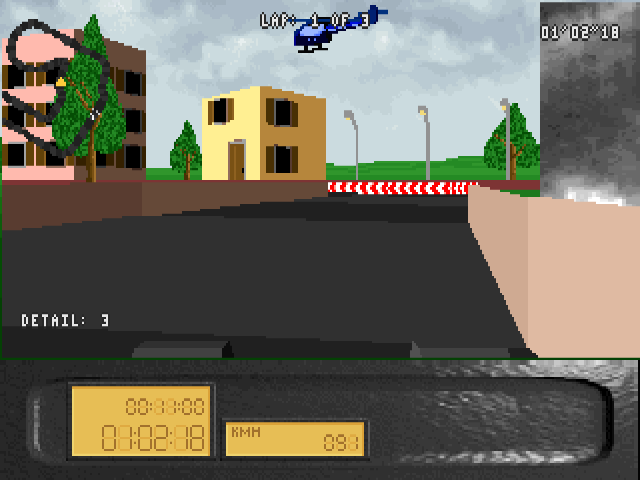
Keep playing
Similar Games
Help improve this entry
Something not working?
Report a gameplay or information problem. Short reports are enough.
Archive notes
Rights and Source Notes
Browser play uses the archived Freeware release. Official project references are listed below.
- Distribution
- Freeware
- Browser player
- js-dos · Browser play
- Added to archive
- 2026-07-26
- Official references