Kaeon
Saves are stored in this browser.
Player notes
About this game
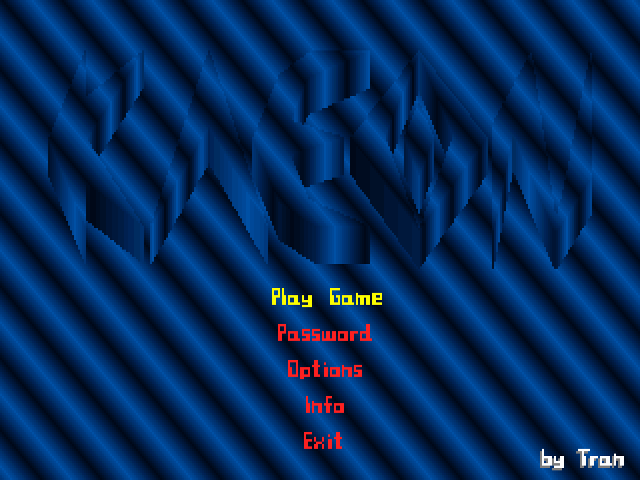
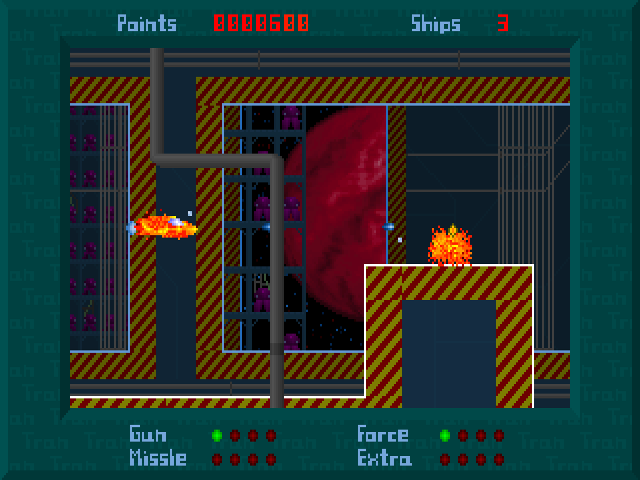
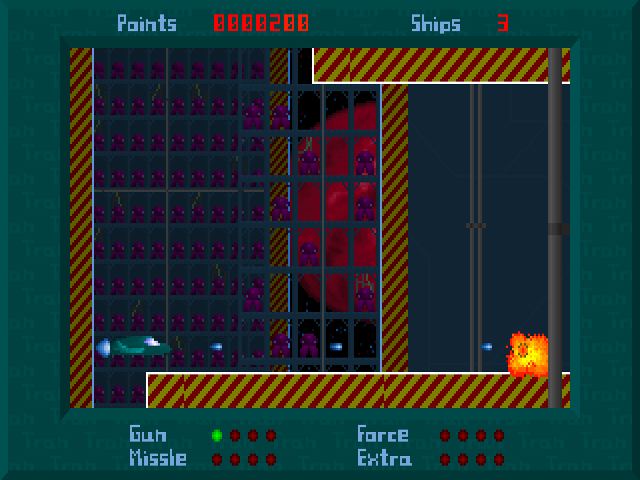
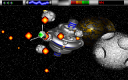
Kaeon is a scrolling space shooter with a small ship, waves of enemies and a display for Gun, Missile, Force and Extra resources. The main menu offers a new game, a password entry and Options. Open Info and continue past the credits to see the controls for this particular version.
Use the arrow keys to move. X or Space fires the ordinary weapon. Z or Enter ejects one Extra as a powerful missile, while C fires an energy beam and uses one Force. Keep those two limited attacks for situations where their cost is worthwhile instead of treating every fire key as interchangeable.
P pauses and resumes play. S toggles the sound effects, M toggles music, and Escape quits the current game. Number keys 1 through 5 change background detail levels during play. When a level gives you a password, note it before continuing so you can return through the menu’s Password option.
Start here
Quick tips
Open Info and advance past the credits for the original key list.
Extra missiles and Force beams consume separate resources.
Keep a note of the password shown for a new level.
- Arrow keys
- Move the ship
- X / Space
- Fire the ordinary weapon
- Z / Enter
- Fire a powerful missile using one Extra
- C
- Fire an energy beam using one Force
- P
- Pause / resume
- S / M
- Toggle sound effects / music
- 1–5
- Change background detail during play
- Escape
- Quit the current game
Screens
Screenshots
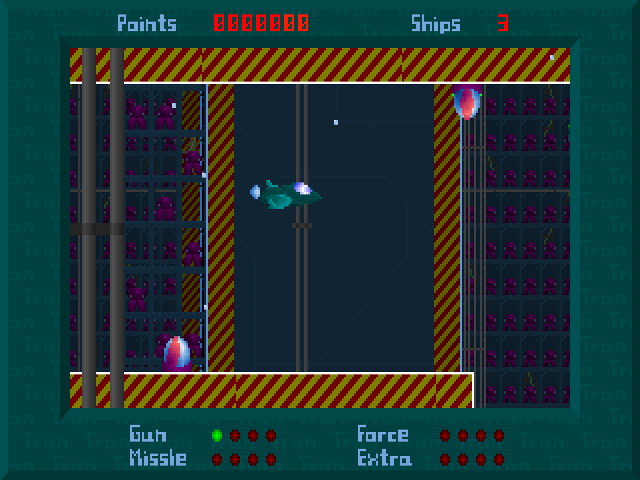
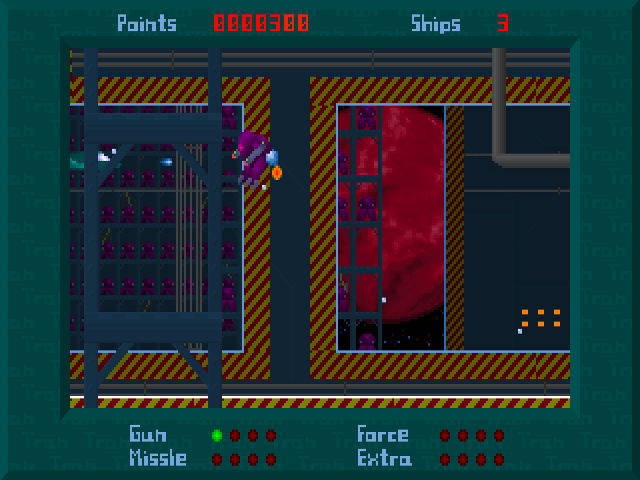
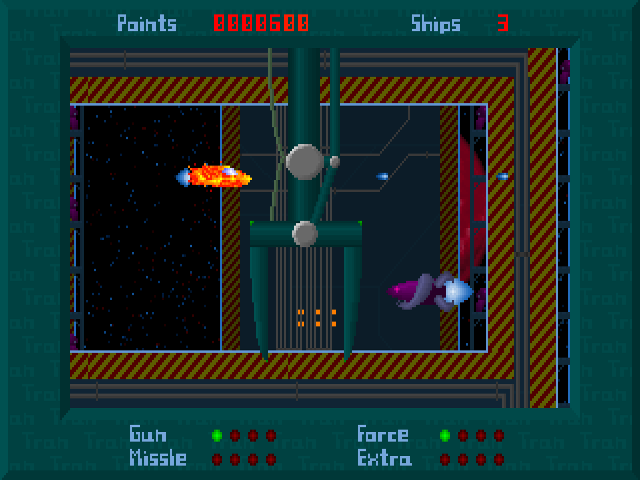
Keep playing
Similar Games
Help improve this entry
Something not working?
Report a gameplay or information problem. Short reports are enough.
Archive notes
Rights and Source Notes
Browser play uses the archived Freeware release.
- Distribution
- Freeware
- Browser player
- js-dos · Browser play
- Added to archive
- 2026-07-27