Klondike Gold
Saves are stored in this browser.
Player notes
About this game
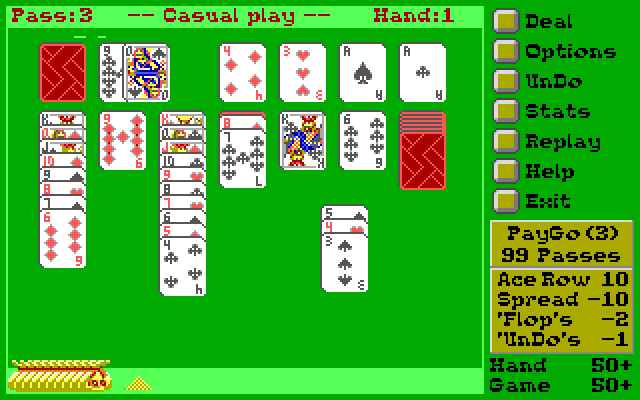
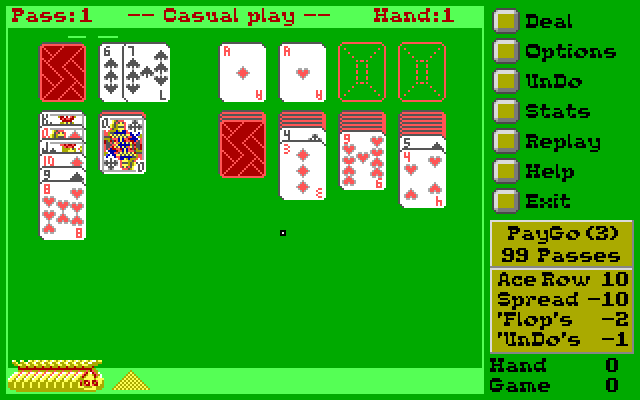
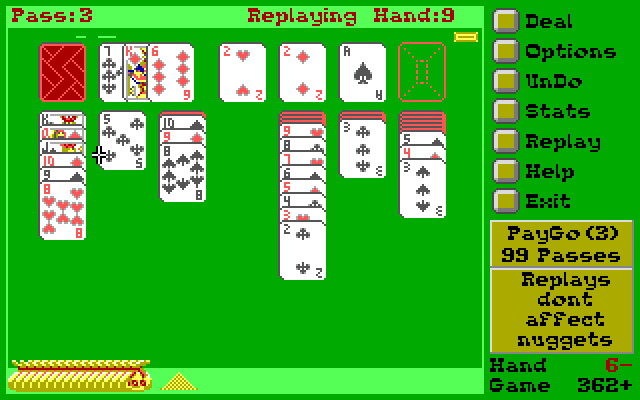
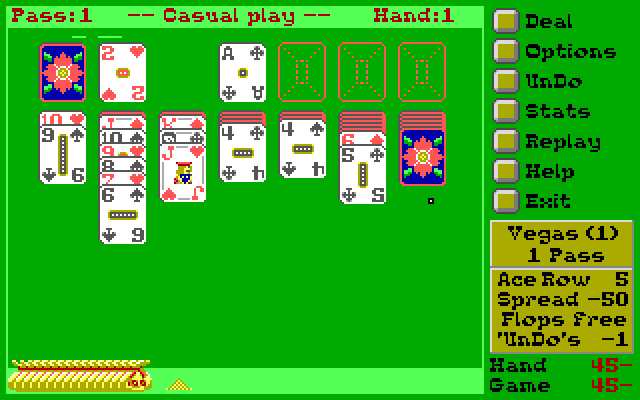
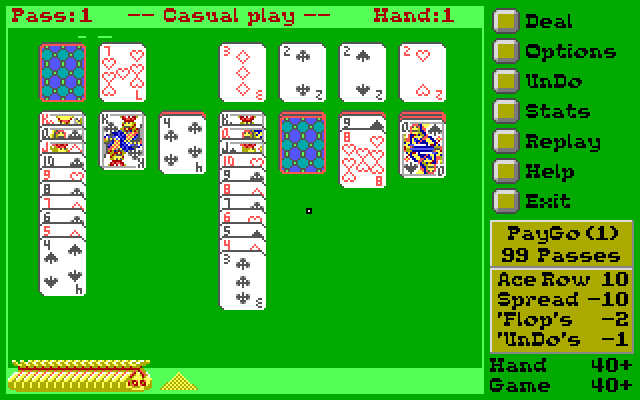
Klondike Gold builds each foundation from ace to king in a single suit. On the seven lower stacks, build downward in alternating colors. When a move exposes a face-down card, click that card to turn it over. Partial runs can be moved, and this edition also allows cards to return from the foundations to the lower stacks.
Choose casual play to explore the scoring variants. PayGo charges for the initial deal and each draw, while Vegas charges for the hand and limits passes through the deck. The displayed nuggets are the game’s score. Undo costs one nugget when available.
The deck in the upper left supplies new cards; click its empty place to recycle when the rules permit. The optional kibitz setting warns about an available board move. Historical MatchPlay refers to an external service and is not part of these browser instructions.
Start here
Quick tips
Start with one-card casual play while learning the table.
Uncover face-down cards before drawing repeatedly.
- Click the deck
- Draw cards or recycle an exhausted deck when permitted
- Click an exposed face-down card
- Turn the card face up
- Click Deal
- Begin a new hand
- Click Undo
- Reverse an eligible move for one nugget
- Click Exit
- Return to the main menu
Screens
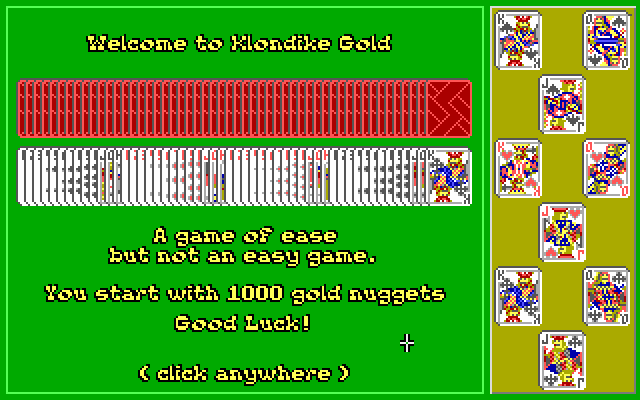
Screenshots
Keep playing
Similar Games
Help improve this entry
Something not working?
Report a gameplay or information problem. Short reports are enough.
Archive notes
Rights and Source Notes
Browser play uses the archived Freeware release.
- Distribution
- Freeware
- Browser player
- js-dos · Browser play
- Added to archive
- 2026-07-27