Minicraft for GBA
Saves are stored in this browser.
Player notes
About this game
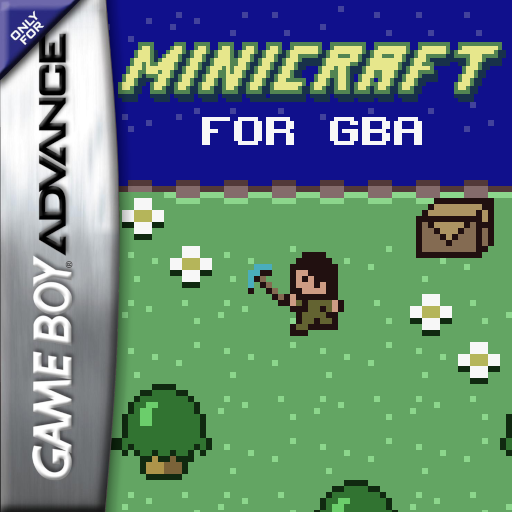
Minicraft for GBA adapts Markus Persson's small survival and crafting game to the handheld. You explore a tile-based world, gather materials and equip items as you work toward defeating the Air Wizard. The opening inventory contains a power glove and a workbench. Health and stamina appear along the bottom of the playfield, so repeated actions and dangerous terrain need care.
This archived ROM displays V1.2. It matches the creator's 1.2.1 release exactly; that release updates the source's linker script while keeping the 1.2 game ROM unchanged. The corresponding manual describes a 112 by 112 world and a pause menu with saving. Instructions for later releases may differ.
Choose New Game using Up or Down and confirm with X, the GBA A button. Use the arrow keys to walk. X attacks or uses the item you have equipped. Z, the GBA B button, opens the inventory, or interacts with usable furniture in front of you. Select an inventory item to equip it. Enter maps to Start and opens the pause screen, where Save Game is available; press Enter again to resume.
Read How to Play from the title if you need to revisit the basic goal and buttons. Start by learning which nearby terrain you can cross and how your equipped item changes an action. The browser key names here use the default emulator settings. The source and original help support the saving option, but persistence across browser sessions has not been verified in this guide.
Start here
Quick tips
Open How to Play from the title for the original game's objective and control summary.
Equip an item from the inventory before trying its action.
Use the in-game pause screen to access Save Game; do not assume merely closing the browser saves progress.
- Arrow keys
- Move; choose menu and inventory items
- X
- GBA A: confirm, attack or use the equipped item
- Z
- GBA B: open inventory or interact with usable furniture
- Enter
- GBA Start: open the pause/save screen or resume
Screens
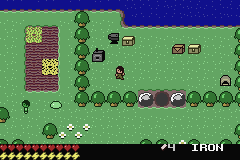
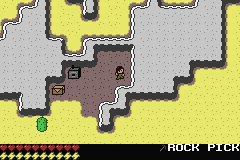
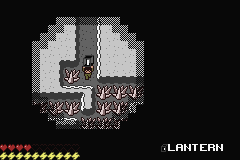
Screenshots
Keep playing
Similar Games
Help improve this entry
Something not working?
Report a gameplay or information problem. Short reports are enough.
Archive notes
Rights and Source Notes
Browser play is available for this entry. Official project references are listed below.
- Distribution
- GPL-3.0-or-later
- Attribution
- Minicraft for GBA by Vulcalien; software.
- Browser player
- EmulatorJS · Browser play
- Added to archive
- 2026-07-23
- Official references
- Source code
- Download open-source code packageSource code only; this is not a game ROM download.