Mission Pom-Baer
Saves are stored in this browser.
Player notes
About this game
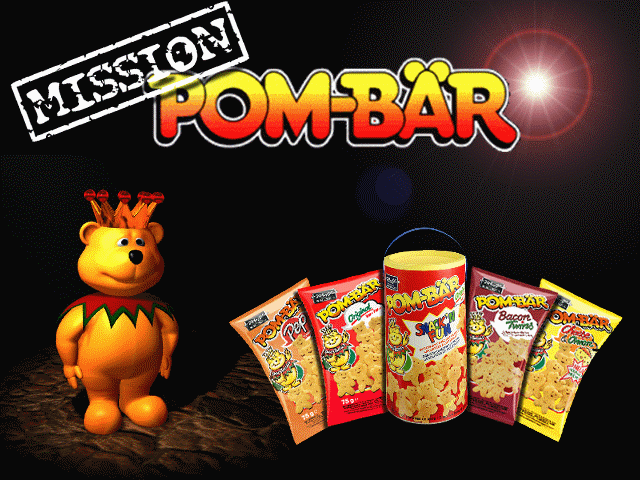
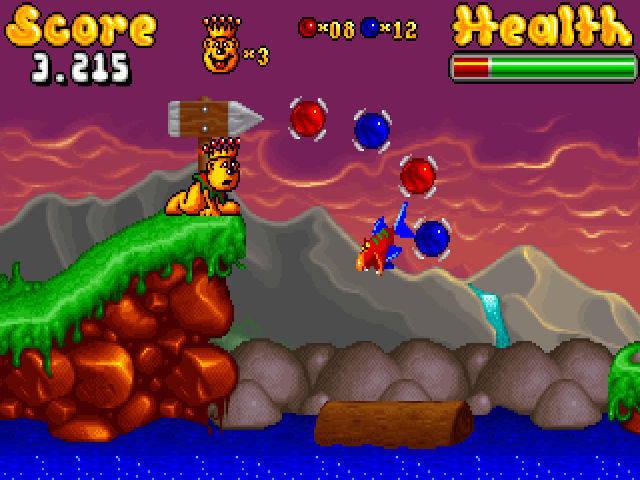
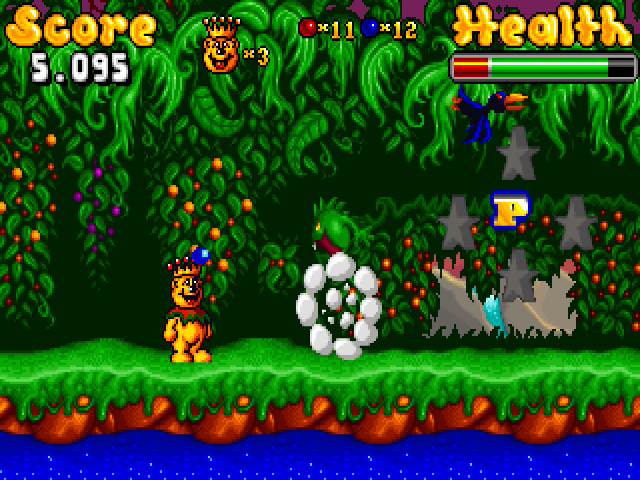
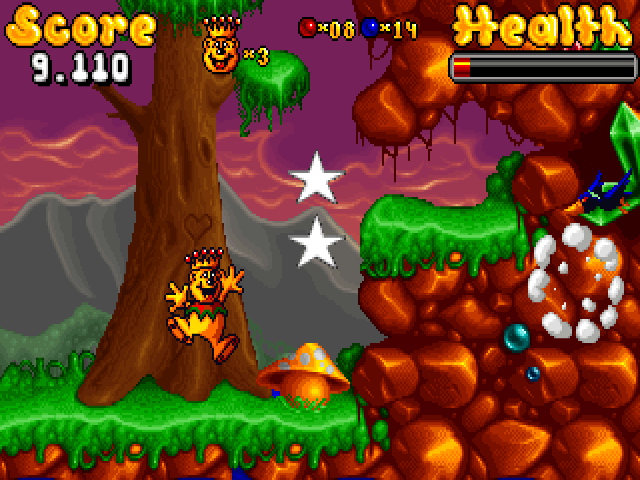
Mission Pom-Bär is a 1997 platform game by Digital Artwork featuring the snack-brand bear. The opening presents its story in illustrated panels, while the main menu provides a separate Instructions screen. Take a moment to read it before starting: jumping, crouching and the two attacks are assigned to different keys.
Left and Right move the bear, Up jumps, and Down crouches. Holding Down also lets you look below after a short delay. Ctrl fires Magic Ball 1, while Alt uses Magic Ball 2. P pauses and Escape ends the game. These names follow the English instruction screen included in this archive.
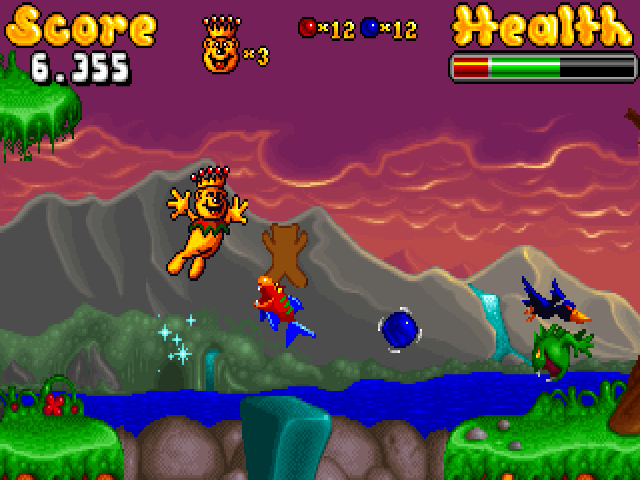
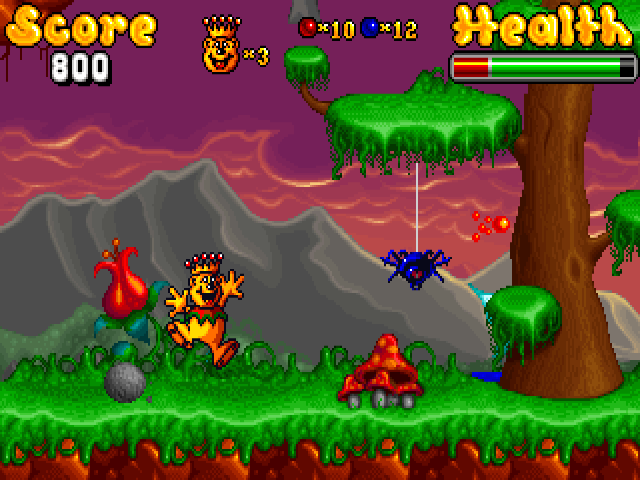
Use the downward view to inspect a landing before committing to a drop. Practise jumping and each attack separately, then combine movement with the appropriate magic ball as you advance. Follow the story and mission screens for the next objective rather than treating the opening instructions as a map of every stage.
Start here
Quick tips
Hold Down to inspect the area below.
Ctrl and Alt select different magic-ball attacks.
Read the mission screen before advancing.
- Left / Right
- Move left or right
- Up
- Jump
- Down
- Crouch; hold to look below
- Ctrl
- Use Magic Ball 1
- Alt
- Use Magic Ball 2
- P
- Pause
- Esc
- End the game
Screens
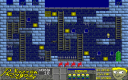
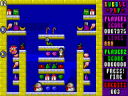
Screenshots
Keep playing
Similar Games
Help improve this entry
Something not working?
Report a gameplay or information problem. Short reports are enough.
Archive notes
Rights and Source Notes
Browser play uses the archived Freeware (installed) release. Official project references are listed below.
- Distribution
- Freeware (installed)
- Browser player
- js-dos · Browser play
- Added to archive
- 2026-07-28
- Official references