Paddlers
Saves are stored in this browser.
Player notes
About this game
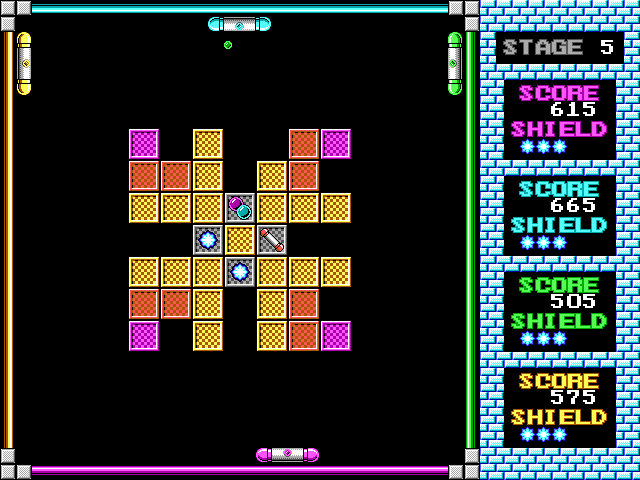
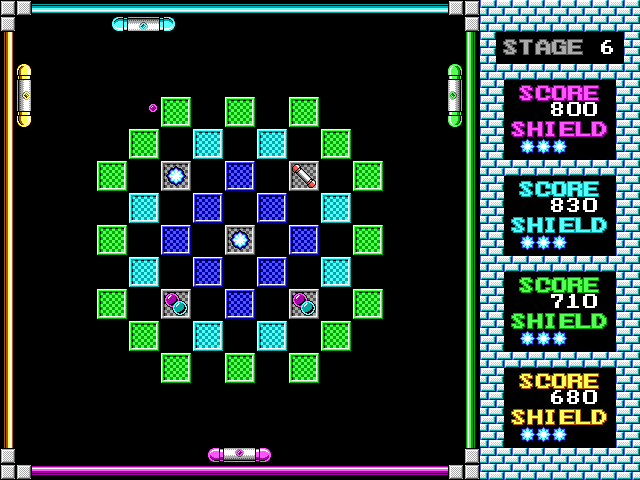
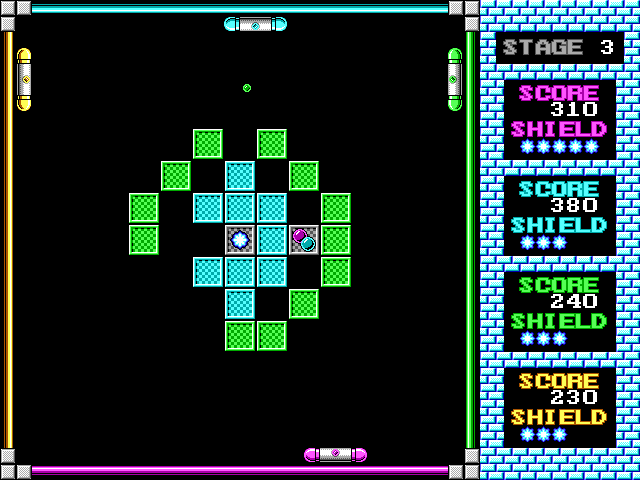
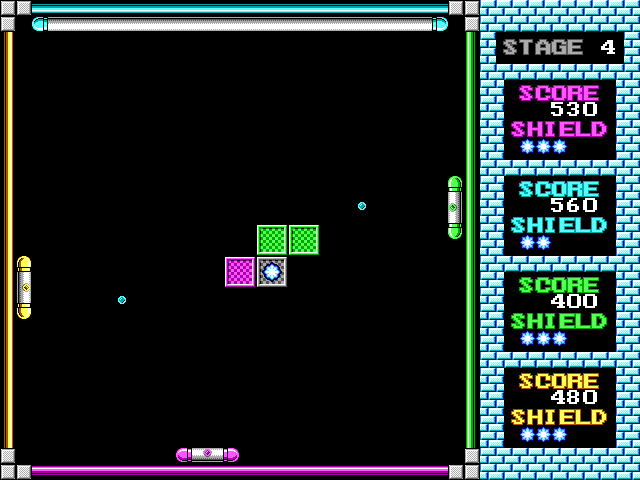
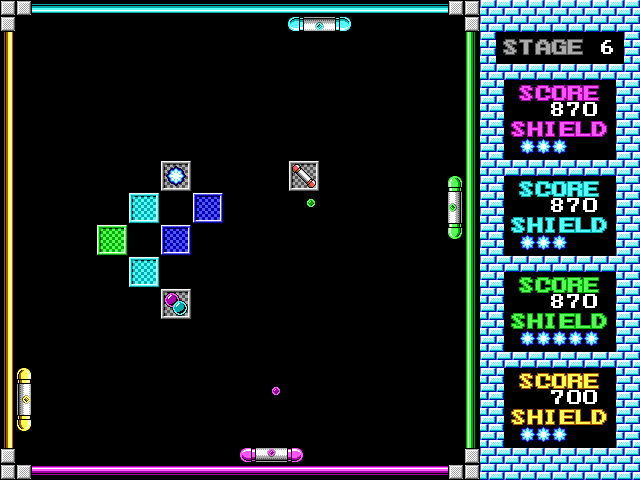
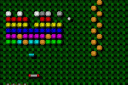
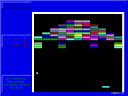
Paddlers lets up to four players take part in a brick-breaking contest, with computer opponents available. Hitting a block earns points, but the stage-end bonus goes only to survivors. Fewer remaining players means a larger bonus for each one, so keeping your paddle in play matters alongside hitting blocks.
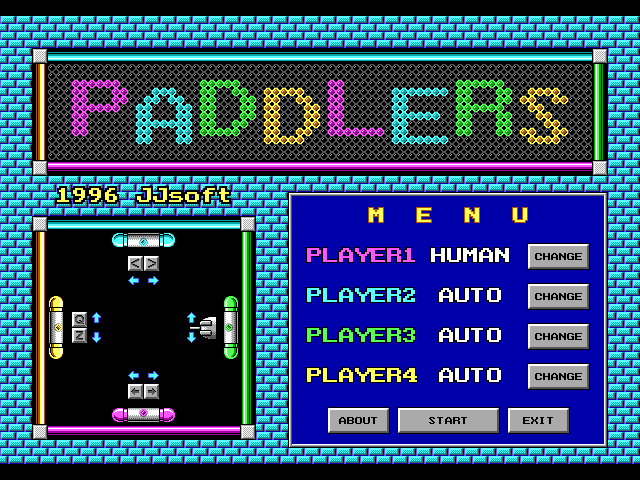
James Saito's version 1.2 instructions give the pink player the arrow keys, the cyan player the less-than and greater-than keys, and the yellow player Q and Z. The green player uses the mouse buttons, specifically not mouse movement. The table below lists the keyboard players.
A moving paddle changes the ball's outgoing angle. Use that to reach a useful block or cope with several balls rather than waiting still for every return. P pauses and Escape returns to the title screen. Choose player assignments before a shared session so everyone knows which edge and key group they control.
Start here
Quick tips
Hit the ball while moving the paddle to change its outgoing angle.
The green player's original controls use mouse buttons, not moving the mouse.
- Arrow keys
- Move player one's pink paddle
- < / >
- Move player two's cyan paddle
- Q / Z
- Move player four's yellow paddle
- P
- Pause
- Esc
- Return to the title screen
Screens
Screenshots
Keep playing
Similar Games
Help improve this entry
Something not working?
Report a gameplay or information problem. Short reports are enough.
Archive notes
Rights and Source Notes
Browser play uses the archived Freeware release. Official project references are listed below.
- Distribution
- Freeware
- Browser player
- js-dos · Browser play
- Added to archive
- 2026-07-27
- Official references