piuGBA (demo)
Saves are stored in this browser.
Player notes
About this game
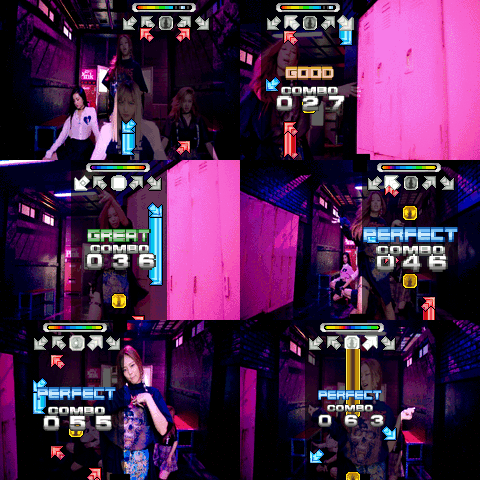
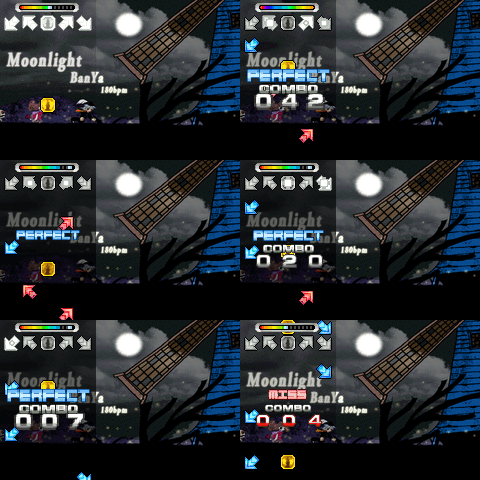
piuGBA turns five-panel dance-game charts into a Game Boy Advance rhythm game. Notes approach a row of targets and you press the matching input in time. This is the archived v1.10.0 demo; its original README describes nine songs from Project OutFox Serenity volumes I and II. The project also supports custom song imports, but this page plays the bundled demo.
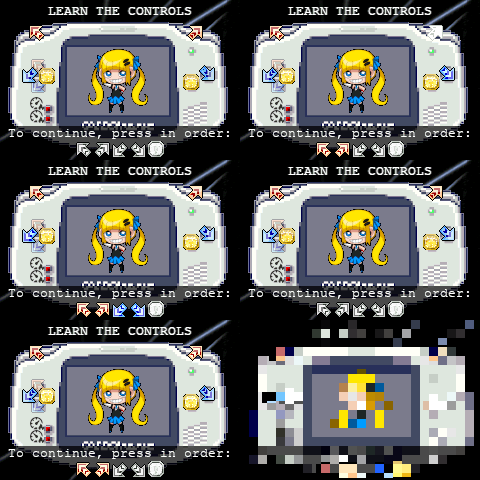
On a fresh start, complete the control lesson by pressing Q, E, Left, X and Z in that order. These represent upper-left, upper-right, lower-left, lower-right and center. During songs, use Left or Down for lower-left, Q or Up for upper-left, Z or Right for center, E for upper-right and X for lower-right. The diagonal targets are individual buttons, so you do not need to hold two arrow keys for one note.
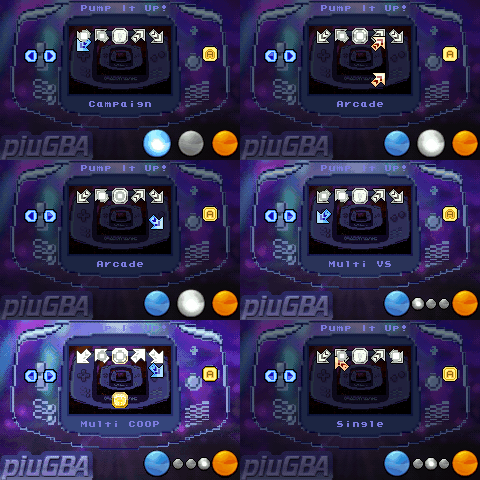
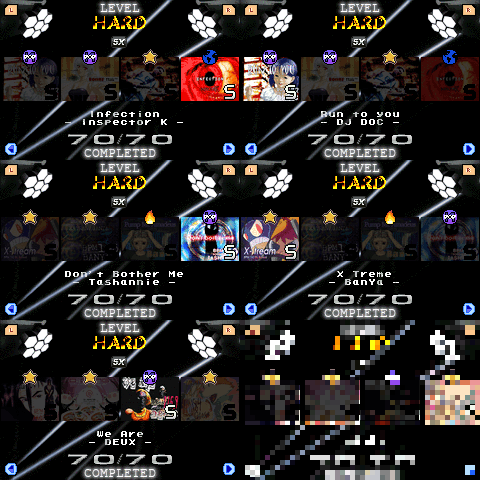
The initial setup offers audio-lag calibration for emulators. Follow its on-screen timing instructions if the notes and sound feel out of sync. In the default GBA-style song selector, Left and Right change songs, Q and E change chart difficulty, and X confirms the selection before starting it. Begin with a lower available difficulty and learn the five positions in the tutorial before attempting dense charts.
Start here
Quick tips
Complete the opening sequence with Q, E, Left, X and Z.
Treat each diagonal target as one button, not a two-arrow combination.
If timing feels offset, use the game’s audio-lag calibration rather than guessing a universal value.
- Left / Down
- Lower-left note; Left changes songs in the default selector
- Q / Up
- Upper-left note; Q selects a lower chart difficulty
- Z / Right
- Center note; Right changes songs in the default selector
- E
- Upper-right note; select a higher chart difficulty (GBA R)
- X
- Lower-right note; confirm and start in default GBA-style menus (GBA A)
- Enter
- Choose emulator calibration when the initial setup asks (GBA Start)
Screens
Screenshots
Keep playing
Similar Games

Help improve this entry
Something not working?
Report a gameplay or information problem. Short reports are enough.
Archive notes
Rights and Source Notes
Browser play uses the release preserved by Homebrew Hub. Official project references are listed below.
- Distribution
- MIT code / bundled song licenses under review
- Browser player
- EmulatorJS · Browser play
- Added to archive
- 2026-07-25
- Official references