PopCorn
Saves are stored in this browser.
Player notes
About this game
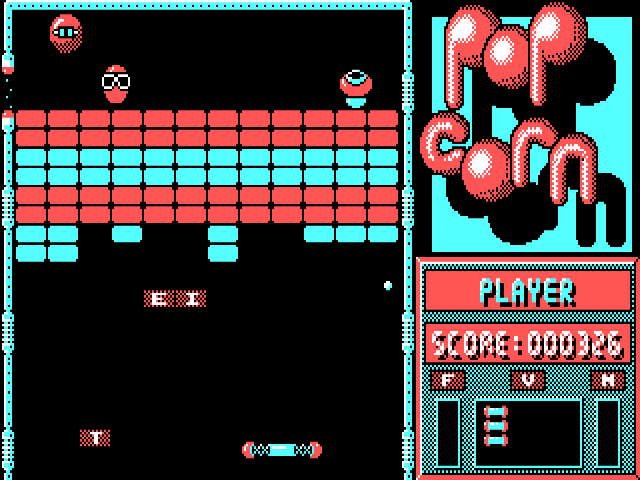
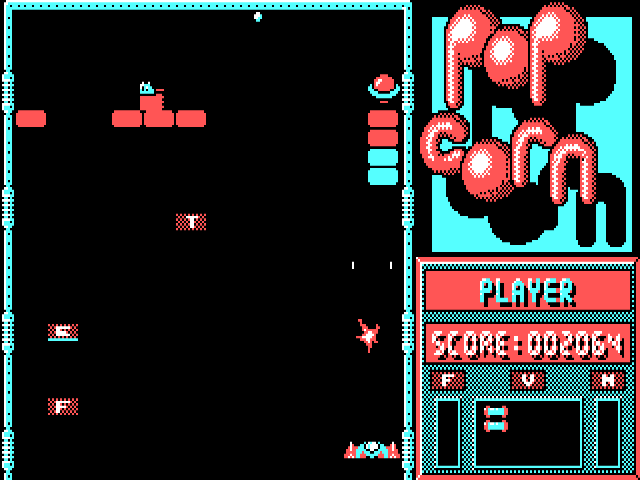
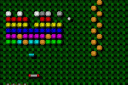
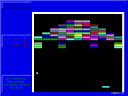
PopCorn is a paddle-and-ball game by Christophe Lacaze and Frederick Raynal. Move the paddle under the ball to keep it in play while clearing the board. The original 1988 documentation describes both keyboard and mouse input and a demonstration that can show the action before you start.
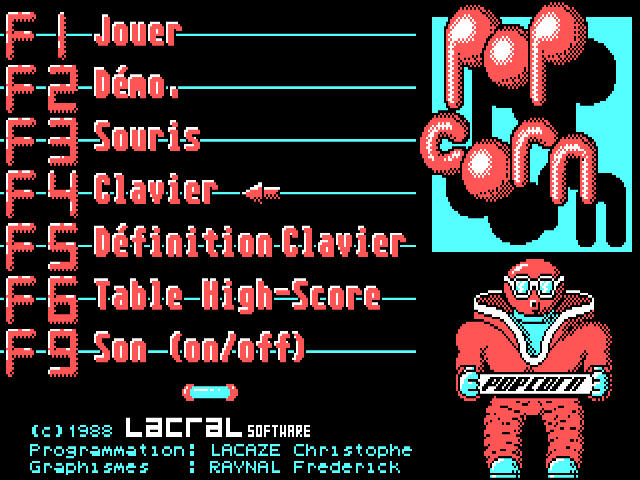
F1 begins a game and F2 runs the demonstration. For keyboard play, select F4 at the menu. The archive's accompanying control note lists J for moving left, K for moving right and Space as the action key. F5 lets you redefine those keys, although the note warns that a fresh launch restores the defaults.
Escape pauses during play but exits to DOS when used at the menu. F9 toggles sound and F8 changes the colour palette. If you want to compare input methods, F3 selects mouse control and F4 switches back to the keyboard.
Start here
Quick tips
Choose F4 for keyboard play, then use J, K and Space.
Escape pauses in a game but exits from the menu; F2 runs the demonstration.
- J / K
- Move the paddle left / right
- Space
- Action
- F1
- Start a game
- F2
- Run the demonstration
- F3 / F4
- Select mouse / keyboard control
- F5
- Redefine keys
- F9
- Toggle sound
- Esc
- Pause during play / exit from the menu
Screens
Screenshots
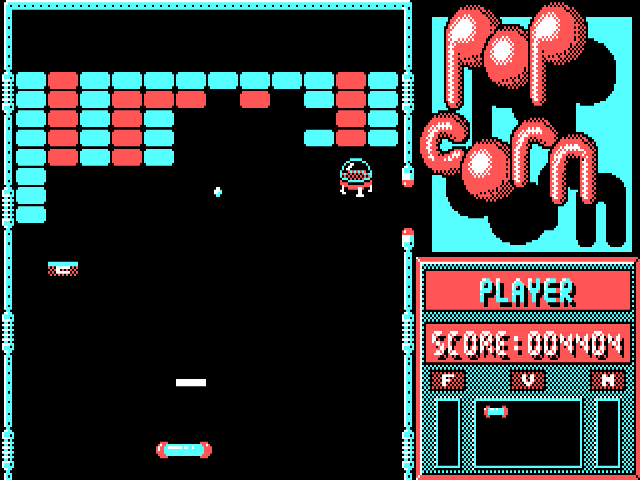
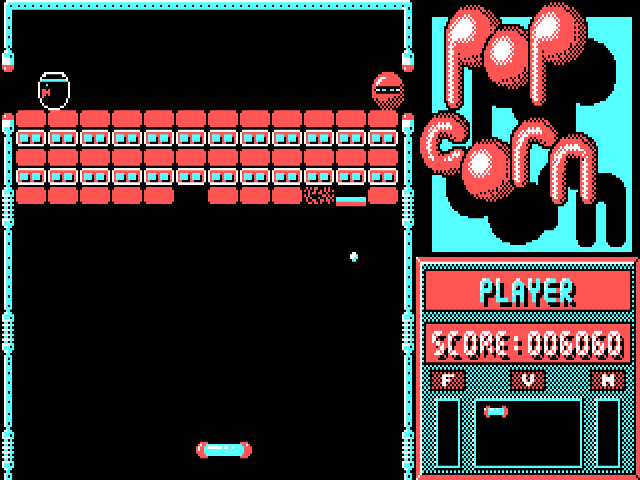
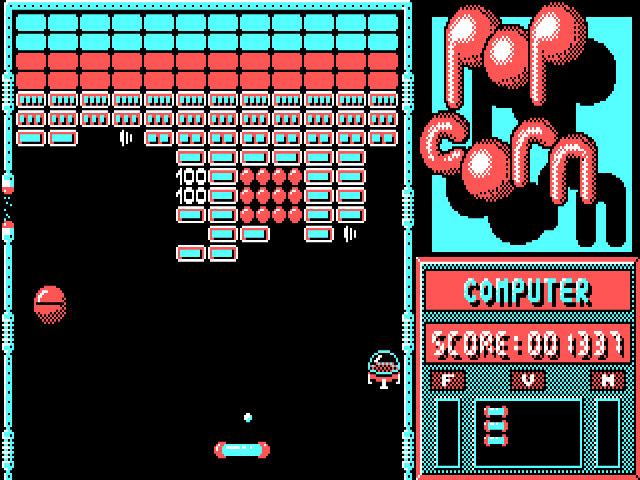
Keep playing
Similar Games
Help improve this entry
Something not working?
Report a gameplay or information problem. Short reports are enough.
Archive notes
Rights and Source Notes
Browser play uses the archived Freeware release.
- Distribution
- Freeware
- Browser player
- js-dos · Browser play
- Added to archive
- 2026-07-28