Puzzle Fun-Pak
Saves are stored in this browser.
Player notes
About this game
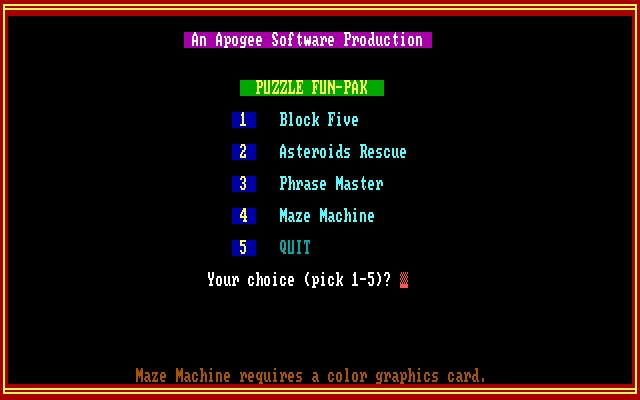
Puzzle Fun-Pak groups four different activities behind a numbered menu. Choose 1 for Block Five, 2 for Asteroids Rescue, 3 for Phrase Master or 4 for Maze Machine. The color or monochrome prompt belongs to the selected program rather than the website.
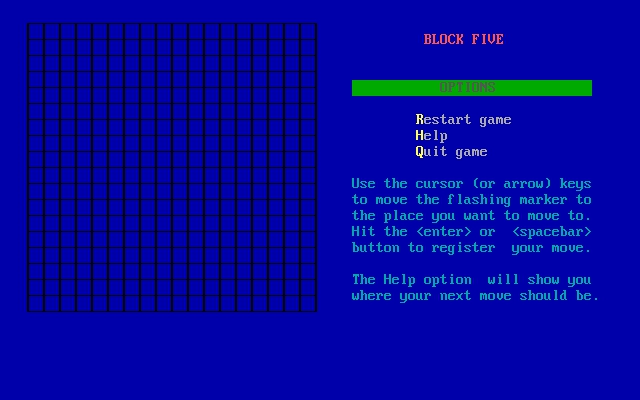
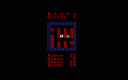
Block Five is a good starting point. Move the flashing cursor with the arrows and press Enter or Space to place an X. Make a line of five while preventing the computer from doing the same with its O pieces. The Help option suggests a move when you get stuck.
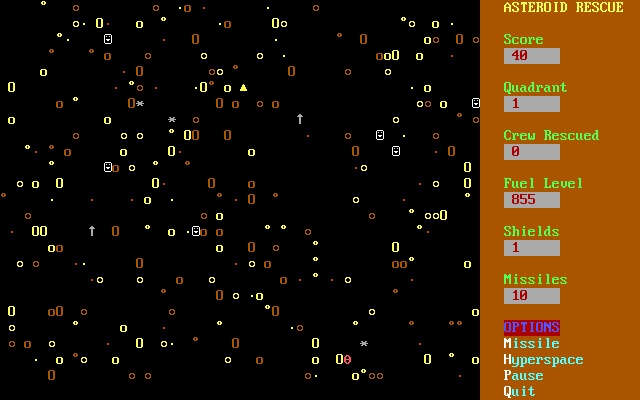
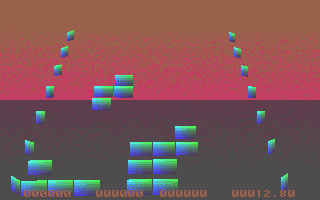
Asteroids Rescue uses left and right movement to gather stranded crew and fuel while avoiding impacts. Maze Machine asks for dimensions and a random seed, then draws a maze; Space generates another and Q leaves when drawing is complete. These activities do not share one universal control scheme.
Start here
Quick tips
Block Five requires five consecutive marks while blocking the computer.
Read each activity’s instructions before using its controls.
- 1 / 2 / 3 / 4
- Launcher: Block Five / Asteroids Rescue / Phrase Master / Maze Machine
- 5
- Quit the launcher
- Arrow keys
- Block Five: move the placement cursor
- Enter / Space
- Block Five: place your X
- Arrow Left / Arrow Right
- Asteroids Rescue: steer the ship
- Space
- Maze Machine: draw another completed maze
- Q
- Maze Machine: quit after drawing
Screens
Screenshots
Keep playing
Similar Games

Help improve this entry
Something not working?
Report a gameplay or information problem. Short reports are enough.
Archive notes
Rights and Source Notes
Browser play uses the archived Freeware release.
- Distribution
- Freeware
- Browser player
- js-dos · Browser play
- Added to archive
- 2026-07-27