Rampart Rampage
Saves are stored in this browser.
Player notes
About this game
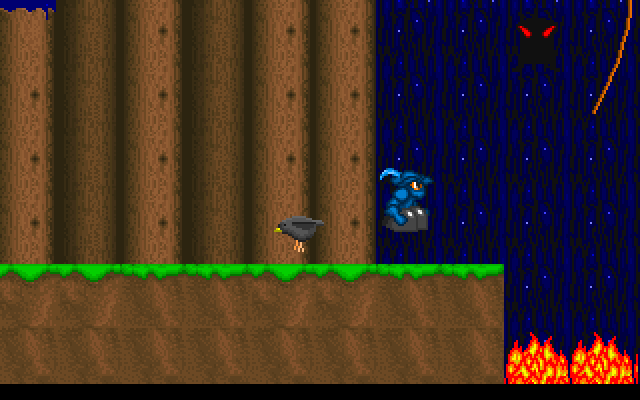
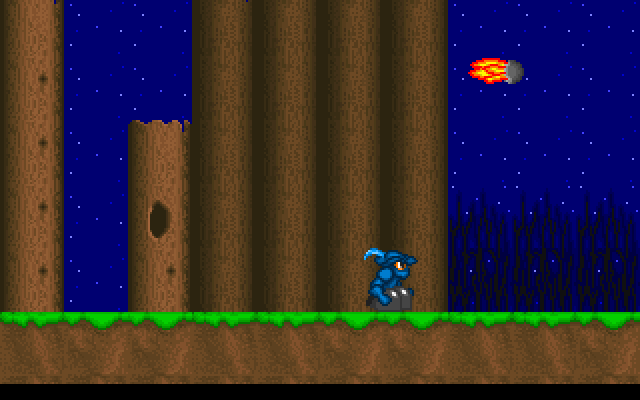
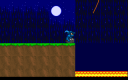
Rampart Rampage is a side-view obstacle course on the approach to a castle. Its little blue-clad hero must cross the scenery and survive the route to the captive. The first course opens among tall trees; later progress is tracked by the level and lives display rather than by a map you can freely explore.
The original program shows its controls before play. Use comma and period for left and right, or the corresponding arrow keys. A is the ordinary jump button. Space is reserved for jumping off a rope during play, and also advances a level-start prompt. These are separate actions, so pressing Space on the ground is not a substitute for A.
Begin with short movements while judging the spacing between platforms. Watch the course before a crossing and aim for a safe landing rather than holding a direction continuously. The key screen states that an extra life is awarded every four levels. This archived program retains a notice about registration for extended levels and features; the entry describes the included course and controls without promising a complete registered edition.
Start here
Quick tips
Use A for an ordinary jump.
Use Space when leaving a rope or continuing a level prompt.
Pause your movement to judge a moving obstacle before crossing.
- Left / Right
- Move left or right
- , / .
- Alternative left and right movement
- A
- Jump
- Space
- Jump off a rope; continue at a level prompt
Screens
Screenshots
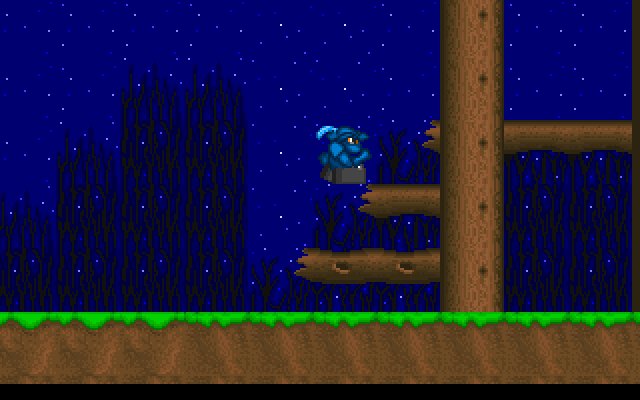
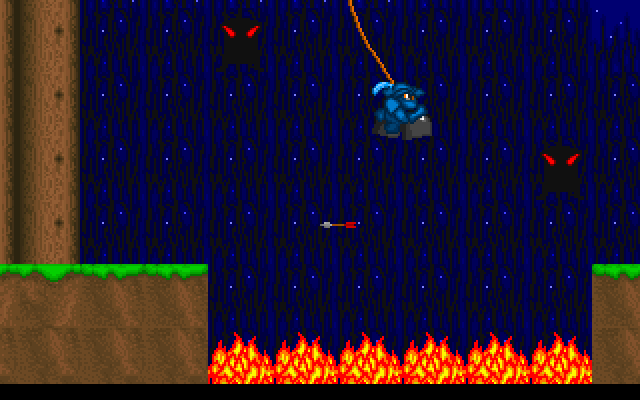
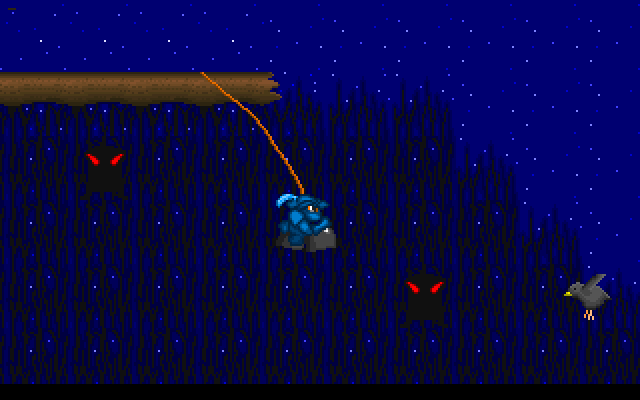
Keep playing
Similar Games
Help improve this entry
Something not working?
Report a gameplay or information problem. Short reports are enough.
Archive notes
Rights and Source Notes
Browser play uses the archived Freeware release. Official project references are listed below.
- Distribution
- Freeware
- Browser player
- js-dos · Browser play
- Added to archive
- 2026-07-27
- Official references