Rampart Revenge
Saves are stored in this browser.
Player notes
About this game
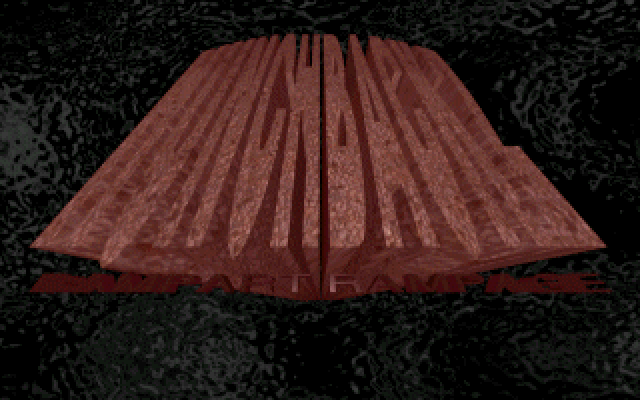
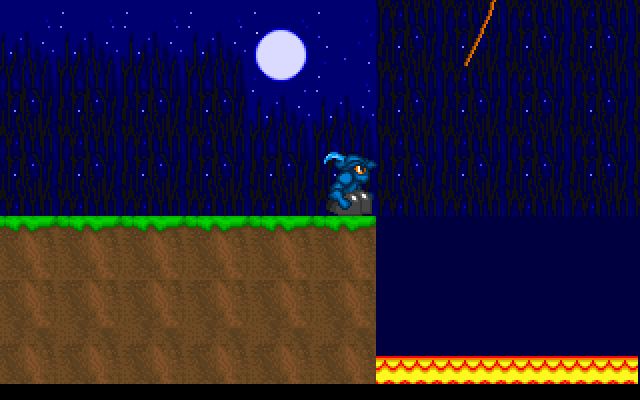
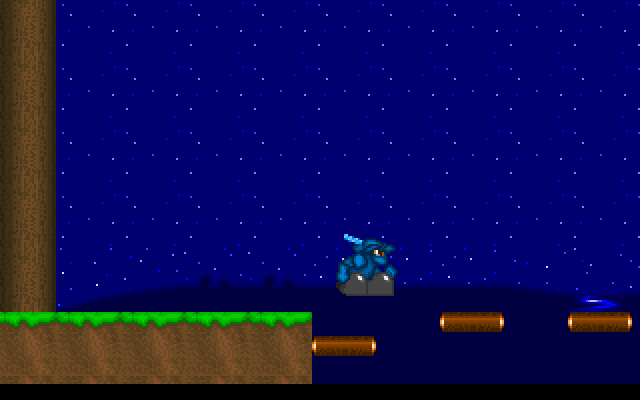
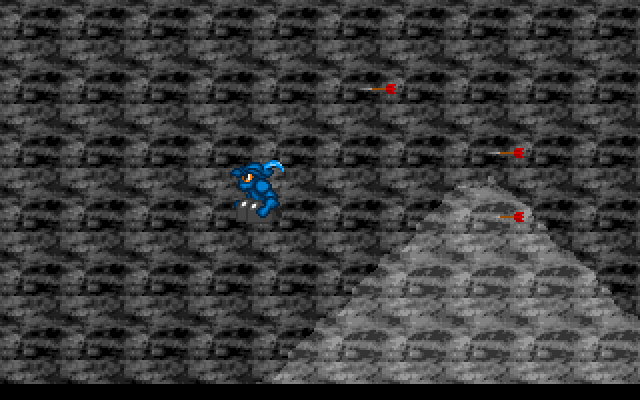
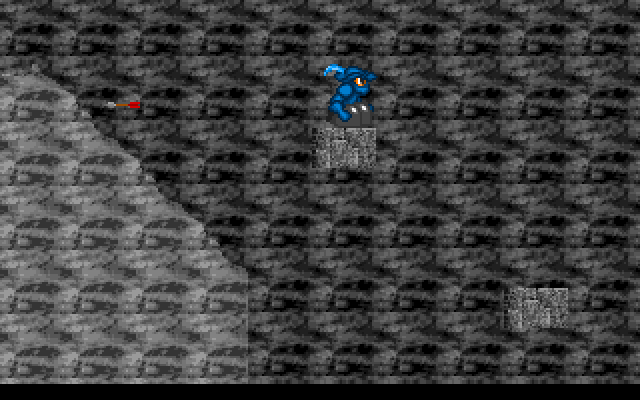
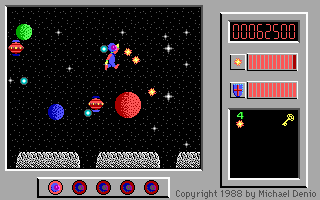
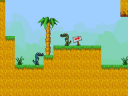
Rampart Revenge follows a small blue-clad hero through castle grounds filled with obstacles. The packaged RAMP2 program calls its adventure Rampart Rampage 2, and its ending describes rescuing the captive from the abductors' castle. The opening gives way to a side-view course with platforms, gaps and moving dangers.
Read the original key screen before advancing. A makes the hero jump; Space has the separate job of jumping off a rope. Comma and period move left and right, with the arrow keys also accepted for movement. At a level prompt, press Space to continue into the course, then give the scene time to appear.
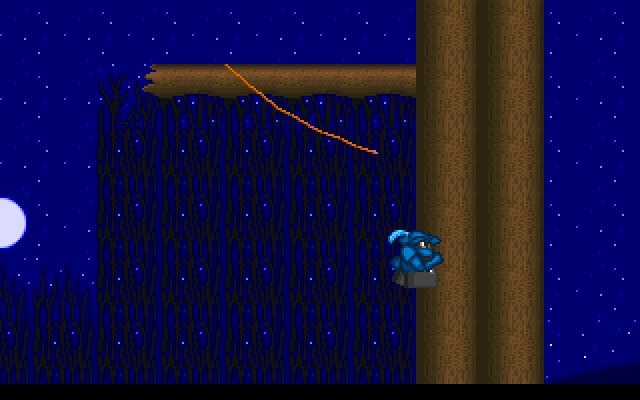
The level display tracks your remaining lives, and the original instructions promise an extra life every four levels. Watch the timing of a hazard before committing to a jump. Treat a rope crossing as its own obstacle: line up the landing, then use Space to leave it. The packaged program still contains a registration notice for extended levels, so the browser entry should not be read as a promise of every historical registered feature.
Start here
Quick tips
A jumps; Space is used to leave a rope.
Wait for moving hazards before crossing.
The original instructions award an extra life every four levels.
- Left / Right
- Move left or right
- , / .
- Alternative left and right movement
- A
- Jump
- Space
- Jump off a rope; continue at a level prompt
Screens
Screenshots
Keep playing
Similar Games
Help improve this entry
Something not working?
Report a gameplay or information problem. Short reports are enough.
Archive notes
Rights and Source Notes
Browser play uses the archived Freeware release. Official project references are listed below.
- Distribution
- Freeware
- Browser player
- js-dos · Browser play
- Added to archive
- 2026-07-27
- Official references