RistiMolla Professional
Saves are stored in this browser.
Player notes
About this game
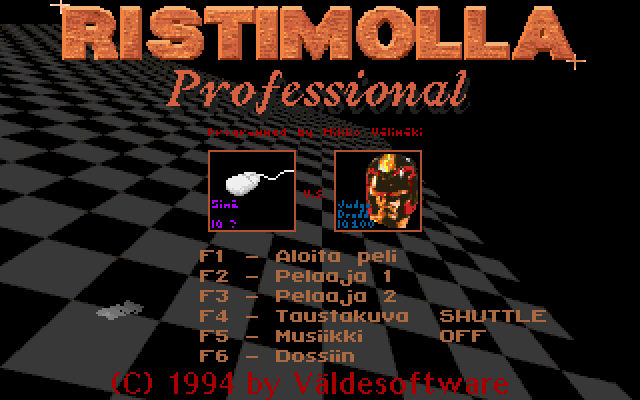
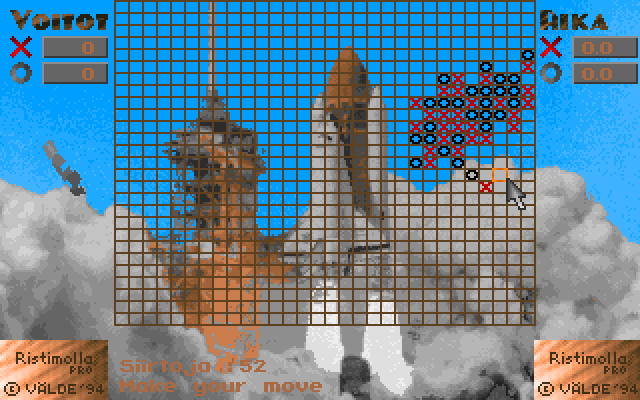
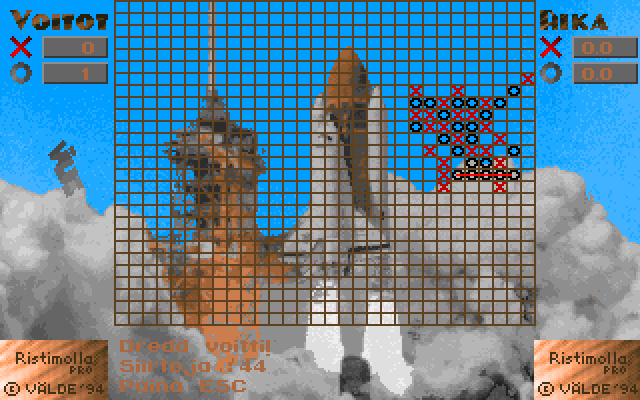
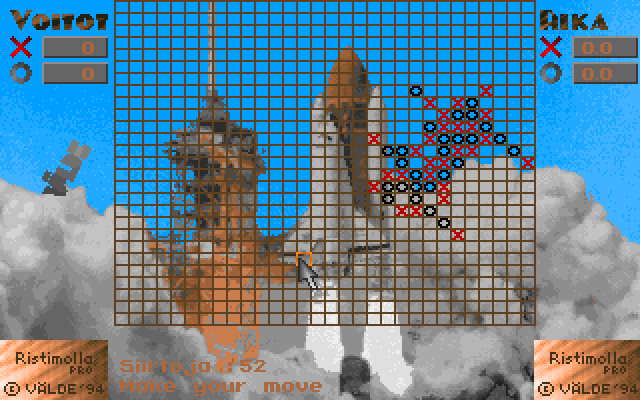
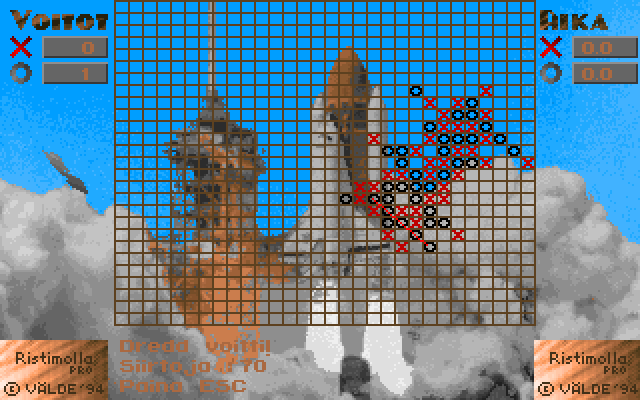
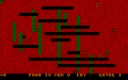
Ristimolla Professional is a five-in-a-row game, played horizontally, vertically or diagonally on a grid. Setup lets either side be human or computer controlled, with several computer opponents, match lengths and optional time limits. Its Finnish manual warns that the clock can decide a game as well as a completed line.
Move the cursor with the arrow keys and press Enter to place a mark. Mouse movement and the left button provide an alternative. Human opponents take turns using the same board controls; a move immediately passes the turn to the other side.
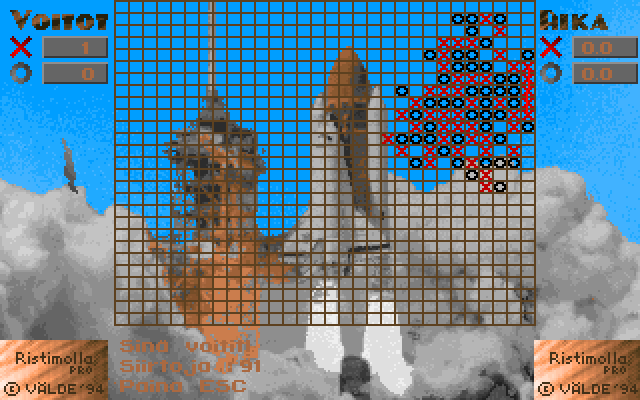
After a result, Escape proceeds to the next game in the series. Start without a short time limit while learning the interface. Watch both possible lines and the clock instead of assuming that a sudden ending means the program has stopped responding.
Start here
Quick tips
Win by making five in a horizontal, vertical or diagonal line.
Timed games can end when a player’s clock reaches zero.
- Arrow keys
- Move the board cursor
- Enter
- Place a mark
- Escape
- Advance after a result
- F6
- Exit during your turn
- Move mouse
- Position the board cursor
- Left click
- Place a mark
Screens
Screenshots
Keep playing
Similar Games
Help improve this entry
Something not working?
Report a gameplay or information problem. Short reports are enough.
Archive notes
Rights and Source Notes
Browser play uses the archived Freeware release. Official project references are listed below.
- Distribution
- Freeware
- Browser player
- js-dos · Browser play
- Added to archive
- 2026-07-27
- Official references