Shariki
Saves are stored in this browser.
Player notes
About this game
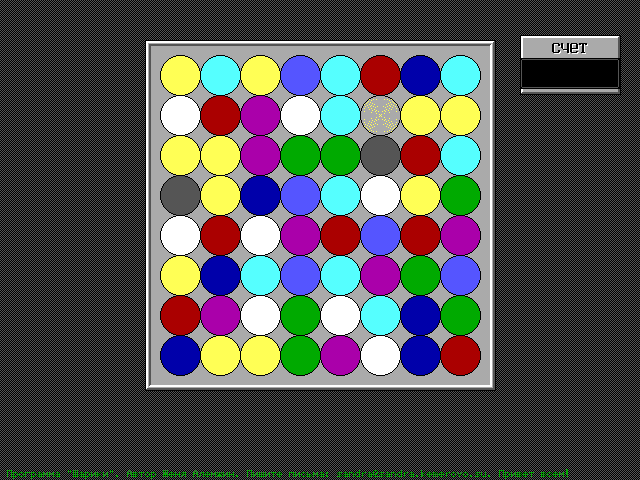
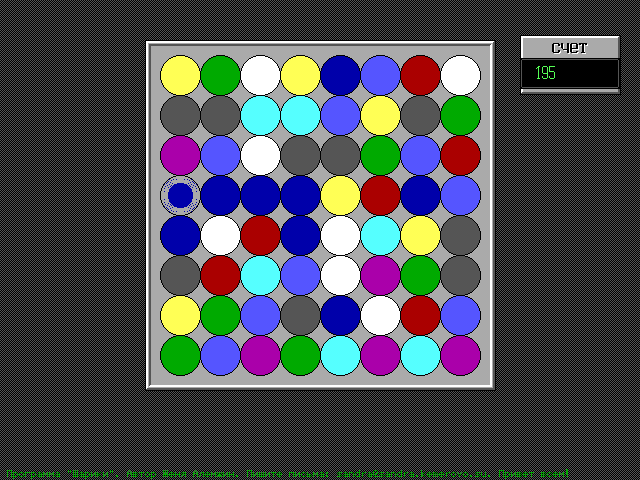
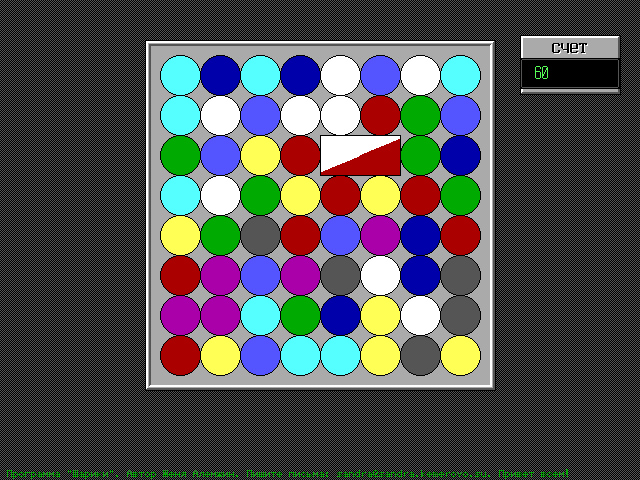
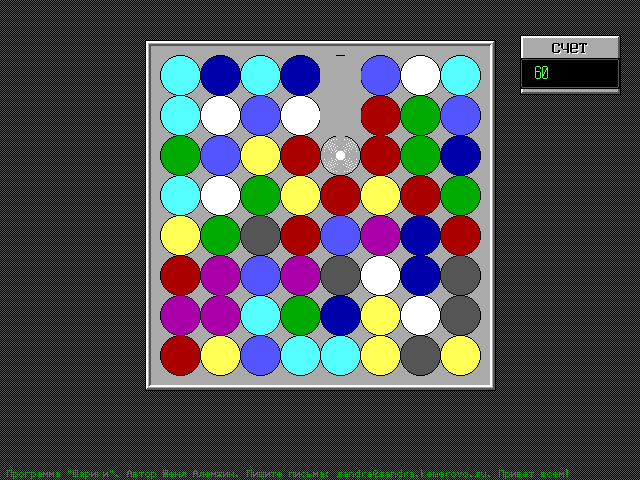
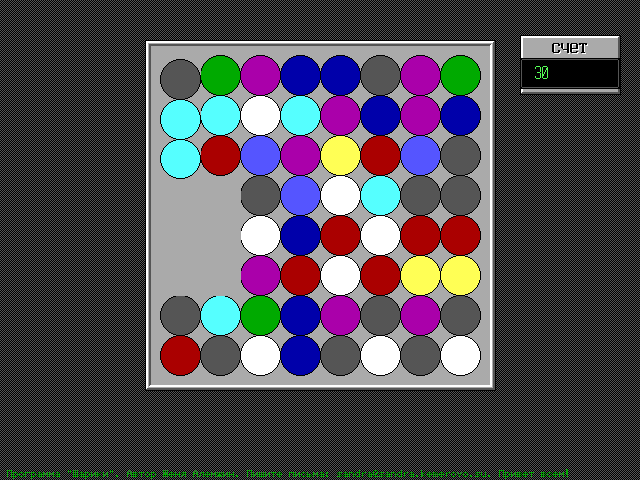
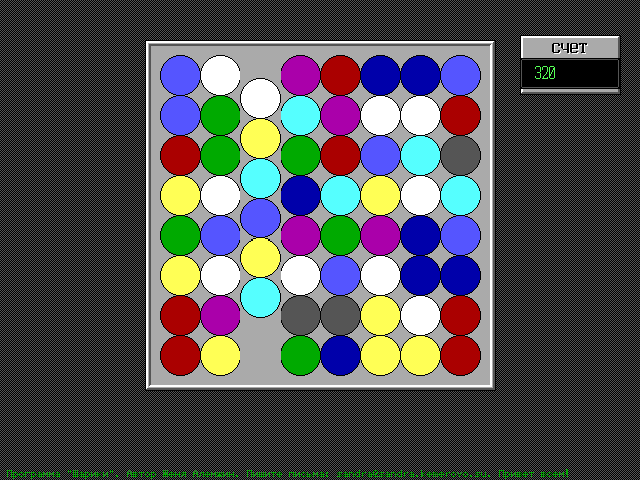
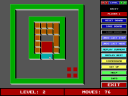
Shariki fills an eight-by-eight board with coloured balls. Exchange neighbouring balls to make a horizontal or vertical line of at least three of the same colour. The matched balls disappear, the balls above fall into the gaps and new ones enter from the top. The score appears in the panel on the right.
Click one ball with the left mouse button, then click the neighbouring ball you want to exchange with it. The first selection is shown as a coloured square. Use two separate clicks; dragging alone leaves the first ball selected.
Look for a pair with a third matching ball one square away. Check vertical lines as well as horizontal ones, and let the falling animation finish before choosing another move.
Start here
Quick tips
Use two separate clicks on neighbouring balls.
Wait for the balls to finish falling before the next move.
- Left click, then left click
- Select a ball, then its neighbouring ball to exchange them
Screens
Screenshots
Keep playing
Similar Games

Help improve this entry
Something not working?
Report a gameplay or information problem. Short reports are enough.
Archive notes
Rights and Source Notes
Browser play uses the archived Freeware release.
- Distribution
- Freeware
- Browser player
- js-dos · Browser play
- Added to archive
- 2026-07-27