Six-Pac 3D
Saves are stored in this browser.
Player notes
About this game
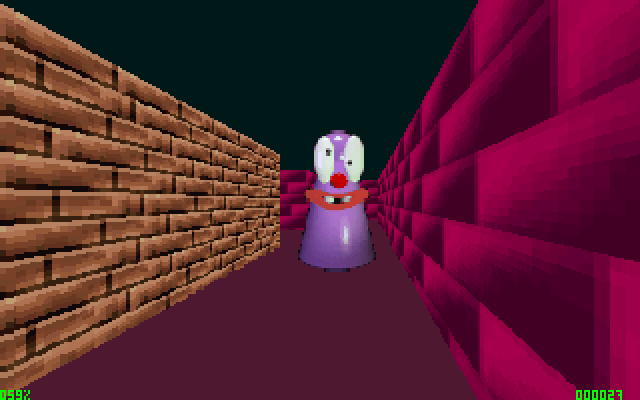
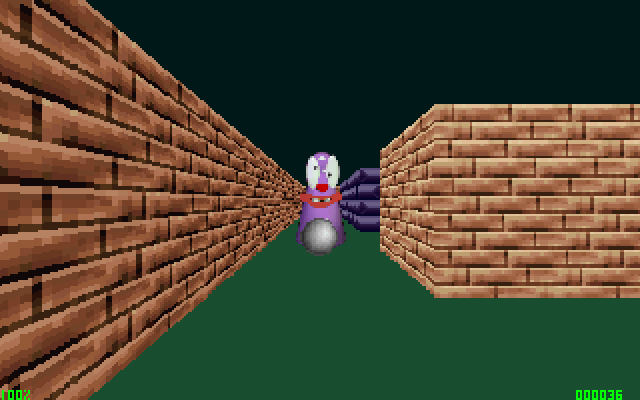
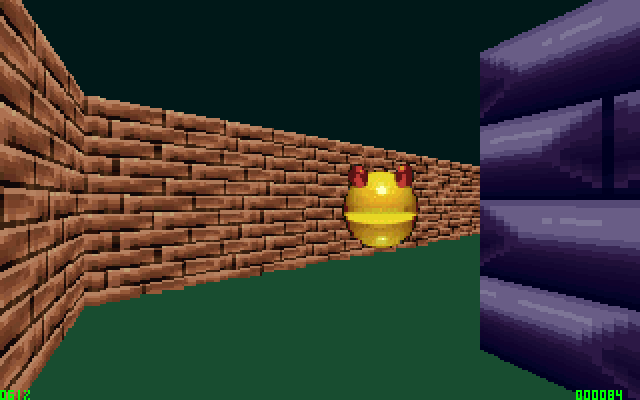
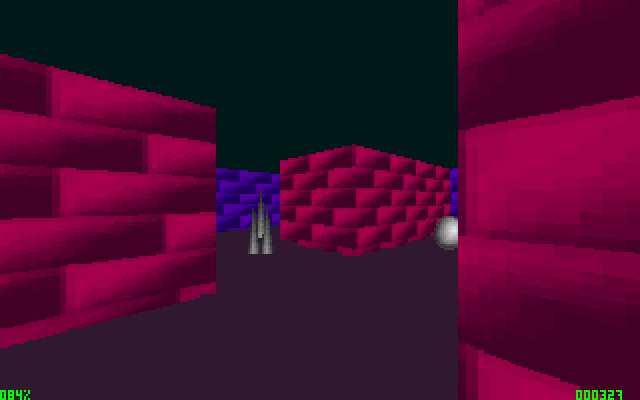
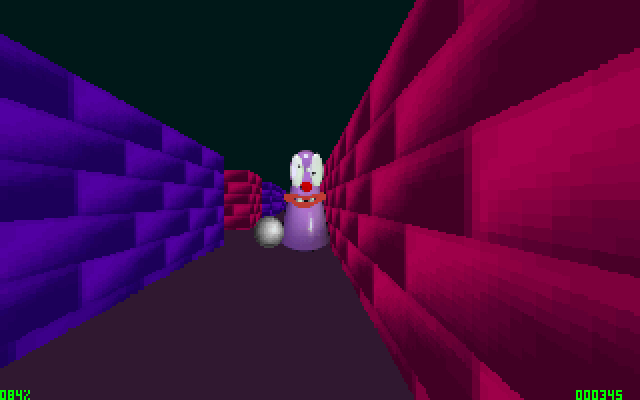
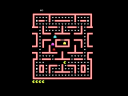
Six-Pac 3D moves a pill-collecting maze game into a first-person view. Clear every white pill to advance to the next level. Spikes, ghosts and hostile Pac-like creatures reduce your health; small green pills restore some health, while a yellow star restores it fully.
This package documents version 0.60. Press F1 at the main menu to begin, then use the arrow keys to move. Comma and period step sideways, as does Alt combined with the appropriate arrow. Hold Tab to consult the map and check for passages you have missed.
Scroll Lock pauses during play. Esc quits the current play session, while F4 exits from the main menu. Coins add score but do not replace the requirement to collect all white pills. Use the map at junctions before returning through a hazardous corridor you have already cleared.
Start here
Quick tips
Collect every white pill to finish a level.
A yellow star restores health to full; coins only add score.
- F1
- Start from the main menu
- Arrow keys
- Move the player
- , / .
- Step left / right
- Alt + Arrow keys
- Sidestep
- Tab
- View the map
- Scroll Lock
- Pause
- Esc
- Quit during play
- F4
- Quit from the main menu
Screens
Screenshots

Keep playing
Similar Games
Help improve this entry
Something not working?
Report a gameplay or information problem. Short reports are enough.
Archive notes
Rights and Source Notes
Browser play uses the archived Freeware release. Official project references are listed below.
- Distribution
- Freeware
- Browser player
- js-dos · Browser play
- Added to archive
- 2026-07-27
- Official references