Sopwith II
Saves are stored in this browser.
Player notes
About this game
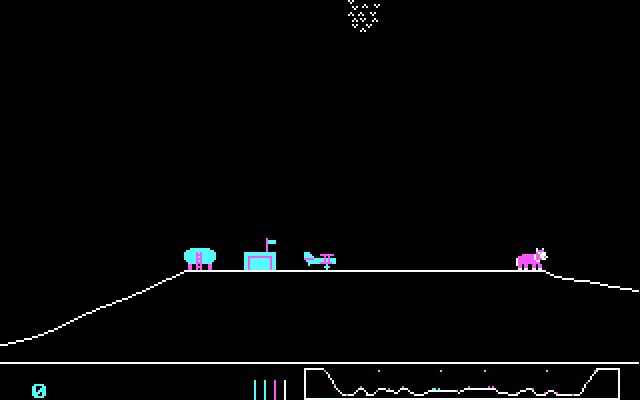
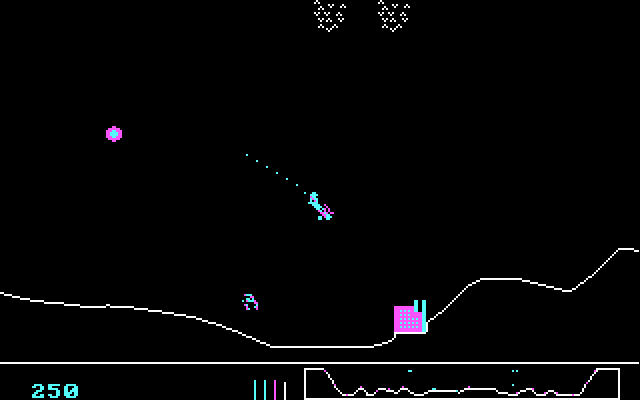
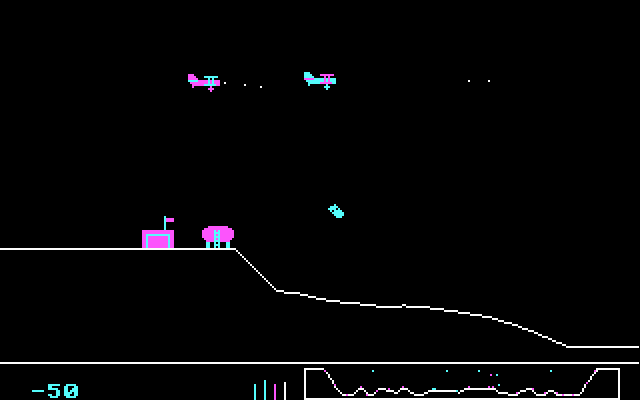
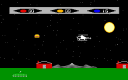
Sopwith II puts a small biplane above a scrolling landscape of airfields and targets. Destroy the enemy targets while preserving your aircraft. The bottom gauges show remaining planes, fuel, bombs and ammunition.
At the opening prompts, press S for solo practice or C to face computer aircraft, then 3 for the IBM keyboard. Use X to gain speed and comma to raise the nose. Space fires the gun; B drops a bomb. Period rolls the plane, so its orientation changes how the elevator controls affect flight.
H engages the flight home for refuelling and rearming. Give yourself room to climb and practise returning before attacking distant targets.
Start here
Quick tips
Practise in S mode first.
Check fuel and ammunition before flying farther.
- S / C, then 3
- Startup: solo practice / computer opponents; IBM keyboard
- X / Z
- Increase / decrease throttle
- , / /
- Elevator up / down
- .
- Roll the plane
- Space
- Fire gun
- B
- Drop bomb
- H
- Autopilot home
- S
- During flight: toggle sound
Screens
Screenshots
Keep playing
Similar Games

Help improve this entry
Something not working?
Report a gameplay or information problem. Short reports are enough.
Archive notes
Rights and Source Notes
Browser play uses the archived Freeware release. Official project references are listed below.
- Distribution
- Freeware
- Browser player
- js-dos · Browser play
- Added to archive
- 2026-07-27
- Official references